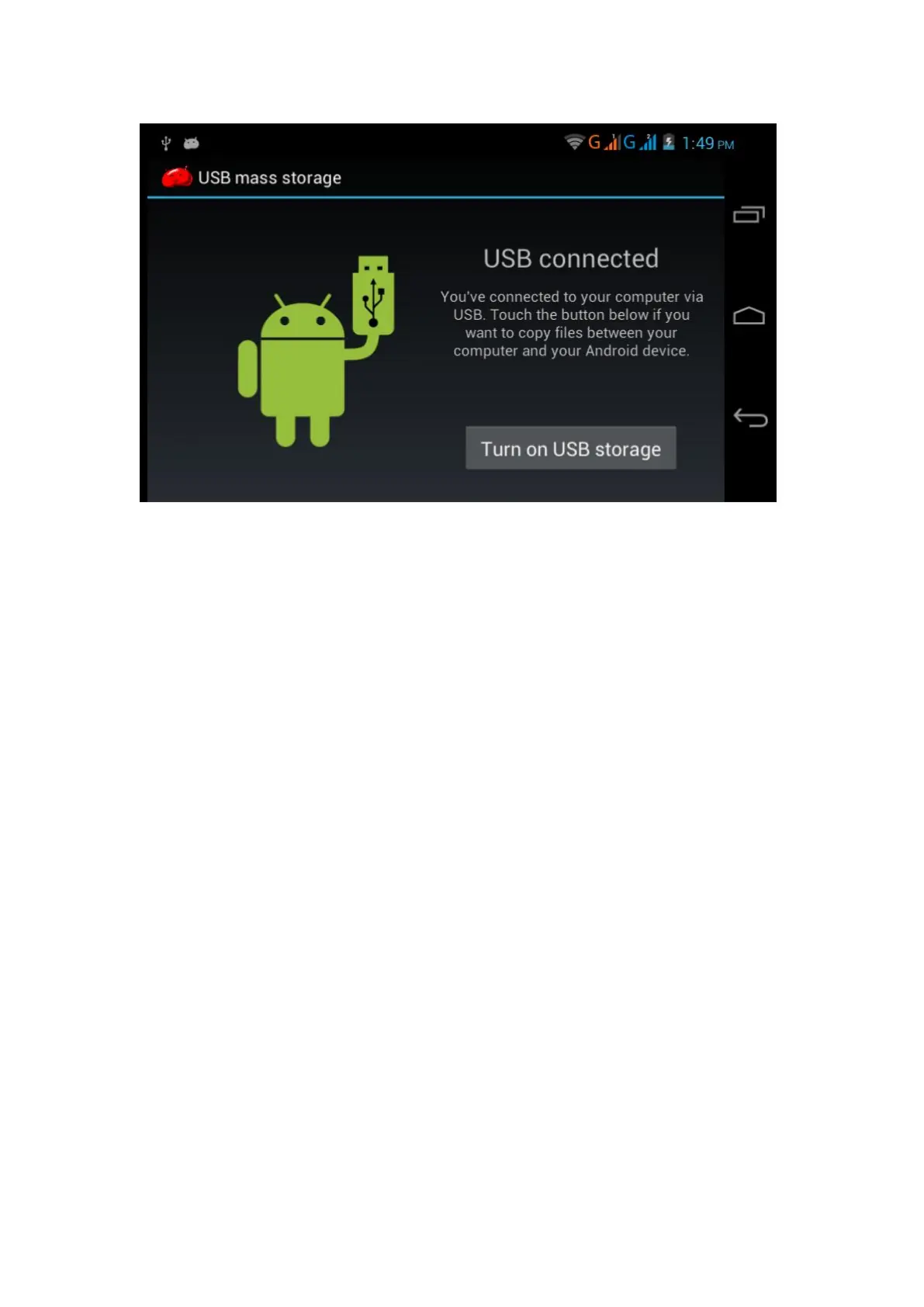
Picture 3.7
Copy the document into memory card
1. Connect the MID to computer with USB cable.
2. As MID storage configuration, it is connected with computer
successfully.
3. Open the “My computer” in your computer, check the items in
“removable disc”.
4. Copy the documents you need into “removable disc”.
5. After copying finishes, click “shutdown the USB storage
configuration” to uninstall.
Notice: When the MID is connected with USB cable, and you open
the USB storage configuration, you can’t view the memory card
through the MID. Only after you detach the USB cable, you can
view the memory card in the MID.
3.8 Typing words
Use the screen keyboard
When you start the procedure or choose the words or numbers
edition, it will show the screen keyboard. The keyboard contains
below typing options:
1. Android keyboard
2. Google Pinyin



 To Next Page