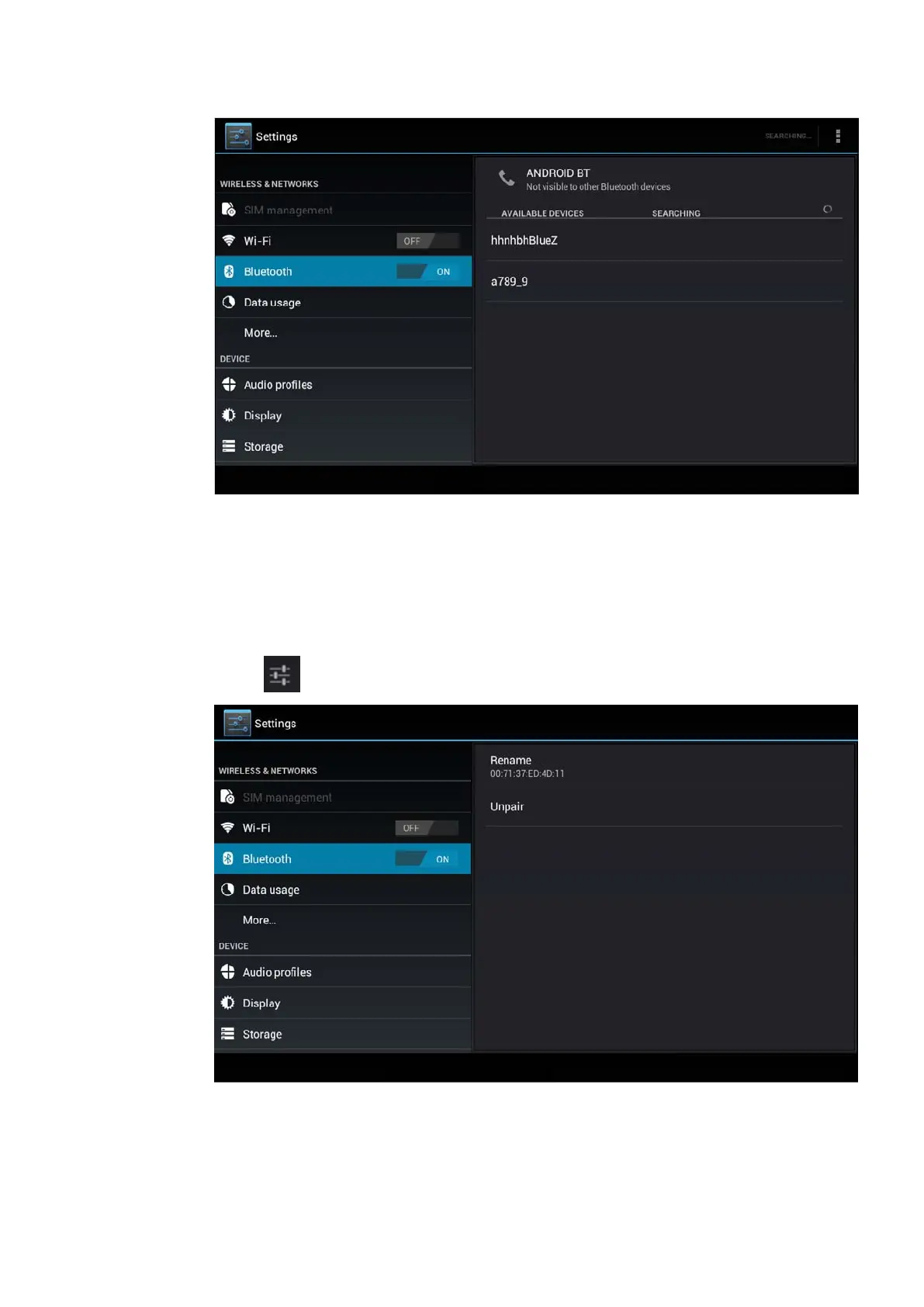
Picture 4.10
4. Click the available Bluetooth device, it will popup request
window, enter into related password, and match the device to
connect.
5. After match successfully, choose the operation you want to,
click to enter into Picture 4.11.
Picture 4.11
Bluetooth setting
1. Rename tablet



 To Next Page