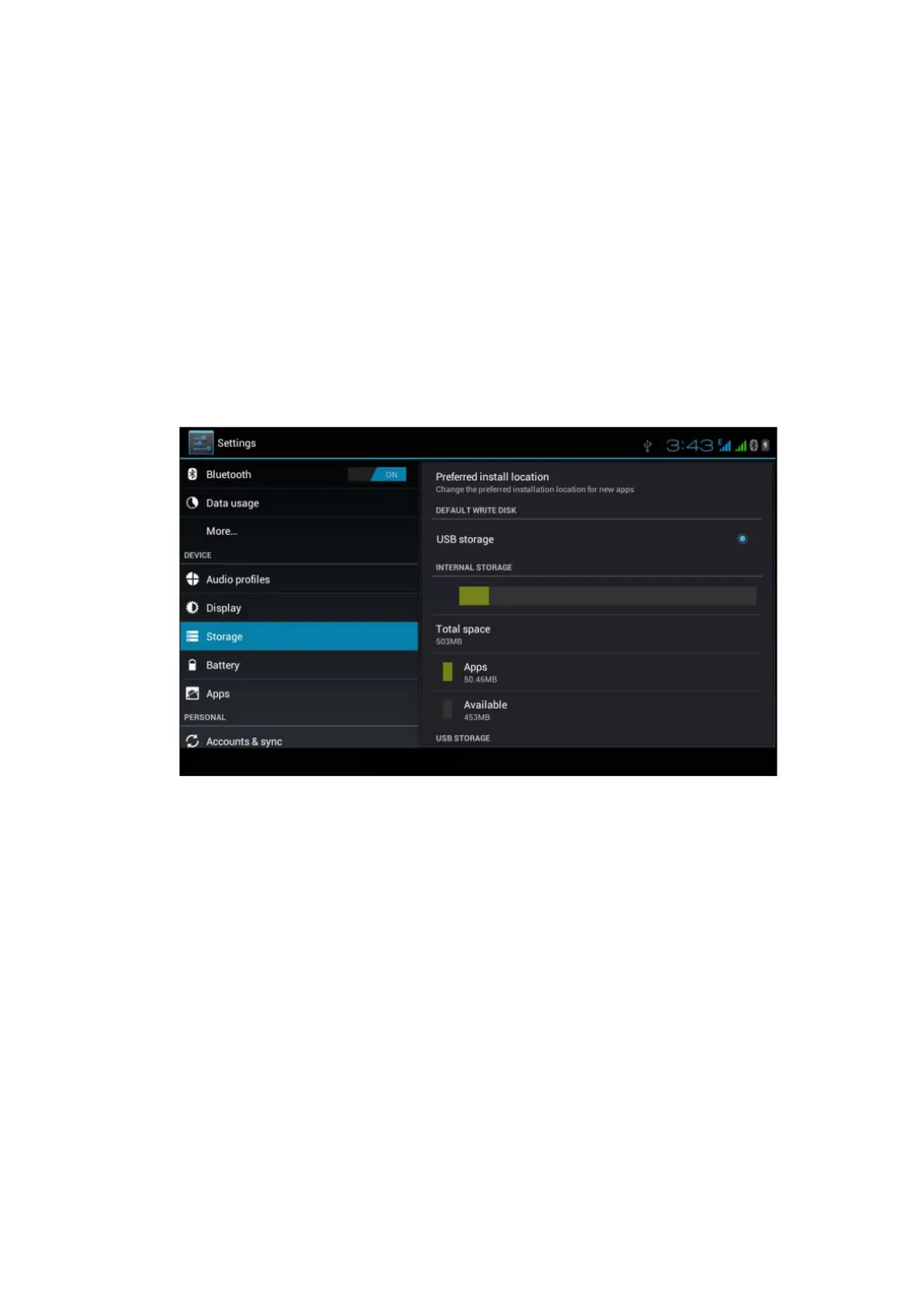
Open setting function, click memory, click preferred install
location, you can choose isntall new application to choose
preferred install location.
Check SD card and MID storage space.
1. Enter into setting application.
2. Click storage, check storage space.
1. Internal storage
(1) System storage
System storage is the spcae MID leave for system
file, as Picture 4.38. it can’t be viewed.
Picture 4.38
(2)Internal storage
Internal storage is MID local NAND storage, as Picture 4.39, if you
need to check the storage content, you can check it in main menu.



 To Next Page