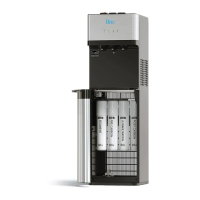
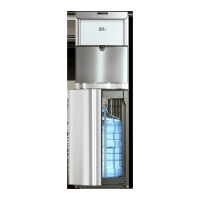
5
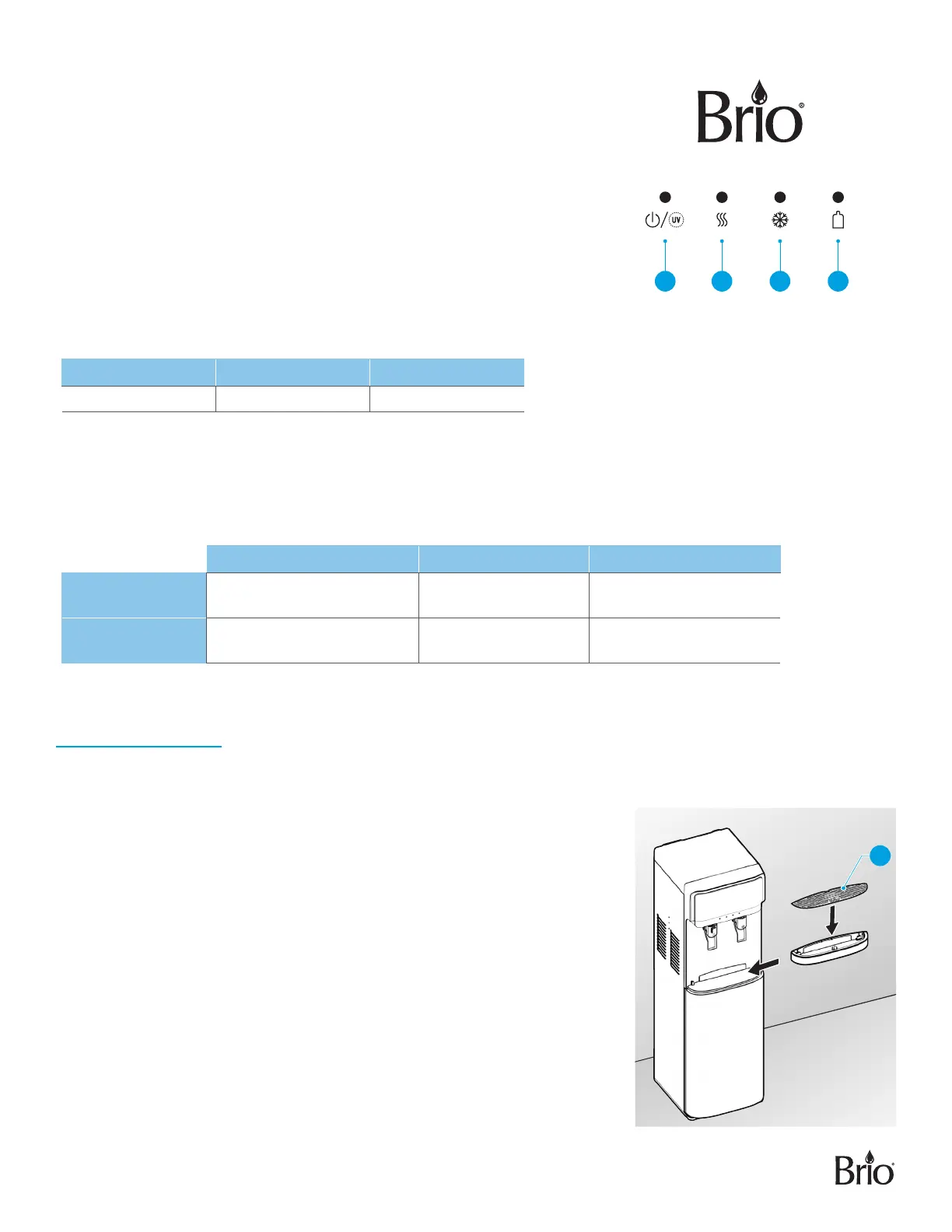
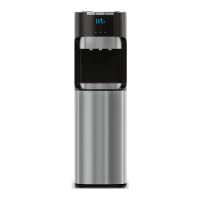
Indicator Panel Description
1. Power indicator/self-cleaning light – When illuminated, indicates that
the dispenser is on. It also indicates that the self-cleaning feature
is operating.
2. Hot water indicator light – When illuminated, indicates that the dispenser
is heating water.
3. Cold water indicator light – When illuminated, indicates that the
dispenser is cooling water.
4. Bottle indicator light – When flashing, indicates that your water bottle
is empty and needs to be replaced with a new water bottle.
Product Dimensions
Height Width Depth
104 cm (40.9 in.) 31 cm (12.2 in.) 36 cm (14.17 in.)
Operational Specifications
CAUTION: This unit dispenses water at temperatures that can cause severe burns. Avoid direct contact with hot
water. Keep children and pets away from unit while dispensing. Never allow children to dispense hot
water without proper and direct supervision. Unplug unit to prevent unsupervised use by children.
Temperature Tank Capacity Flow Rate
Dispensing Cold
Water
37°F–50°F / 3°C–10°C 3.6 L 1.2L/min
Dispensing Hot
Water
176°F–198°F / 80°C–92°C 1 L 1.2L/min
Installation
1. Determine Installation Location
A. Place the dispenser upright.
B. Locate the dispenser on a hard and level surface in a cool shaded
location near a grounded wall outlet.
NOTICE: Do NOT plug in the power cord until water bottle has been
installed.
C. Position the back of the dispenser no closer than 8 in. (20 cm) from a wall
and permit free airflow between the wall and water dispenser.
2. Install the Drip Tray and Grid
A. Unwrap the drip tray (4) from the packaging material and slide it onto the
dispenser until it is secure in place.
1 2 3 4
4


 To Next Page