32
11.2 OPTIONAL CONTROLS
First, turn OFF the main control device (Basic (VT1W), Electro (VT2W), or 3-Position Switch before checking
the remote optional controls.
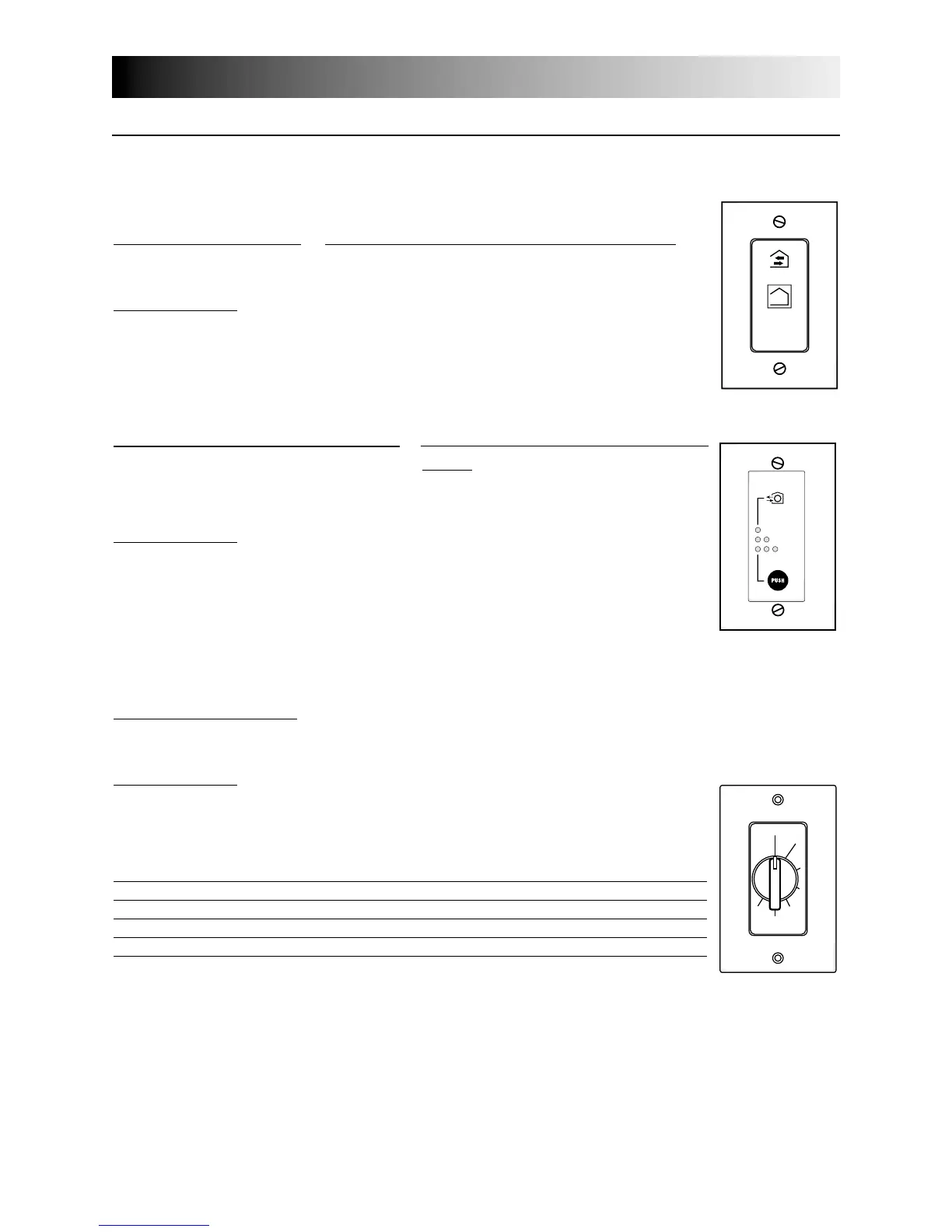
20-MINUTE PUSH BUTTON: (Available only for HRV100H and HRV200H models.)
Activate the push button.
Results e
xpected:
1. Motor speed: high for 20 minutes.
2. Indicator light goes “ON”.
3. Air exchange indicator light goes “ON” (Electro (VT2W) wall control only).
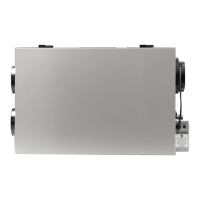
20/40/60-MINUTE PUSH-BUTTON TIMER: (Not available for HRV100H and HRV200H
models.)
Activate the push button. Within 2 seconds, push one time for 20 minutes, two times for
40 minutes or three times for a 60-minute activation.
Results e
xpected:
1. Motor speed: high for 20, 40 or 60 minutes.
2. Indicator light goes “ON” and flashes every 5 seconds (one time to indicate a
20-minute operation, two times for a 40-minute, and three times for a 60-minute
operation).
3. Air exchange indicator light goes “ON” (Electro (VT2W) wall control only).
NOTE: To stop activation, push one more time.
11.0
Overall Verification (cont’d)
VC0030
VC0046
20 min.
40 min.
60 min.
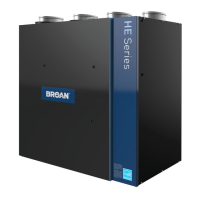
60-MINUTE CRANK TIMER:
Activate the timer.
Results e
xpected:
1. Motor speed: high for either 20, 40, 60 or 80 minutes.
2. Indicator light goes “ON”.
3. Air exchange indicator light goes “ON” (Electro (VT2W) wall control only).
High speed activation time Position of dial
20 minutes 1 to 19
40 minutes 20 to 39
60 minutes 40 to 59
80 minutes 60
OFF
10
20
30
40
50
60
TURN
PAST
20
VC0017


 To Next Page