Need help?
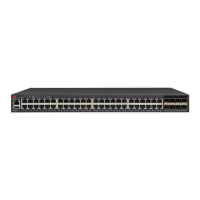
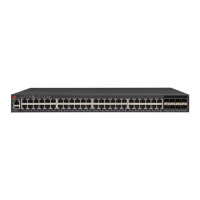
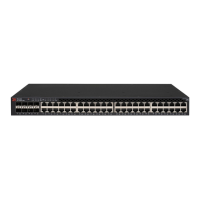
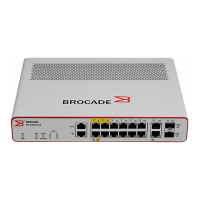
Do you have a question about the Brocade Communications Systems ICX 7250-48P and is the answer not in the manual?
Details on how Brocade customers and OEM customers can contact technical support.
Provides instructions for installing the device on a desktop or in an equipment rack.
Introduces the EPS4000 as a 12-V backup power source for ICX 7250 devices.
Details general, lifting, and power precautions for installing the EPS4000.
Step-by-step guide for installing a new RPS17 PSU into the EPS4000.
Guide to powering on the EPS4000 and connected devices.
Steps to verify the correct operation of the EPS4000 after installation.
Lists the steps required to configure the device, with page references for details.
Explains how to connect a PC or terminal to the device's console port for initial configuration.
Details how to set up passwords for securing CLI access to the device.
Guides on configuring IP addresses and subnet masks for managing the device.
Explains how to monitor and manage device temperature settings and fan speed controls.
Instructions for replacing SFP and SFP+ transceivers in the ICX 7250 device.
A chart to help diagnose issues based on the status of device indicators (LEDs).
Troubleshooting steps for issues related to power indicators, power loss, or overheating.
Alerts users to potential hazards that could cause damage to hardware, firmware, software, or data.
Advises against installing the device in environments exceeding temperature limits or restricting airflow.
Indicates potentially lethal or extremely hazardous conditions and situations.
Warns about inserting fingers into fan trays while the fan is spinning at high speed.
 General
| Brand | Brocade Communications Systems |
|---|---|
| Model | ICX 7250-48P |
| Category | Switch |
| Language | English |


 To Next Page