6 7
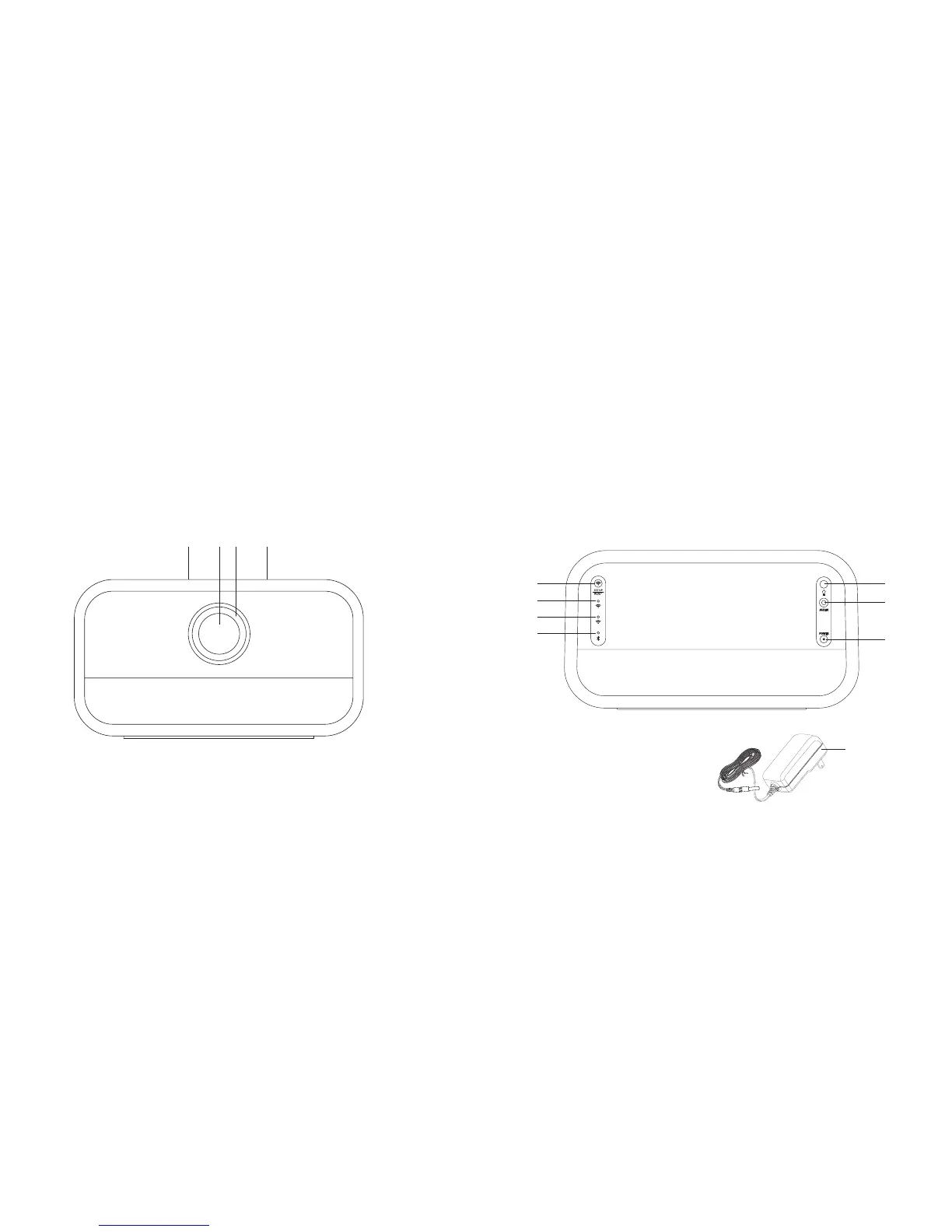
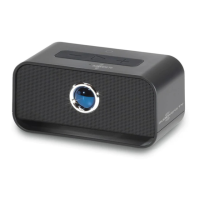
LOCATION OF PARTS AND CONTROLS
1. Volume -
2. Power/Pairing Button
3. LED Ring
4. Volume +
LOCATION OF PARTS AND CONTROLS
5. Wi-Fi
®
Set Up/Reset Button
6. Wi-Fi Mode LED Indicator
7. Wi-Fi Status LED Indicator
8. Bluetooth
®
Mode LED Indicator
9. DC In Port
10. Aux In Port
11. LED Ring On/Off button
12. AC Adapter
318421 Big_Blue_Studio_Chrome
Size:5”Wx4.75”H_Output:100%_Prints:1/1,Blk
12
1
2
3
4
STATUS
7
5
6
8
9
10
11





 To Next Page