8 9
OPERATION
After pairing with your device, you can listen to music or answer phone
calls using your Big Blue Wireless Earbuds.
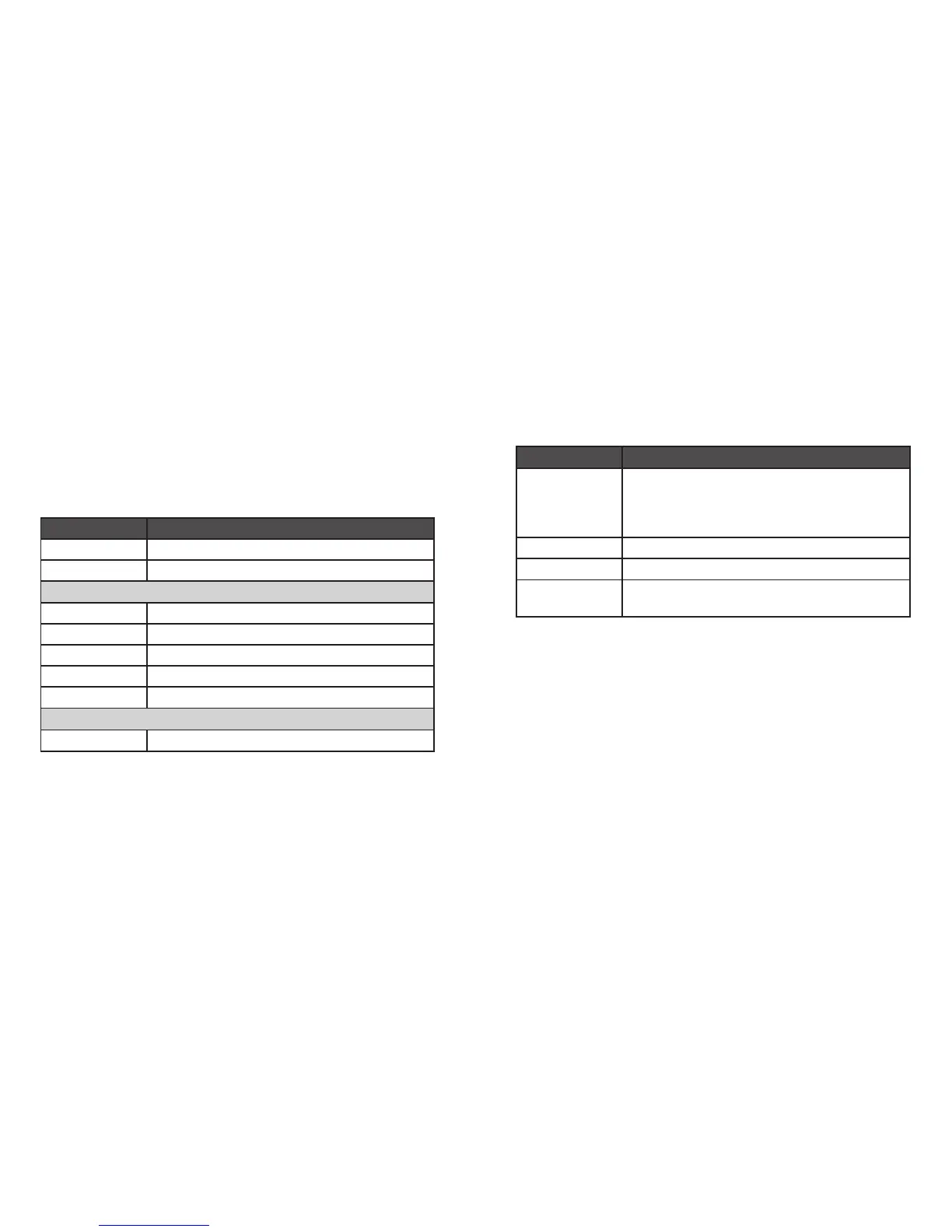
Function Operation
Power on Press and hold MFB for 2 seconds
Power off Press and hold MFB for 3 seconds
MUSIC OPTIONS
Play/Pause Press MFB
Volume Up Press Volume +
Volume Down Press Volume —
Next Track Press and hold Volume + for 2 seconds
Previous Track Press and hold Volume — for 2 seconds
PHONE OPTIONS
Answer a call If not already on a call, press MFB once
Function Operation
Answer a call
while in a call (if
supported by cell
phone)
Double-click MFB to answer the new call without
ending the first call
End a call While on a call, press MFB once
Refuse call While on a call, press and hold MFB for 1 second
Last Number
Redial
Double-click MFB








 To Next Page