VIEWING PICTURES AND VIDEOS
If you are using the Racing Drone app, you can view pictures and videos taken with
the app on your smartphone. If you are not using the app, you can store pictures on a
Micro SD card, purchased separately, and view them on a computer or other device that
supports the Micro SD card format.
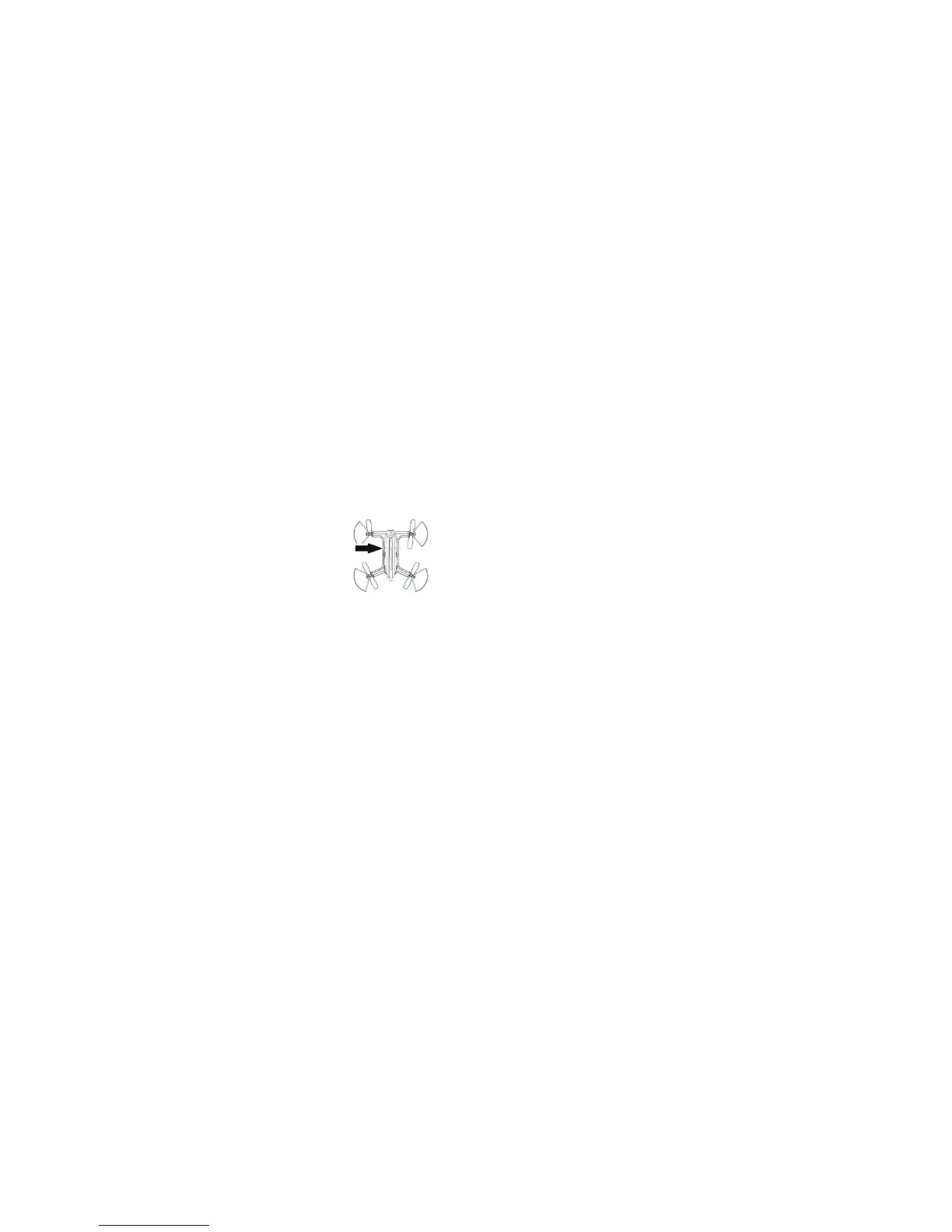
To use a Micro SD card, slide the card into the Micro SD card slot on the bottom of the
drone, under the antenna wire. Your pictures and videos will be stored on the card.
To view the pictures and videos:
1. Carefully remove the Micro SD card from the drone.
2. Insert the Micro SD card into your viewing device, such as your computer. Ensure
that the card is inserted correctly to avoid damaging the components.
3. Open the Devices list on your viewing device and locate the newly recognized
storage device.
4. Open the storage device. You will see one folder for videos and one folder for
photos. The photos are stored in JPG format; the videos are stored as MP4 files.
If you are unable to open these standard formats, you can convert the files or
download appropriate software.
ELECTRONIC PROTECTION SYSTEM
Your drone is equipped with a low-voltage protection system. When the drone's battery
level is low, the control system will cut the power supply to the rotors. You must recharge
the battery to resume flying.
16
17
TAKING PICTURES AND VIDEOS
NOTE: Pictures are saved on an optional Micro SD card. See Page 17.
To take pictures or videos with your drone, activate the camera by sliding the Camera
Power switch backward, which is the ON position. The Camera LED on the controller will
begin blinking.
To take a picture, press the Camera button on the controller. A tone will sound.
To take a video, press and hold the Camera button for 3 seconds.
Two tones will sound, indicating that the video has started. To end the
video, press and hold the Camera button again for 3 seconds.
To turn off the camera, slide the Camera Power switch forward.
Turning off the camera increases the flight time of your drone.
NOTE: To take pictures and videos using the Racing Drone app, see
Page 20.


 To Next Page