EasyManua.ls Logo

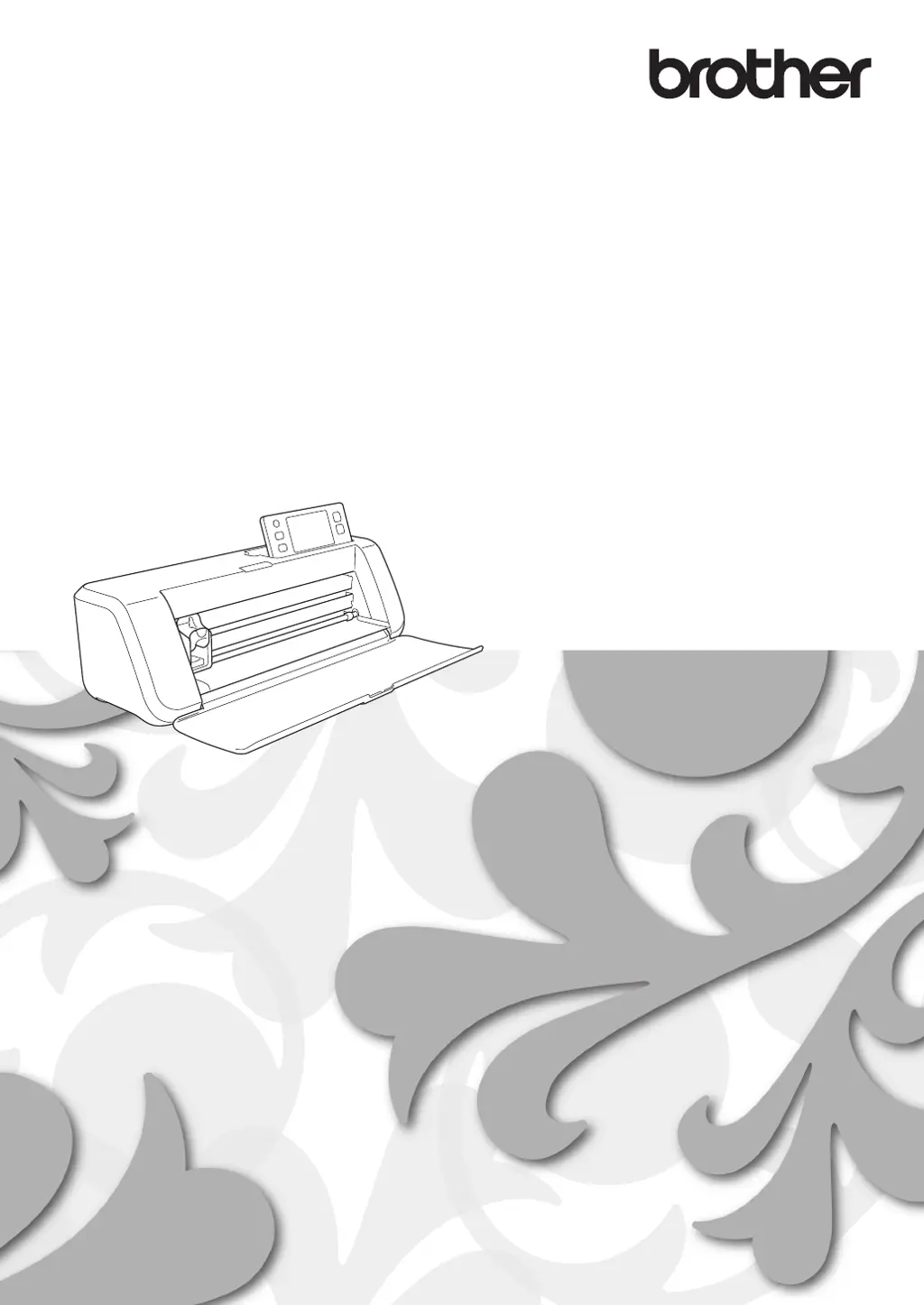
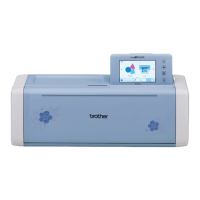
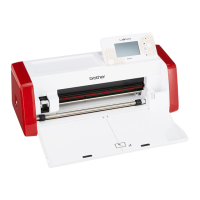
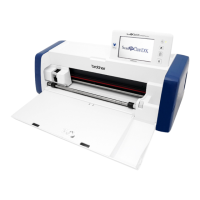
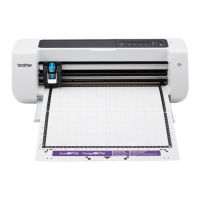
Brother 891-Z02 - User Manual

Brother 891-Z02
95 pages
Print Icon
To Next Page IconTo Next Page
Loading...
Be sure to read this document before using the machine.
We recommend that you keep this document nearby for future reference.
Operation Manual
Cutting Machine
Product Code: 891-Z02/Z03/Z04

Table of Contents

Other manuals for Brother 891-Z02

Questions and Answers

  • K
    Kelli LinAug 20, 2025
    Why does the material being cut catch on the blade of my Brother 891-Z02 Cutter?
    • C
      curtisreynoldsAug 20, 2025
      If the material being cut catches on the tip of the cutting blade of your Brother Cutter, it might be due to dust or lint accumulation in the holder. Try cleaning the holder. Alternatively, the blade may be worn and needs replacement. Lastly, ensure the material is compatible with your machine; if not, replace it with a compatible one.
  • A
    Alexander ReedAug 22, 2025
    What to do if my Brother 891-Z02 is not cutting all the way through?
    • K
      Katherine GarciaAug 22, 2025
      If your Brother Cutter isn't cutting all the way through the material, leaving some areas uncut, it could be due to several reasons. First, ensure you're using a blade appropriate for the material. If the blade extension is too little, remove the holder and adjust it. Also, check if the blade is chipped or worn and replace it if necessary. The mat's adhesive strength might be weak, so consider replacing it. Ensure the cutting pressure is correctly set in the settings screen. Finally, clean the holder if dust or lint has accumulated. If using arranged patterns, increase the spacing between them.
  • L
    Lauren CarrAug 25, 2025
    Why does the mat catch during cutting/drawing with my Brother 891-Z02 Cutter?
    • K
      Kevin TorresAug 25, 2025
      If the mat or the material catches on a feed roller during cutting/drawing with your Brother Cutter, it's likely because the mat's adhesive strength has decreased, or the material isn't secured properly. To resolve this, stop the operation by pressing the “Start/Stop” button, follow the screen instructions, and press the “Feed” button to feed out the mat. If it doesn't feed out, turn off the machine, remove the holder, and manually feed out the mat. Replace the mat or ensure the material is within the adhesive area.
  • A
    Angela HammondAug 26, 2025
    How to insert the mat into Brother Cutter?
    • K
      Kevin BonillaAug 26, 2025
      If your Brother Cutter mat cannot be inserted, ensure it is placed under the feed rollers on both the left and right sides of the feed slot. Also, make sure you are loading the mat correctly by lightly inserting it into the feed slot and then pressing the “Feed” button.
  • C
    Christopher FrancisAug 27, 2025
    What to do if the Brother 891-Z02 mat is feeding in at an angle?
    • A
      Amanda Gordon MDAug 27, 2025
      If your Brother Cutter mat is fed in at an angle, press the “Feed” button to eject the mat, then re-insert it straight. If the corners of the mat are bent, replace it with a new one.
  • A
    Adam FletcherAug 29, 2025
    Why won't material stick to the Brother Cutter mat?
    • J
      jamescookAug 30, 2025
      If the material to be cut, drawn, or scanned won't stick to the Brother Cutter mat, ensure that the material is within the adhesive area of the mat. If the mat's adhesive is weak, replace it with a new one.
  • F
    flynncurtisAug 31, 2025
    What to do if the Brother 891-Z02 Cutter mat won't feed out?
    • B
      Brittany RobinsonAug 31, 2025
      If your Brother Cutter mat cannot be fed out, the material may be jammed in the feeding mechanism. Press the “Feed” button while inserting the mat to try and feed it out. If this doesn't work, turn off the machine and carefully pull out the mat.
  • L
    Lisa GreenSep 2, 2025
    Why is my Brother 891-Z02 Cutter mat not feeding?
    • B
      Brenda PetersSep 2, 2025
      If the Brother Cutter mat cannot be fed, ensure there are no obstructions around the slot at the back of the machine so the mat can be fed out. Also, make sure the machine is placed on a flat, even surface.
  • J
    Joshua LopezSep 4, 2025
    Why does the Brother Cutter mat catch when being inserted?
    • D
      David JohnsonSep 4, 2025
      If your Brother Cutter mat or material catches on a feed roller when inserting the mat, press the “Feed” button to feed out the mat. The issue might be due to decreased adhesive strength of the mat or unsecured material, so replace the mat. Also, ensure the material is attached within the adhesive area of the mat.
  • E
    ebarnesSep 6, 2025
    Why is my Brother Cutter mat not being recognized?
    • J
      Jonathan BarnesSep 6, 2025
      If your Brother Cutter mat is not being recognized, clean the dotted marks on the mat and their surrounding area. Ensure that the dotted marks are not covered by the attached material by keeping the material within the adhesive area. Also, make sure the mat is inserted with the material facing up. Finally, clean the scanner glass from the bottom of the machine.

Brother 891-Z02 Specifications

General IconGeneral
BrandBrother
Model891-Z02
CategoryCutter
LanguageEnglish

Related product manuals