EasyManua.ls Logo

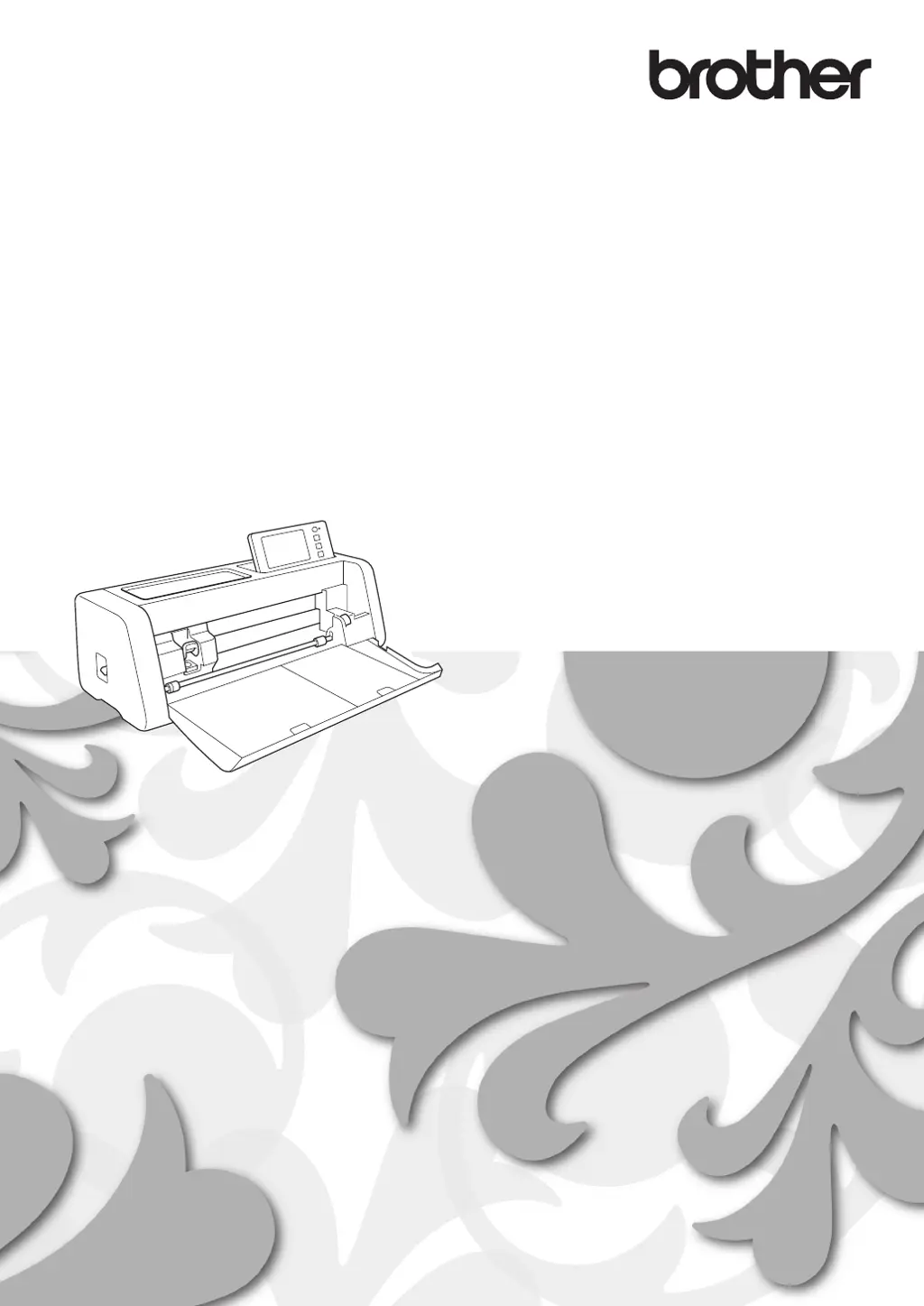
Brother ScanNCut SDX900 - User Manual

Brother ScanNCut SDX900
17 pages
Print Icon
To Next Page IconTo Next Page
Loading...
Wireless Network Setup Guide
Cutting Machine
Product Code: 893-Z05/Z09

Questions and Answers

  • C
    Cheryl EllisAug 9, 2025
    How to fix Err-01 on my Brother ScanNCut SDX900 Cutter?
    • W
      William MorrisAug 9, 2025
      If you see Err-01 on your Brother Cutter, it means the wireless network setting is not activated. Activate the wireless network to resolve this.
  • K
    Karen SullivanAug 23, 2025
    What to do if my Brother Cutter cannot detect the wireless access point/router?
    • E
      Earl AndersonAug 23, 2025
      If the wireless access point/router cannot be detected, check if the wireless access point/router is powered on. Move your Brother Cutter to an area without obstructions to the wireless network signal, such as metal doors or walls, or closer to the wireless access point/router. When configuring wireless settings, temporarily place your machine within about 1 meter (3.3 feet) from the wireless access point. If your wireless access point/router uses MAC address filtering, ensure the MAC address of your Brother Cutter is allowed in the filter. Also, if you manually entered the Network Name (SSID) and security information, double-check that the information is correct and re-enter it if necessary.

Brother ScanNCut SDX900 Specifications

General IconGeneral
BrandBrother
ModelScanNCut SDX900
CategoryCutter
LanguageEnglish

Related product manuals