EasyManua.ls Logo

Brother BAS-411 - Page 64

Brother BAS-411
181 pages
Print Icon
To Next Page IconTo Next Page
To Previous Page IconTo Previous Page
Loading...
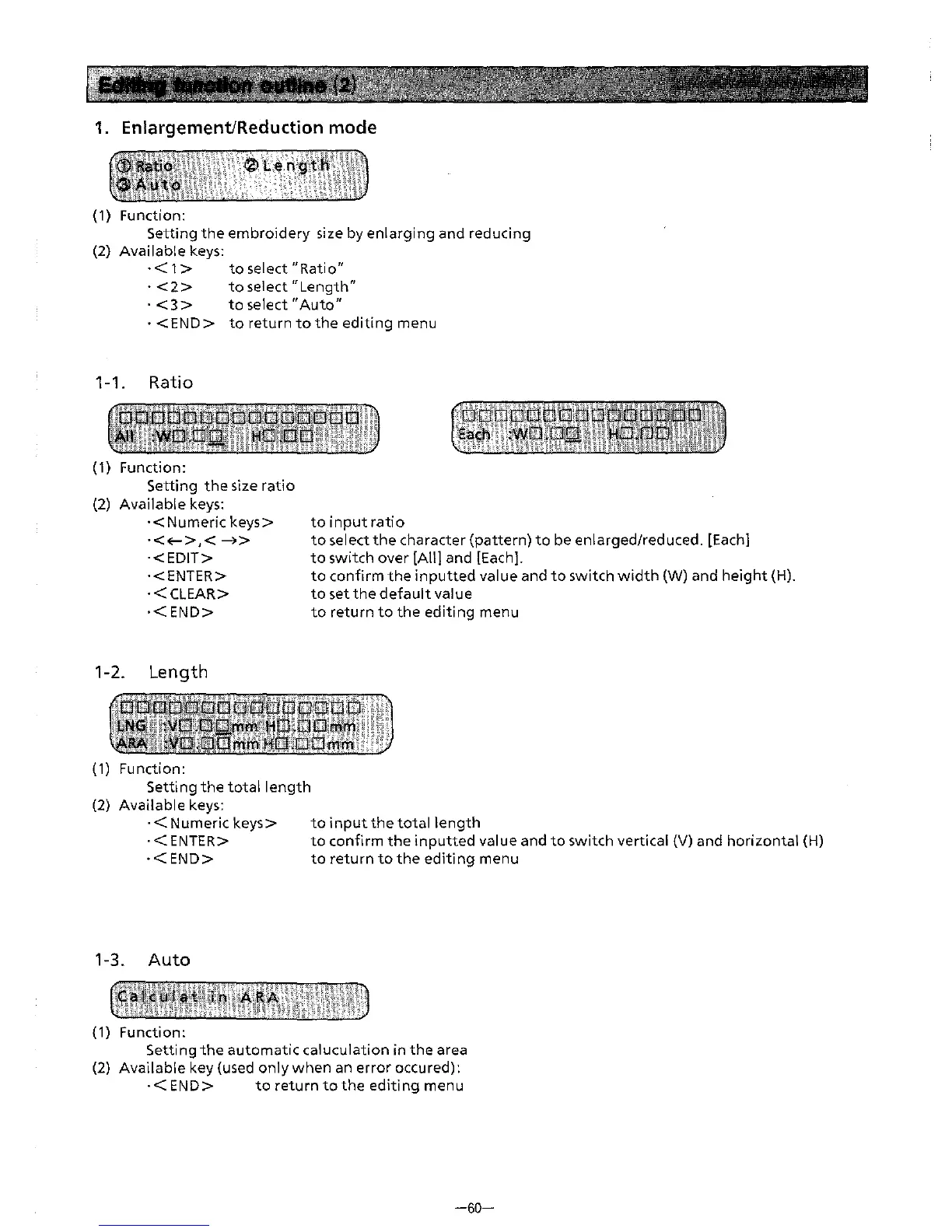
1.
Enlargement/Reduction mode
(1) Function:
Setting
the
embroidery
size by
enlarging
and reducing
(2)
Available
keys:
·<
1 >
to
select
"Ratio"
· < 2 >
to
select"
Length"
·
<3>
to
select
"Auto"
·<END>
toreturntotheeditingmenu
1-1. Ratio
(1) Function:
Setting
the
size
ratio
(2)
Available
keys:
·<Numeric
keys>
·<<-->,<
-4>
·<EDIT>
·<ENTER>
·<CLEAR>
·<END>
1-2.
Length
(1)
Function:
Setting
the
total
length
(2)
Available
keys:
·<Numeric
keys>
·<ENTER>
·<END>
1-3.
Auto
(1) Function:
to
input
ratio
to
select
the
character
(pattern)
to
be enlarged/reduced. [Each]
to
switch
over
[All]
and [Each].
to
confirm
the
inputted
value and
to
switch
width
(W) and
height
(H).
to
set
the
default
value
to
return
to
the
editing
menu
to
input
the
total
length
to
confirm
the
inputted
value and
to
switch vertical (V) and
horizontal
(H)
to
return
to
the
editing
menu
Setting
the
automatic
caluculation
in
the
area
(2)
Available
key (used
only
when
an
error
occured):
·<END>
toreturntotheeditingmenu
-60-
From the library of: Superior Sewing Machine & Supply LLC