15
4
Configure certificate for Signed PDF 4
If you choose Signed PDF, you must configure a certificate to your machine using Web Based Management.
To use Signed PDF, you must install a certificate to your machine and your computer.
a Start your web browser.
b Type “http://machine’s IP address/” into your browser's address bar (where “machine’s IP address” is the
IP address of the machine or the print server name).
For example: http://192.168.1.2/
c No password is required by default. If you have previously set a password, enter it and press .
d Click Administrator.
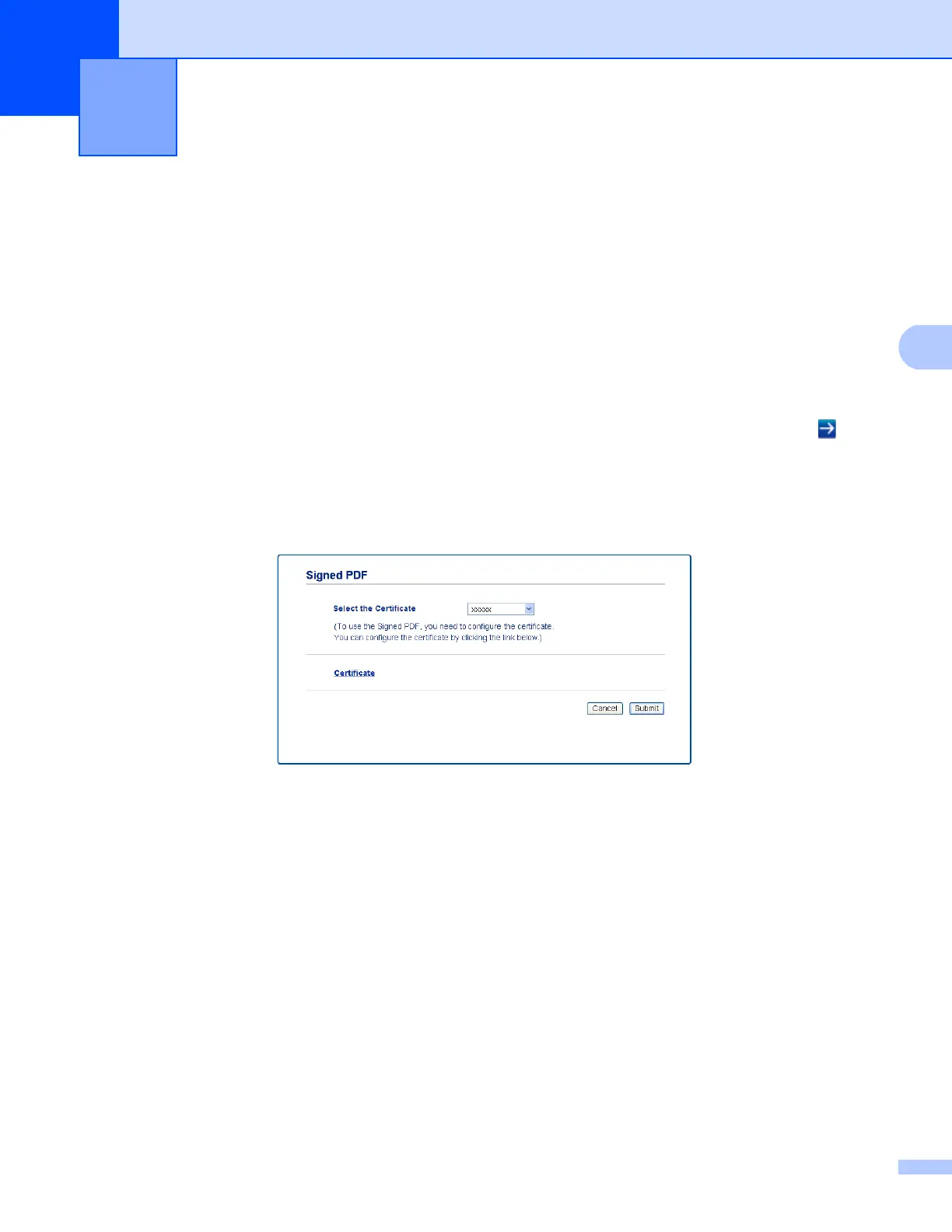
e Choose Signed PDF for a configuration.
f Choose the certificate from the Select the Certificate pull-down list.
g Click Submit.
Digital Certificate for Signed PDF 4


 To Next Page
 Loading...