EasyManua.ls Logo

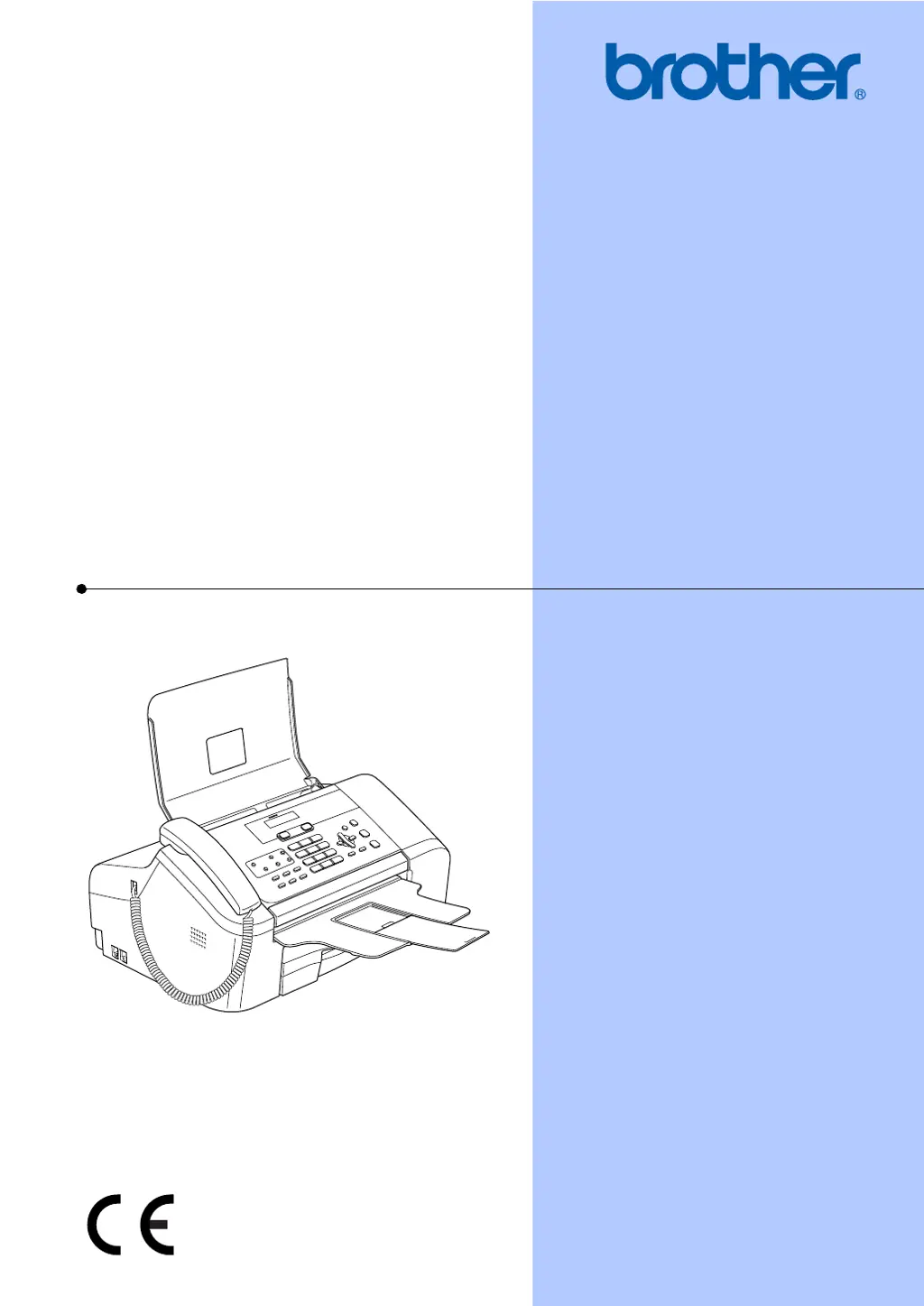
Brother FAX-1355 - User Manual

Brother FAX-1355
127 pages
Print Icon
To Next Page IconTo Next Page
Loading...
USER’S GUIDE
FAX-1355
FAX-1360
FAX-1460
FAX-1560

Table of Contents

Questions and Answers

  • W
    William StephensonAug 10, 2025
    What to do if my Brother FAX-1355 has no printout?
    • H
      Hector KaneAug 10, 2025
      If your Brother Fax Machine isn't printing, first ensure it's plugged in and not in Power Save mode. Also, check the LCD for any error messages.
  • S
    shelbywilliamsAug 20, 2025
    Why is my Brother Fax Machine printing with poor quality?
    • P
      Paul ParkerAug 20, 2025
      If your Brother Fax Machine is producing poor quality prints, the ink cartridge might be the issue. Ensure your ink cartridge is fresh, as cartridges expire and may cause clogging if they've been in your machine for over six months or weren't stored properly before use. The recommended environment for your machine is between 20° C to 33° C (68° F to 91° F).
  • L
    lisa05Aug 31, 2025
    Why are printed text or images skewed on my Brother FAX-1355 Fax Machine?
    • P
      Patrick FigueroaAug 31, 2025
      If the text or images printed by your Brother Fax Machine are skewed, make sure the paper is loaded properly in the paper tray and the paper side guide is adjusted correctly. Also, ensure the Lower Jam Clear Cover is set properly.

Brother FAX-1355 Specifications

General IconGeneral
TypePlain paper fax
Modem Speed14.4 Kbps
Paper Capacity250 sheets
Dimensions14.6" (W) x 14.2" (D) x 7.9" (H)
Paper Tray Capacity250 sheets
Fax Memory400 pages
Copier FunctionYes
Caller IDYes
Speed Dials100

Related product manuals