EasyManua.ls Logo

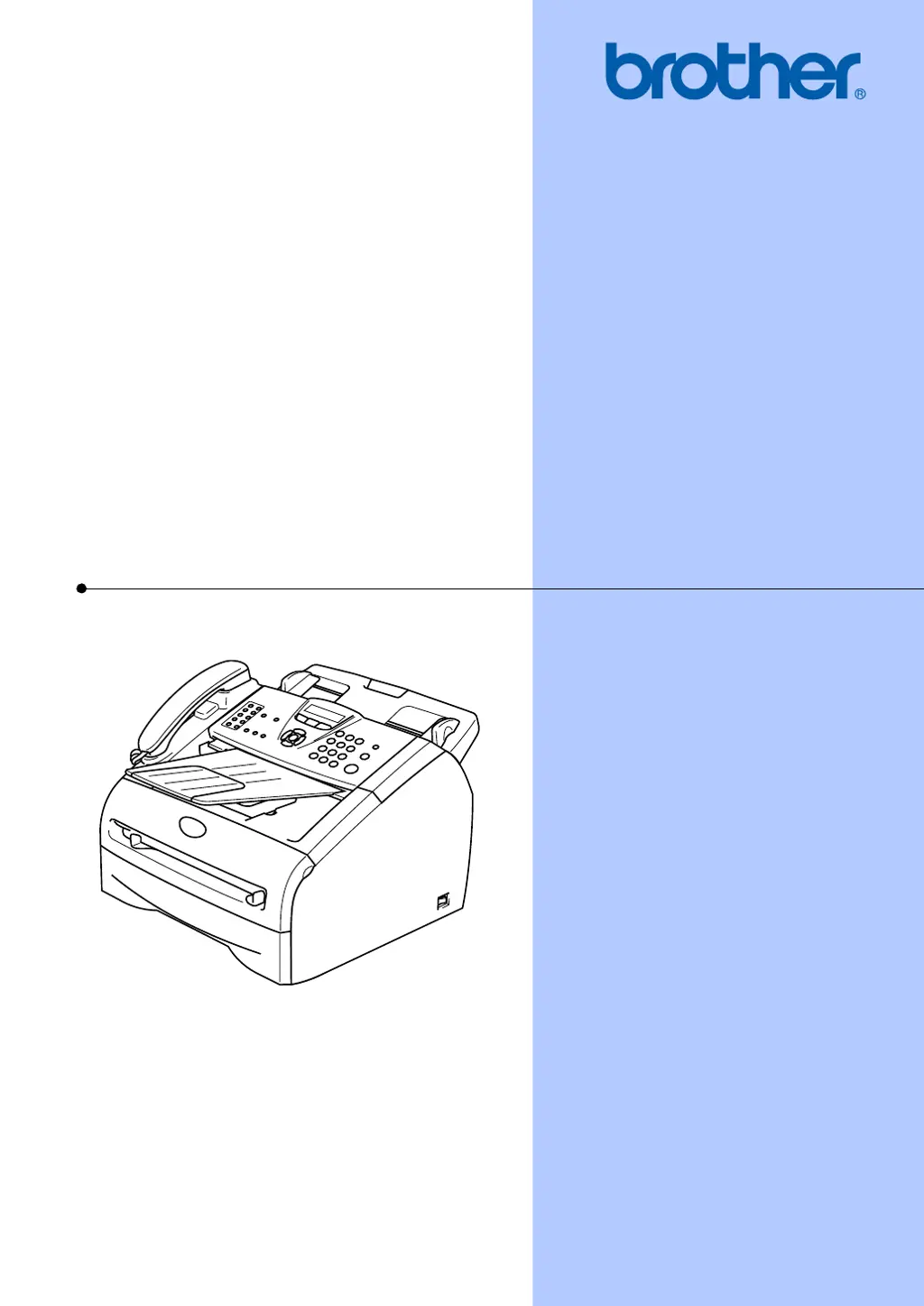
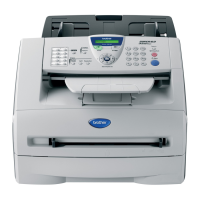
Brother FAX 2820 - User Manual

Brother FAX 2820
161 pages
Print Icon
To Next Page IconTo Next Page
Loading...
USER’S GUIDE
FAX-2820
FAX-2920
MFC-7220
MFC-7225N
Version B

Table of Contents

Other manuals for Brother FAX 2820

Questions and Answers

  • M
    Michael GambleAug 20, 2025
    What to do if my Brother FAX 2820 Fax Machine says 'Comm.Error'?
    • R
      Ryan CookAug 20, 2025
      If your Brother Fax Machine displays 'Comm.Error', it indicates a communication error due to poor phone line quality. Try sending the fax again or connect the machine to another telephone line. If the issue persists, contact your telephone company to inspect your phone line.
  • K
    Kimberly ClaytonAug 22, 2025
    What to do if my Brother FAX 2820 says 'No Paper Fed'?
    • A
      Aaron BowmanAug 22, 2025
      If your Brother Fax Machine displays 'No Paper Fed', it means the machine is either out of paper or the paper is not loaded correctly in the paper tray. Refill the paper in the tray and then press the Start button.
  • J
    Joshua DixonAug 25, 2025
    What to do if my Brother FAX 2820 Fax Machine says 'Toner Low'?
    • L
      lisameyerAug 25, 2025
      If your Brother Fax Machine displays 'Toner Low', it means the toner cartridge is nearing the end of its life. Order a new toner cartridge now so you have it when you need it.
  • P
    pmcgeeAug 26, 2025
    What to do if my Brother Fax Machine says 'Unable to Init. Unable to Print Unable to Scan'?
    • A
      Andrew OlsonAug 26, 2025
      If your Brother Fax Machine displays 'Unable to Init., Unable to Print, Unable to Scan', it indicates a mechanical problem. Turn the machine off and then on again.
  • R
    Robert SilvaAug 27, 2025
    What to do if my Brother Fax Machine says 'Toner Life End'?
    • D
      Derrick RamirezAug 27, 2025
      If your Brother Fax Machine displays 'Toner Life End', it could mean either the toner cartridge and drum unit assembly isn't installed correctly, or the toner is depleted. Try reinstalling the toner cartridge and drum unit assembly. If that doesn't work, replace the toner cartridge with a new one.
  • F
    fmendozaAug 29, 2025
    How to fix 'Fail to Warm up' error on Brother FAX 2820?
    • W
      Wendy GreerAug 29, 2025
      If your Brother Fax Machine displays 'Fail to Warm up', it means the fuser unit is too cold. Turn off the machine, check its environment, and adjust if necessary.
  • A
    Aaron RivasAug 31, 2025
    Why does my Brother FAX 2820 say 'Wrong Paper Size'?
    • N
      Nicole SullivanAug 31, 2025
      If your Brother Fax Machine displays 'Wrong Paper Size', it means the loaded paper is not the correct size. Load the correct size of paper (Letter, Legal, or A4) and then press Start.
  • M
    Michelle RyanSep 2, 2025
    What does 'Change Drum Soon' mean on my Brother FAX 2820 Fax Machine?
    • T
      Troy DixonSep 2, 2025
      If your Brother Fax Machine displays 'Change Drum Soon', the drum unit is near the end of its life. Continue using it until you experience print quality issues, then replace it with a new one.
  • T
    Taylor AyersSep 4, 2025
    What does 'Cooling Down Wait for a while' mean on my Brother Fax Machine?
    • C
      Cathy PughSep 4, 2025
      If your Brother Fax Machine displays 'Cooling Down Wait for a while', the drum unit or toner cartridge is too hot. Wait 20 minutes for it to cool down.
  • M
    michaeltaylorSep 6, 2025
    Why does my Brother FAX 2820 Fax Machine say 'Cover is Open'?
    • S
      Samantha YoungSep 6, 2025
      If your Brother Fax Machine displays 'Cover is Open', it means the front cover is not completely closed. Close the front cover of the machine.

Summary

Chapter 1: Initial Setup and Overview

Control Panel Overview

Identifies and explains the function of each key on the machine's control panel.

Loading Documents

Provides step-by-step instructions for loading paper into the Automatic Document Feeder (ADF).

Chapter 2: Getting Started

Initial Setup Procedures

Guides users through essential initial configuration steps for the machine.

Security Features

Settings for TX Lock, Memory Security, and Setting Lock to prevent unauthorized access.

Chapter 3: Setup Send

Entering Fax Mode

Ensures the machine is in the correct mode for sending faxes or changing settings.

Dialing Methods

Explains various ways to dial numbers, including manual, One-Touch, and Speed-Dial.

Fax Transmission Methods

Details different ways to send faxes, such as ADF, automatic, and manual transmission.

Advanced Sending Operations

Covers specific sending scenarios like cover pages, contrast, resolution, and dual access.

Broadcasting Faxes

Enables sending the same fax message to multiple recipients simultaneously.

Job Management

Procedures for checking the status of pending jobs and canceling them.

Cover Page Setup

Customizing electronic cover pages with standard or user-defined comments.

Scheduled Fax Transmission

Allows sending faxes at a later time or in batches to save transmission time.

Chapter 4: Setup Receive

Basic Receiving Operations

Fundamental operations for receiving faxes, including choosing modes and setting ring delays.

Chapter 5: Quick-Dial Numbers and Dialing Options

Storing Numbers for Easy Dialing

Setting up One-Touch, Speed-Dial, and Group numbers for efficient dialing.

Chapter 6: Remote Fax Options

Setting Remote Fax Options

Configuring features like Fax Forwarding, Paging, and Fax Storage for remote access.

Remote Retrieval Operations

Accessing machine features remotely using access codes and commands.

Remote Commands

Lists the specific commands used to control the machine remotely.

Chapter 7: Printing Reports

Chapter 8: Making Copies

Using the Machine as a Copier

Basic operations for making single and multiple copies using the machine.

Chapter 9: Software and Network Features (MFC-7220;MFC-7225 N)

Chapter 10: Important Information

Essential Safety Instructions

Crucial safety guidelines for operating the machine to prevent injury or damage.

Chapter 11: Troubleshooting and Routine Maintenance

Error Message Resolution

Guides for understanding and resolving various error messages displayed by the machine.

Document and Paper Jams

Step-by-step instructions for clearing document and paper jams from the machine.

Routine Maintenance Procedures

Procedures for cleaning components and replacing consumables to maintain performance.

General Troubleshooting Guide

A table listing common difficulties and their suggested solutions for printing and faxing issues.

Appendix A: Telephone Services Setup

Appendix B: Programming and Navigation

Brother FAX 2820 Specifications

General IconGeneral
Modem speed14.4 Kbit/s
Color faxingNo
Print technologyLaser
Fax speed dialing (max numbers)200
Fax memory8 MB
Maximum number of copies99 copies
Copy speed (black, normal quality, A4)14 cpm
Copy resolution (black text)200 x 300 DPI
Standard input capacity250 sheets
Standard output capacity100 sheets
Auto document feeder (ADF) input capacity20 sheets
Power consumption (typical)80 W
Weight and Dimensions IconWeight and Dimensions
Weight7250 g
Dimensions (WxDxH)374 x 374 x 262 mm

Related product manuals