Home > Print > Cancel a Print Job
Cancel a Print Job
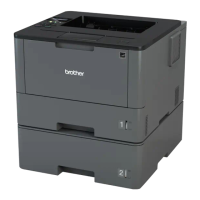
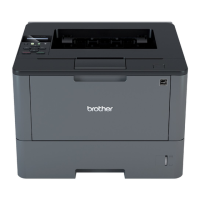
>> HL-L5000D/HL-L5100DN/HL-L5200DW/HL-L6200DW
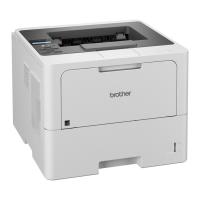
>> HL-L6400DW
HL-L5000D/HL-L5100DN/HL-L5200DW/HL-L6200DW
1. Press Cancel.
To cancel multiple print jobs, press and hold Cancel for four seconds.
HL-L6400DW
1. Press .
To cancel multiple print jobs, press and hold for four seconds.
Related Information
• Print
• Printing Problems
86


 To Next Page
 Loading...