EasyManua.ls Logo

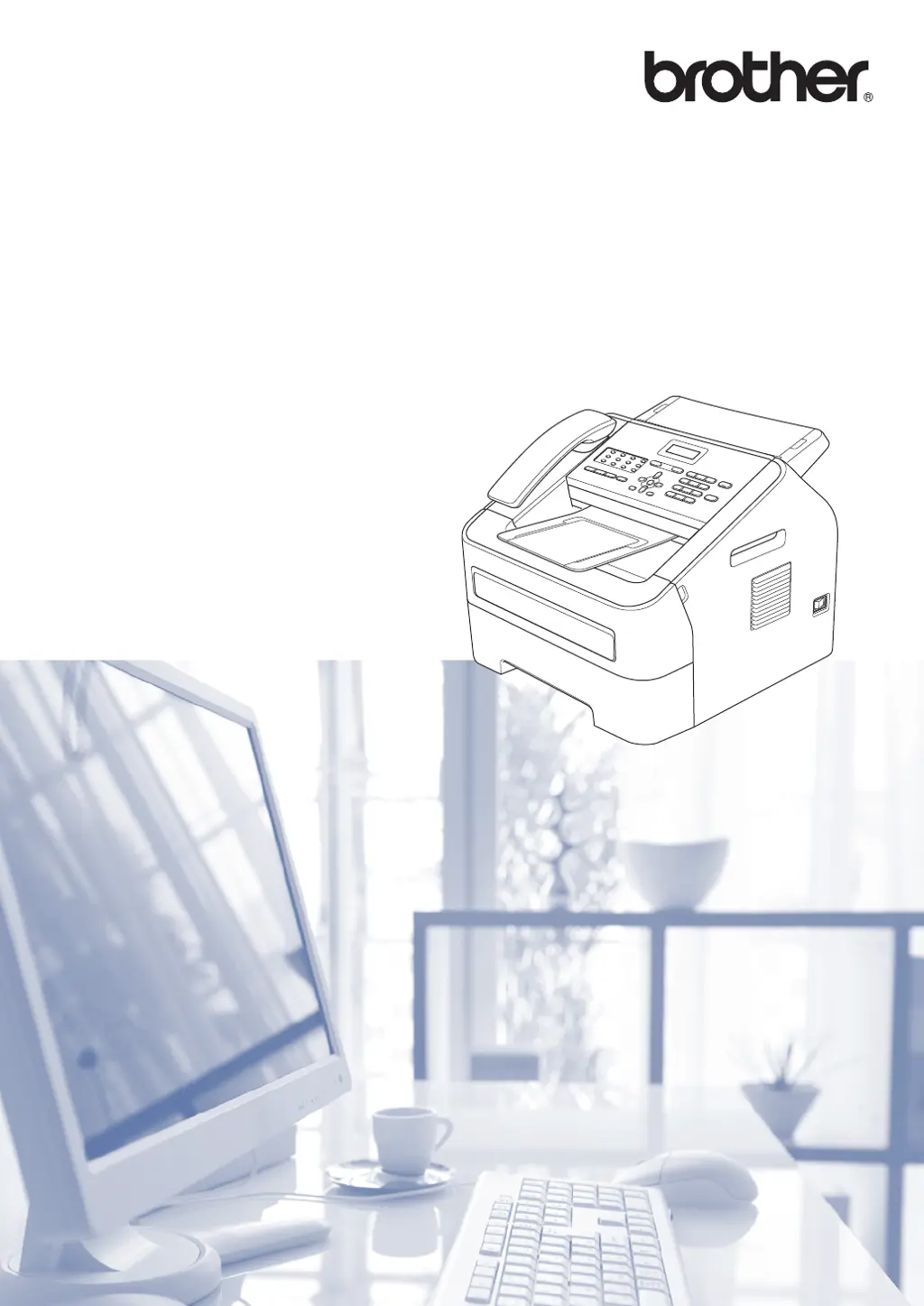
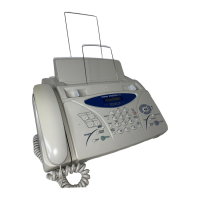
Brother IntelliFax-2840 - User Manual

Brother IntelliFax-2840
140 pages
Print Icon
To Next Page IconTo Next Page
Loading...
Basic User’s Guide
FAX-2840
FAX-2940
MFC-7240
Not all models are available in all countries.
Version 0
USA/CAN

Table of Contents

Other manuals for Brother IntelliFax-2840

Questions and Answers

  • M
    Megan ChaneyAug 14, 2025
    What does 'Connection Fail' mean on Brother IntelliFax-2840 Fax Machine?
    • J
      Jennifer BooneAug 14, 2025
      If your Brother Fax Machine displays 'Connection Fail', it means you tried to poll a fax machine that is not in Polled Waiting mode. Check the polling setup of the other fax machine.
  • C
    Christopher WashingtonAug 17, 2025
    What to do if Brother Fax Machine says 'No Paper'?
    • P
      pjonesAug 17, 2025
      If your Brother Fax Machine displays a 'No Paper' error, it means the machine is either out of paper or the paper isn't loaded correctly in the tray. Refill the paper in the tray and press Start. Alternatively, remove the paper and reload it, then press Start. If the issue continues, the paper pick-up roller may need cleaning.
  • J
    Janice GordonAug 21, 2025
    Why does my Brother IntelliFax-2840 say 'Out of Memory'?
    • J
      Jessica HendersonAug 21, 2025
      Your Brother Fax Machine displays 'Out of Memory' because its memory is full. If a fax sending or copy operation is in progress, press Start to send or copy the scanned pages. Alternatively, press Stop/Exit and wait for other operations to finish before trying again. You can also clear faxes from the memory by printing them, which restores the memory to 100%. Consider turning off Fax Storage to prevent future memory issues. If a print operation is in progress, reduce the print resolution or clear faxes from the memory.
  • A
    Allison KennedyAug 25, 2025
    What to do if Brother Fax Machine says 'Cover is Open'?
    • Z
      zclarkAug 25, 2025
      If your Brother Fax Machine shows 'Cover is Open', it means the front cover or the control panel cover is not completely closed. Ensure that the front cover of the machine is fully closed. Also, check that the control panel cover is properly closed. If the control panel cover was open when you loaded a document, close it and then press Stop/Exit.
  • K
    katherine01Aug 27, 2025
    What to do if Brother IntelliFax-2840 shows 'Comm.Error'?
    • J
      Justin ThomasAug 27, 2025
      If your Brother Fax Machine displays 'Comm.Error', it indicates a communication error due to poor telephone line quality. Try sending the fax again. If the problem persists, connect the machine to another telephone line. If the issue continues, contact your telephone company to inspect your telephone line.
  • J
    Jaime TurnerAug 30, 2025
    Why does my Brother IntelliFax-2840 say 'Cooling Down Wait for a while'?
    • S
      stevenmorganAug 31, 2025
      The 'Cooling Down Wait for a while' message on your Brother Fax Machine indicates that the drum unit or toner cartridge is too hot. Ensure the fan is spinning and the exhaust outlet isn't blocked. If the fan works, clear any obstructions around the exhaust outlet and let the machine sit turned on for several minutes without use. For FAX-2840 and MFC-7240 models: turn the power off, wait a few seconds, then turn it back on, and leave the machine on for 15 minutes. For FAX-2940 models: turn the power off, wait a few seconds, then turn it back on, and leave it on for 15 minutes.
  • M
    Miguel MannSep 3, 2025
    How to fix 'Cartridge Error' on Brother Fax Machine?
    • T
      Thomas ClarkSep 3, 2025
      If your Brother Fax Machine displays a 'Cartridge Error', it means the toner cartridge isn't installed correctly. Pull out the drum unit, remove the toner cartridge, and then reinstall the toner cartridge into the drum unit.
  • J
    Jeanette RamirezSep 6, 2025
    When to replace toner on Brother Fax Machine?
    • T
      Thomas MaddoxSep 6, 2025
      The 'Replace Toner' message on your Brother Fax Machine indicates that the toner cartridge is at the end of its life. If the Toner setting is set to Stop, replace the toner cartridge with a new, original Brother toner cartridge to reset the Replace Toner mode. If the Toner setting is set to Continue, the machine will continue printing until the LCD shows Toner Ended.
  • M
    Mrs. Krystal JohnstonSep 9, 2025
    What does 'Print Unable XX' mean on Brother IntelliFax-2840 Fax Machine?
    • T
      Tanya TateSep 9, 2025
      If your Brother Fax Machine displays 'Print Unable XX', it indicates a mechanical problem with the machine. For FAX-2840 and MFC-7240 models: turn the power switch off, wait a few seconds, and then turn it on again. Leave the machine for 15 minutes with the power on. For FAX-2940 models: turn the power switch off, wait a few seconds, and then turn it on again. Leave the machine for 15 minutes with the power on.

Summary

Sending a Fax

How to Send a Fax

Step-by-step guide for initiating a fax transmission.

Receiving a Fax

Receive Modes Overview

Explanation of different modes for receiving incoming calls and faxes.

Choosing the Correct Receive Mode

Guidance on selecting the appropriate receive mode based on telephone setup.

Using PC-FAX

PC-Fax Receive Setup (Windows)

Steps to configure PC-Fax receive for storing faxes on your computer.

Sending a PC-Fax

Instructions for sending documents as faxes directly from your PC.

Dialing and Storing Numbers

Dialing Methods

How to dial using manual, One Touch, and Speed Dial methods.

Making Copies

How to Copy and Copy Settings

Basic steps for making copies and available customization options.

Printing from Your Computer

Printing a Document

Steps to print documents from a computer to the machine.

Scanning to a Computer

Before Scanning and Scanning to PDF via ControlCenter4

Initial setup and procedure for scanning documents into PDF format.

Routine Maintenance

Replacing Consumable Items

Guidance on replacing toner cartridges and drum units.

Replacing the Toner Cartridge

Steps for replacing the toner cartridge and understanding status indicators.

Replacing the Drum Unit

Procedures for replacing the drum unit and clearing drum errors.

Troubleshooting

Identifying Your Problem

Initial steps to diagnose and identify issues with the machine.

Error and Maintenance Messages

Troubleshooting common error messages displayed on the LCD.

Fax Transmission Troubleshooting

Common problems and solutions related to sending and receiving faxes.

Copying and Printing Troubleshooting

Solutions for problems encountered during copying and printing.

Brother IntelliFax-2840 Specifications

General IconGeneral
Print TechnologyLaser
Fax Modem Speed33.6 Kbps
Standard Memory16 MB
Paper Capacity250 sheets
Maximum Fax Resolution203 x 392 dpi
Memory TransmissionYes
Out-of-Paper ReceptionUp to 400 pages
Print Resolution2400 x 600 dpi
Copier FunctionYes
Copy Resolution600 x 600 dpi
Telephone HandsetNo
Caller IDYes
Fax ForwardingYes
Reduction/Enlargement50% to 200%
Broadcasting272 locations
Transmission SpeedApproximately 2.5 seconds per page
Copy Speed21 cpm (copies per minute)
Print Speed21 ppm (pages per minute)

Related product manuals