Scanning
46
6
Opening scanned images in other applications 6
Scanned images can be converted to PDF files and opened using other applications. Make sure an
application that can open PDF files is installed on your mobile device.
For iPhone and iPod touch 6
iOS 4.0 or greater is required to use this feature.
a Load your document on to your machine.
b Tap the Brother iPrint&Scan icon on the Home screen.
c Tap Scan.
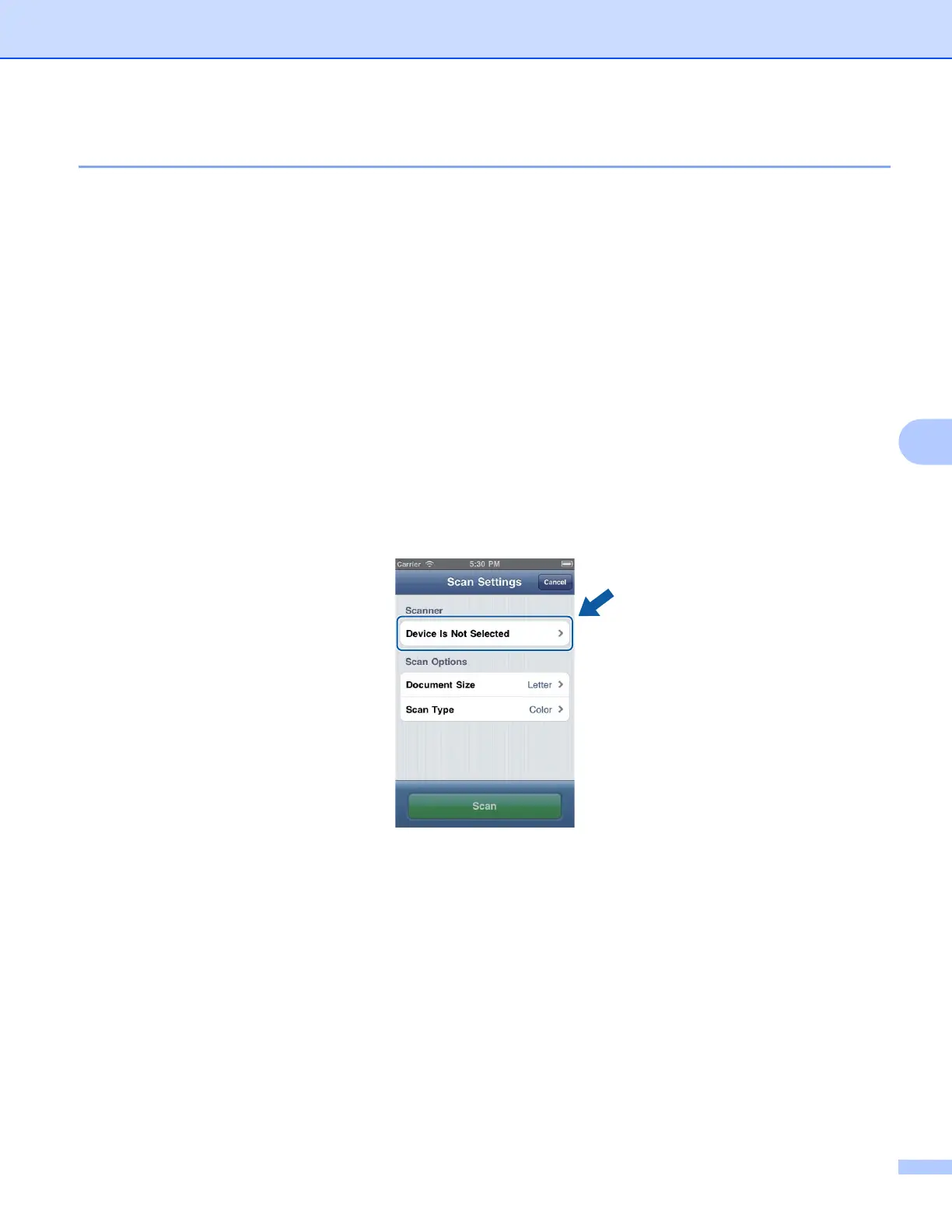
The Scan Settings screen will appear.
d Make sure your machine is selected.
If a different machine is selected or if Device Is Not Selected is displayed, make sure your machine is
turned on and then tap the displayed scanner name or Device Is Not Selected.
e The application will search your network and display a list of available machines. Tap your machine from
the list.
Tap Scan Settings.
f Do one of the following:
If you want to change other scan settings, see Scan Settings uu page 50. After changing the settings,
go to step g.
If you do not want to change any settings, go to step g.
(iPhone)
6








 To Next Page