Security features
100
11
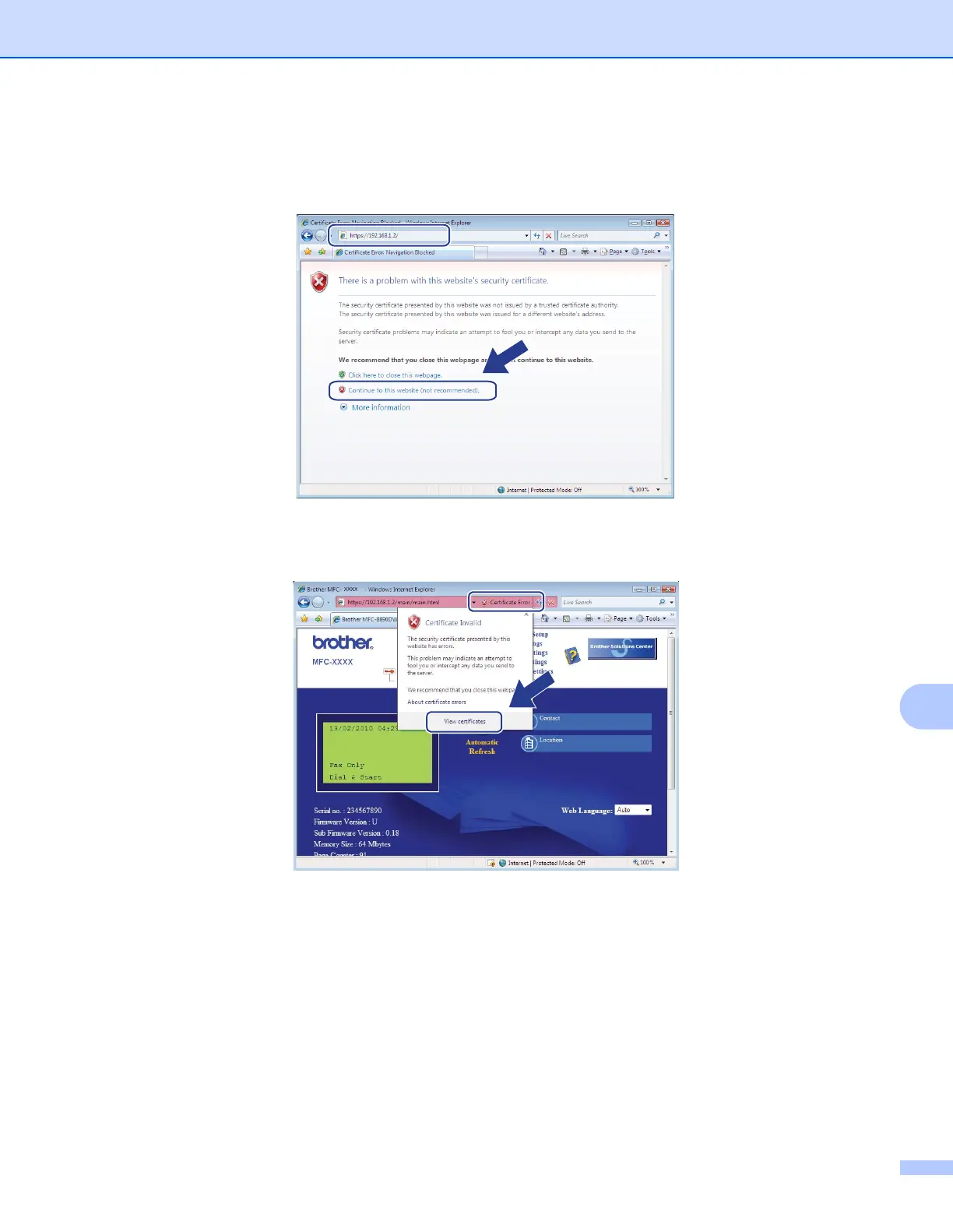
d Type “https://printer’s IP address/” into your browser to access your printer (where
“printer’s IP address” is the printer’s IP address or the node name).
Then, click Continue to this website (not recommended).
e Click Certificate Error, and then click View certificates. For the rest of the instructions, follow the steps
from d on page 107.










 To Next Page