6
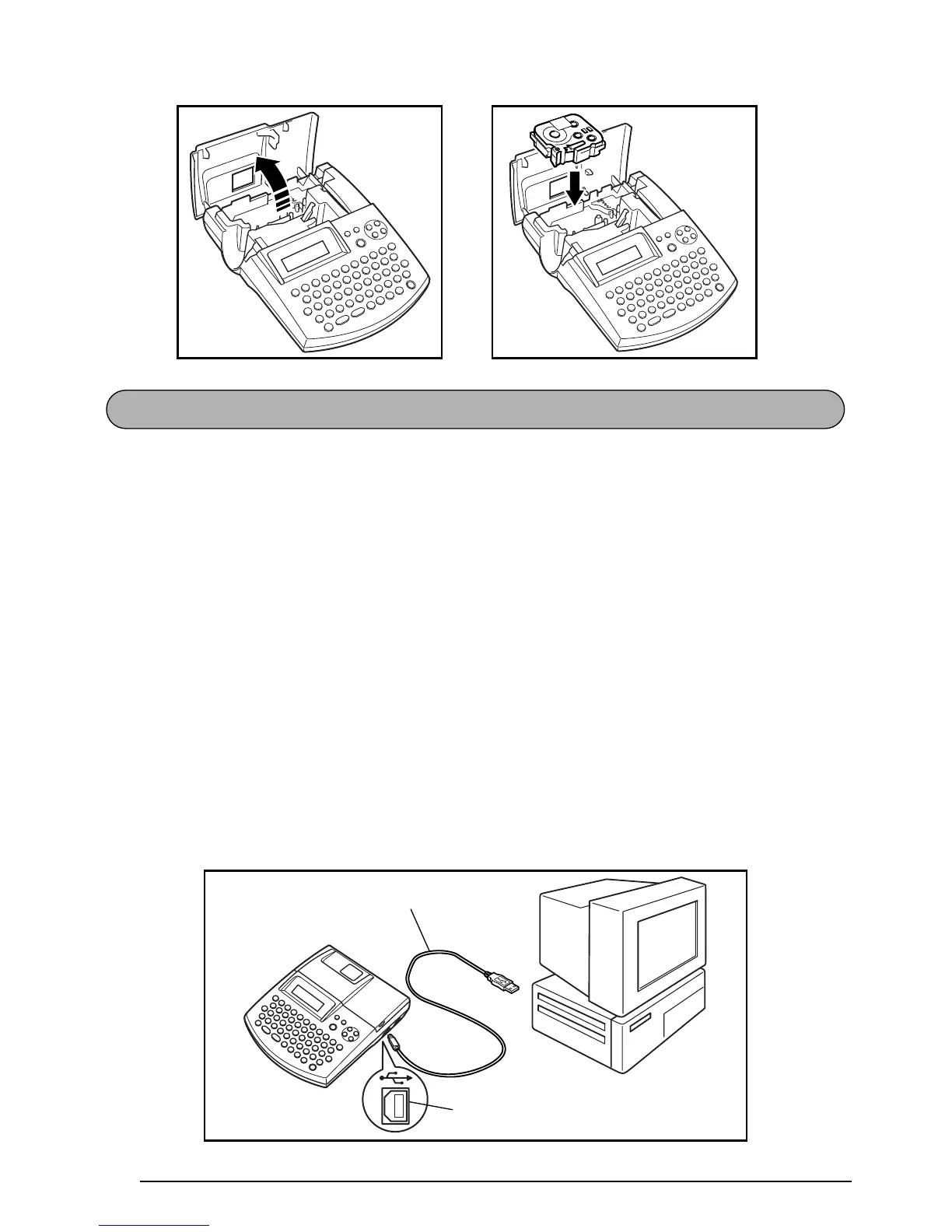
This machine is equipped with a USB port, allowing you to connect the P-touch to your IBM
PC-compatible or Macintosh computer, and print labels and stamps created using the P-touch
Editor software.
☞ The P-touch Editor software and the printer driver must be installed before the P-touch is
connected to the computer or turned on. Follow the installation procedure on pages 7
through 40 to install the P-touch Editor software and the printer driver, and connect the
P-touch to the computer when you are instructed to do so.
Only use the enclosed USB interface cable to connect the PT-2600 to the computer.
To connect the P-touch to the computer:
1 Insert the flat (A) connector on the USB cable into the USB port on the computer.
2 Insert the square (B) connector on the USB cable into the USB port on the right side of the
P-touch.
3 Turn on the P-touch.
☞ When making a USB connection through a hub, a proper connection may not be possi-
ble due to the type of hub used. If printing is not possible with a hub connection, try
connecting the PT-2600 directly to the computer using the USB interface cable.
CONNECTING THE P-TOUCH TO A COMPUTER
USB port
USB interface cable



 To Next Page
 Loading...









