Replacing the Presser Foot 41
1
3
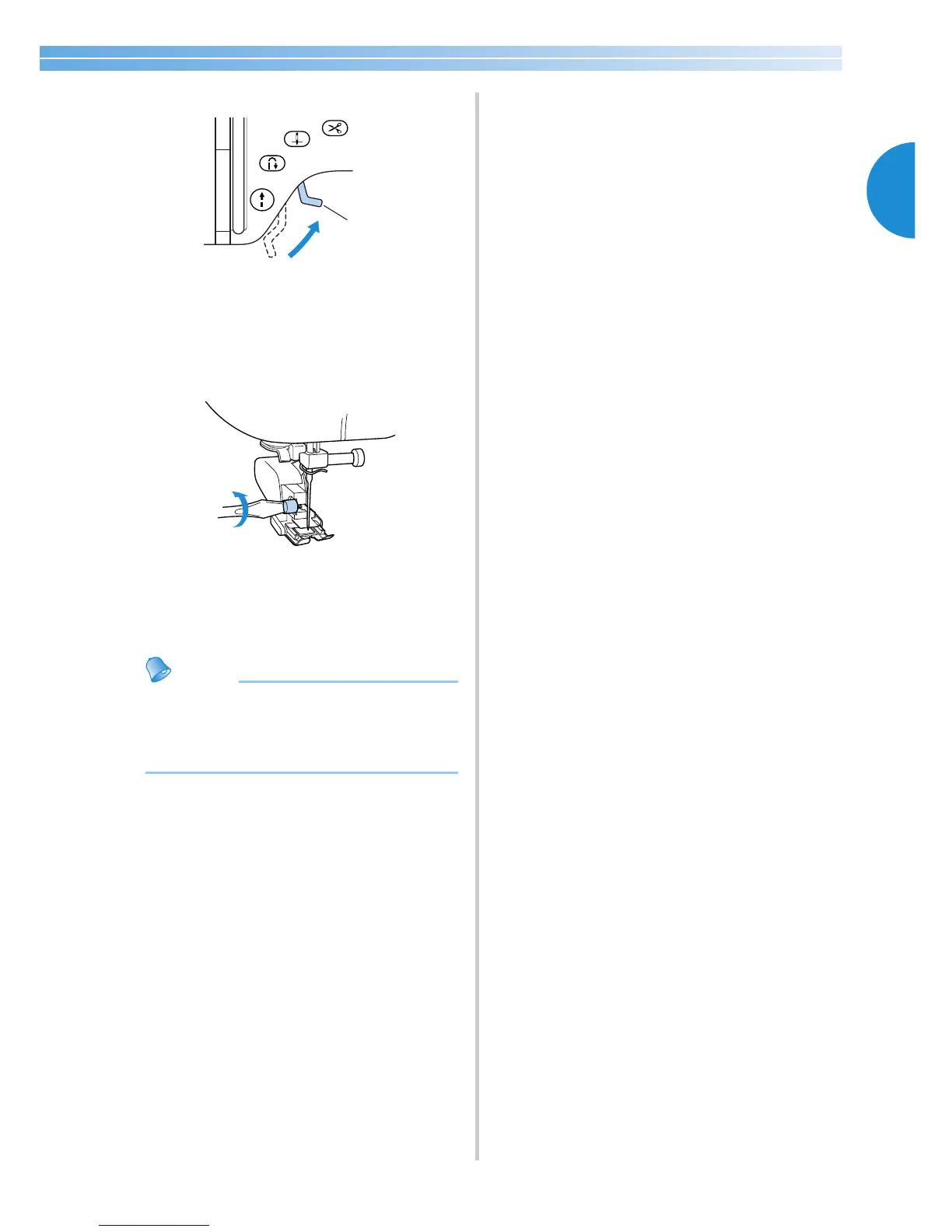
Raise the presser foot lever.
1 Presser foot lever
X The presser foot is raised.
4
With a screwdriver, loosen the presser foot
holder screw, and then remove the walking
foot.
5
Attach the presser foot holder.
• For details, refer to “Removing the presser
foot holder” (page 39).
● Only the straight stitch (with reinforcement
stitching) and the zigzag stitch can be used
with the walking foot. For details on the
stitches, refer to “Stitch Settings” (page 128).








 To Next Page