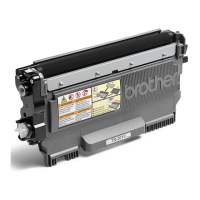
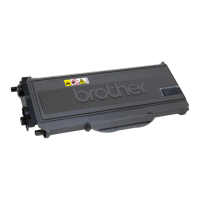
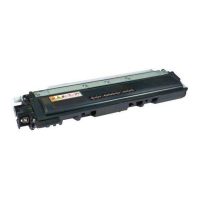
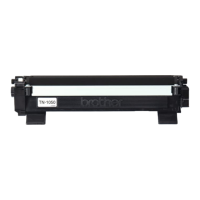
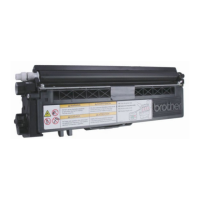
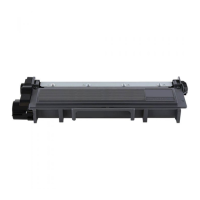
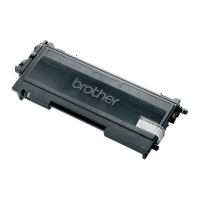
Refill instructions for cartridge Brother TN-2210, TN-2220 for these printers:
Brother HL-2240, HL-2250, HL-2270, MFC -7360N, MFC-7460DN, MFC-7860DW
Refilling with toner powder:
1. Pull out the plug on the side of the cartridge care-
fully (pict. 1) and remove the remaining toner by
pouring it into a rubbish bag. If necessary, tap against
the casing in order to make sure no toner is left in the
toner chamber. Dispose of the toner remains.
(It is generally recommended to remove the remaining
original toner carefully before refilling it with new toner.)
2. Shake the toner bottle forcefully and let it rest for about
10 seconds. Now, put the funnel onto the bottle and insert
it into the opening carefully. Now, pour the toner powder
slowly into the toner chamber until it is full.
3. Close the opening in the toner chamber with the old
plug. If the edge of the plug has been damaged, please
close the leaks on the side with some glue in order to
avoid leakage of toner powder into your printer.
If the plug has become unusable, we recommend using
a new one.
Resetting the counter
Turn the cartridge to the other side.
Remove the two screws (pict. 2) and take of the side
cover (pict. 3).
With a standard cartridge (cartridges that are not in-
cluded when buying a new printer), the white cog
has to be re-inserted in the same position as shown
on pict. 5. Now, put the side cover back on the cart-
ridge and tighten it with the two screws.
If you wish to change a cartridge with standard
capacity (1,200 pages with TN-2210) into a cartridge
with high capacity (2,600 pages with TN-2220), you
will need the according reset lever that you insert instead
of the old lever.
In order to reset an initial cartridge (included with a new
printer) you need a separate side cover in addition to
the new reset lever (incl. spring).
www.farbtoner.com
pict.1
www.farbtoner.com pict.2
www.farbtoner.com
pict.3
www.farbtoner.com
pict.4

 Need help?
 General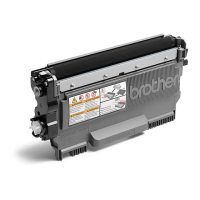

 To Next Page