111
ENGINE MANAGEMENT MODULE (EMM)
EMM DIAGNOSTICS
4
Reports
Engine reports provide service records and can
be used to document the running history of an out-
board. Reviewing this information can help iden-
tify or resolve some service issues.
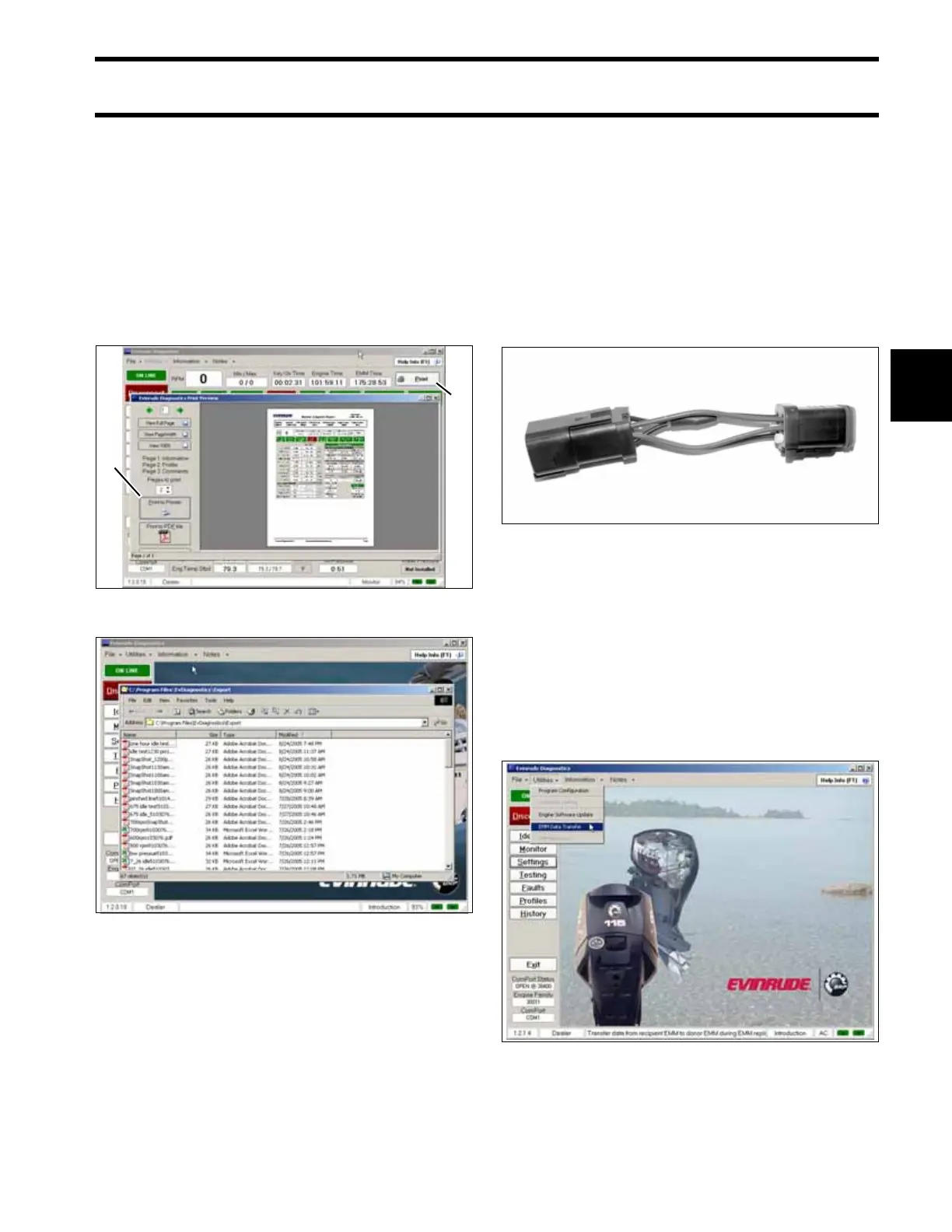
Clicking the print button in several windows of the
diagnostic software allows the user to print engine
data, or to export the information to a variety of
computer file types.
Software Replacement
Software programs or “maps” are downloaded
into the EMM prior to factory testing of the out-
board. Periodically, a new map may be available
to enhance the operation of an outboard. Refer to
the installation instructions provided with the pro-
gram.
IMPORTANT: Software replacement requires
the use of “Bootstrap” Tool, P/N 586551.
EMM Transfer
EMM Transfer is a feature that allows EMM
replacement. Use the diagnostic software pro-
gram and follow the “help info” instructions pro-
vided in the program.
IMPORTANT: Whenever the EMM is replaced,
timing verification must be performed. Refer to
Timing Verification on p. 159.
1. Print button
2. Print/Export options
005158
Engine Report Data Files 005159
1
2
002383
006310






 To Next Page