13
D. VIBE BASIC FUNCTION
4. VEHICLE PAIRING
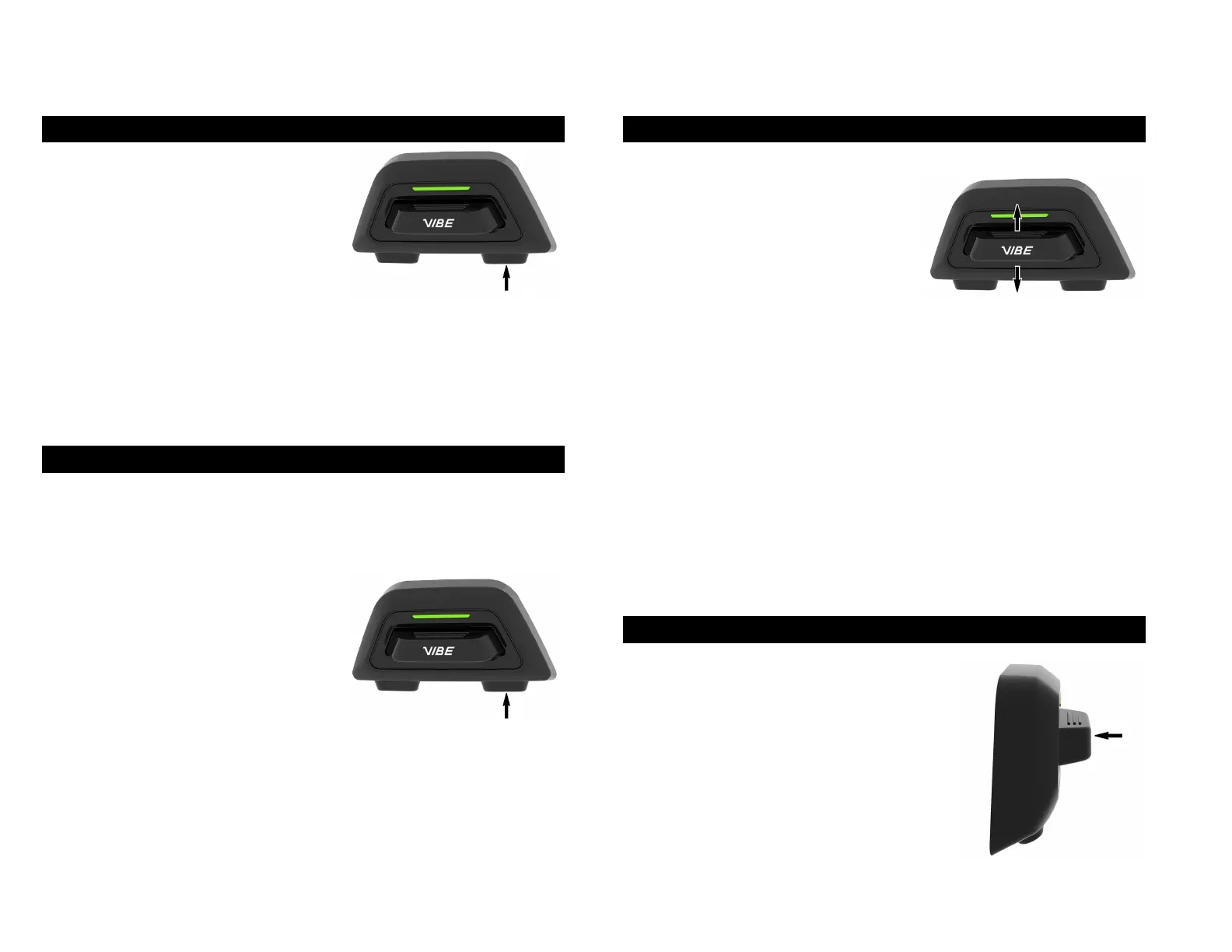
The vehicle pairing is used to connect
the VIBE system to the HUB. This
function can be activated in the
configuration menu:
Hold the configuration button for 3 sec to access the configuration menu.
You can then go to vehicle pairing by tapping the “up” button twice. Tap
the center button to select “vehicle pairing”. Then, on your vehicle display,
go to Bluetooth settings and select your vibe product in the list of available
devices.
5. REMOTE CONTROL PAIRING
You can remotely control the headset using Remote Control devices (sold
separately).
To pair a remote control to the Vibe, you
will first need to access the configuration
menu by holding the configuration button
for 3 sec. You can then go to remote
control pairing by tapping the “up” button
3 times. tap the center button to select
“remote control pairing”.
6. VOLUME CONTROL
There are three types of volume that
can be controlled with the joystick
up/down:
VOICE PROMPT:
To change the prompt voice volume, you need to be out of the mesh
intercom without music playing.
MEDIA / MUSIC:
The music volume can be changed when the music is playing and when
other users aren't talking.
MESH / OPEN MESH:
The mesh volume can be changed when the user is in open mesh and
when someone is talking.
7. PHONE CALL
ACCEPT PHONE CALL:
To accept a phone call press center button.
REJECT PHONE CALL:
To reject a phone call press center for 2 sec.
END PHONE CALL:
To end phone call press center for 2 sec.D.


 To Next Page