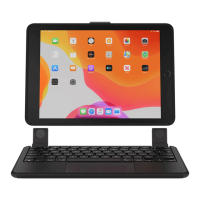
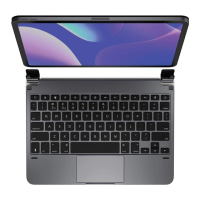
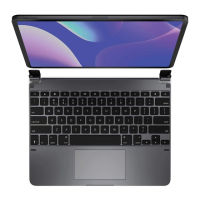
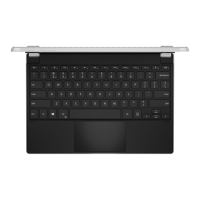
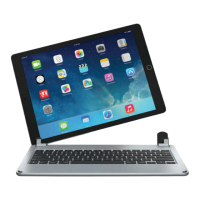
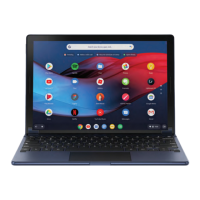
6. Light weight, quiet keystrokes
7. Energy saving keyboard/speaker sleep mode
Bluetooth Keyboard Pairing
Step 1: Turn on the power switch. The Bluetooth light will keep lighting 5 seconds, then it will be off.
Step 2: Press on the pair button” Ctrl+K” on the keyboard, the Bluetooth keyboard indicator light will be flashing. The
Keyboard now is ready for connecting to iPad
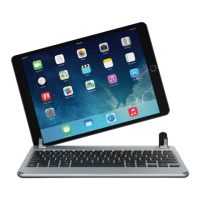
Step 3: Click the iPad [setting] icon, in the settings menu, select item [General] to access [Bluetooth] settings
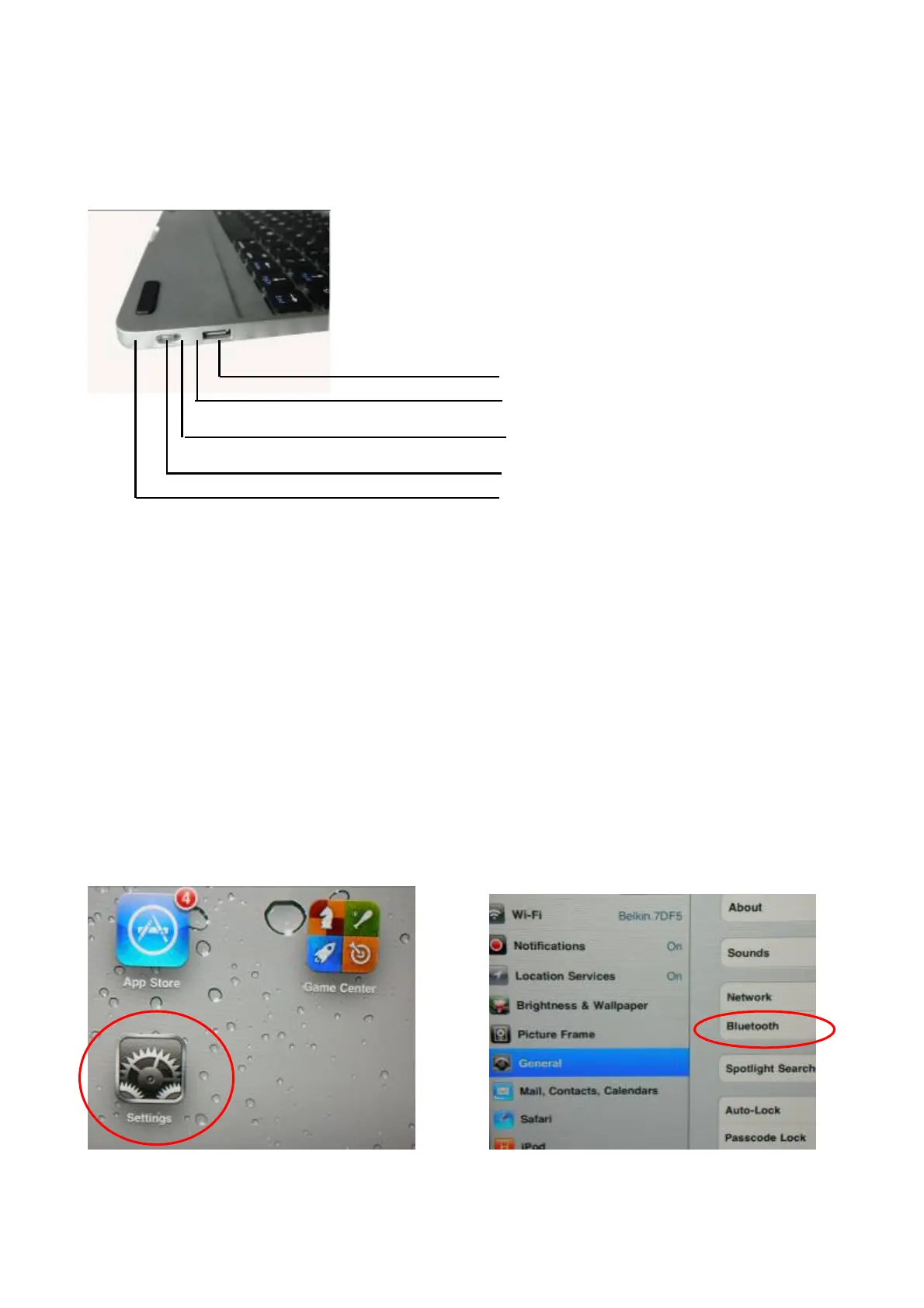
USB Charge connector
Power Switch
Bluetooth speaker indicator light
Bluetooth keyboard indicator Light
Charging indicator light


 To Next Page