16
11.0 Connection and Setup
11.1 Selecting '2-
Way' 2 Channel
Operation
In a 2-way system, the incoming full range signal is split into 2 bands.
Normally the corresponding loudspeaker drive units cover Bass (LOW), Top
(HIGH) frequencies, and the crossover point between them lies between
180Hz and 2000Hz (2kHz). When setup for 2-way operation, the FDS-310
handles two channels (stereo). If required, the levels and crossovers points of
each channel can be independantly controlled:
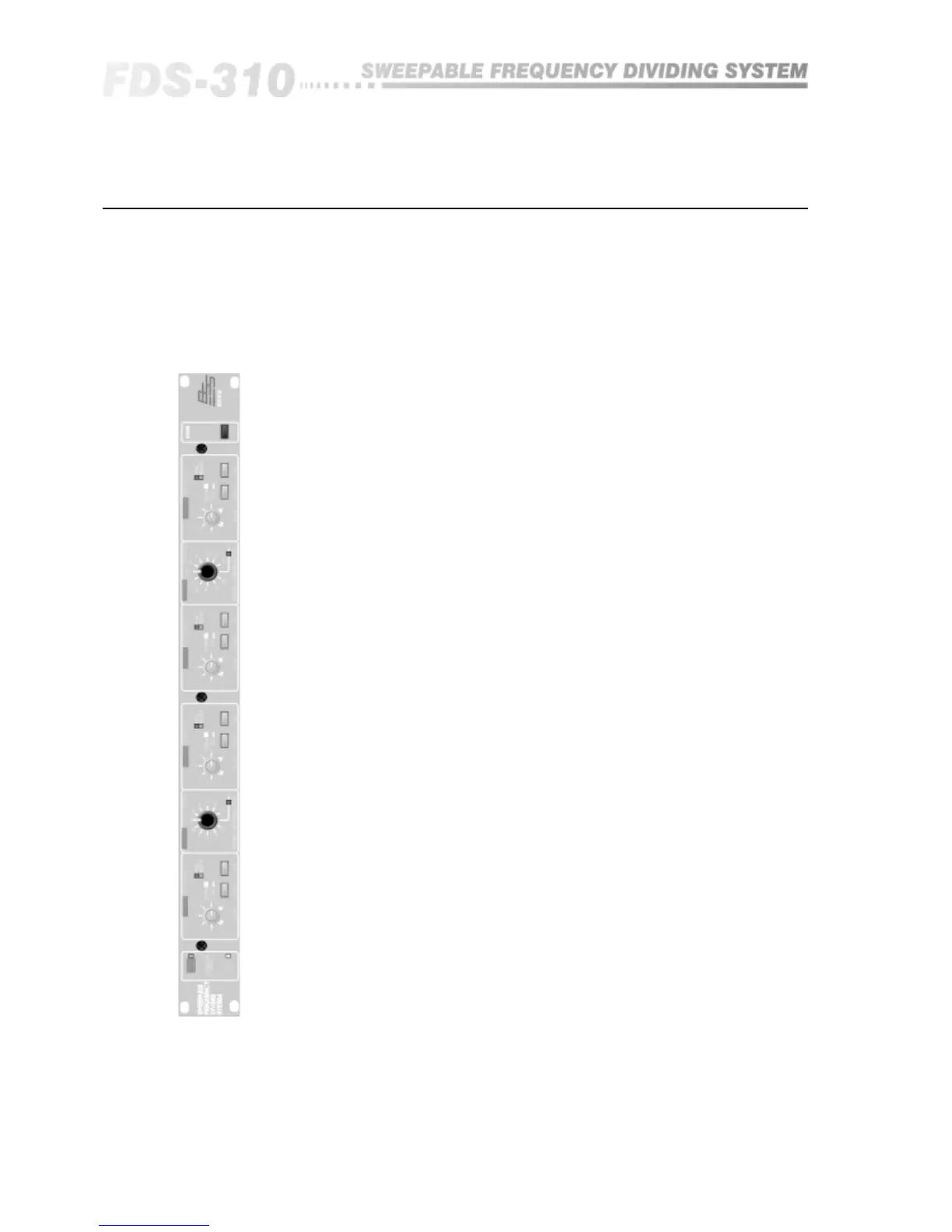
• Release the grey switch on the rear panel 'CROSSOVER MODE
SELECTOR'. Now looking at the front panel left side, check that the green
LED 'STEREO 2-WAY' is lit.
• For single channel operation, insert one input and two output plugs into
'CH.1 MAIN', 'CH.1 LOW' and 'CH.1 HIGH' respectively.
• For dual channel operation, insert two input and four output plugs into the
sockets labelled:
CH.1 MAIN
CH.2 MAIN
CH.1 LOW
CH.2 LOW
CH.1 HIGH
CH.2 HIGH
For stereo operation, we recommend the following:
CH.1 is designated LEFT Channel.
CH.2 is designated RIGHT Channel.
• To set the crossover point, turn the black knob marked 'CROSSOVER
FREQUENCY Hz' to the desired figure in Hz/kHz. On Channel 2's scale, refer
to the upper, white legend scaled '180-2k0'.
If the FDS-310 has been used previously, check that the red LED marked '10'
next to each frequency knob is unlit. If lit, the 'divide by 10' option needs
disabling - so do not use the crossover until you have read section 11.3.
Setting up -
2-Way 2 Channel Operation
INPUTS.
LOW (LF) OUTPUTS.
HIGH (HF) OUTPUTS.


 To Next Page