17
ALWAYS check the crossover frequency is set to a safe minimum figure
before driving the system at high levels:
• Set levels controls to their centre zero position, for best sound balance, refer
to section 17.
• For CD Horn equalisation, refer to section 14.
• For sub-woofer (sub-bass) applications, refer to sections 11.3 & 13.
CAUTION: Setting too low a crossover frequency can damage HF drive-units
and/or impair their reliability and sound quality.
Setting up -
3-Way Mono Operation
In a 3-way system, the incoming full range signal is split into 3 bands.
Normally the corresponding loudspeaker drive units cover Bass (LOW), Mid
and Top (HIGH) frequencies. In this mode, the FDS-310 operates in mono and
there are two crossover points.
The LOW-to-MID crossover point normally lies between 180Hz and 2000Hz
(2kHz).
The MID-to-HIGH crossover point normally lies between 800Hz and 9000Hz
(9kHz).
For 3-way operation, follow the yellow legend on the rear panel.
• Depress the grey 'CROSSOVER MODE SELECTOR' switch on the rear
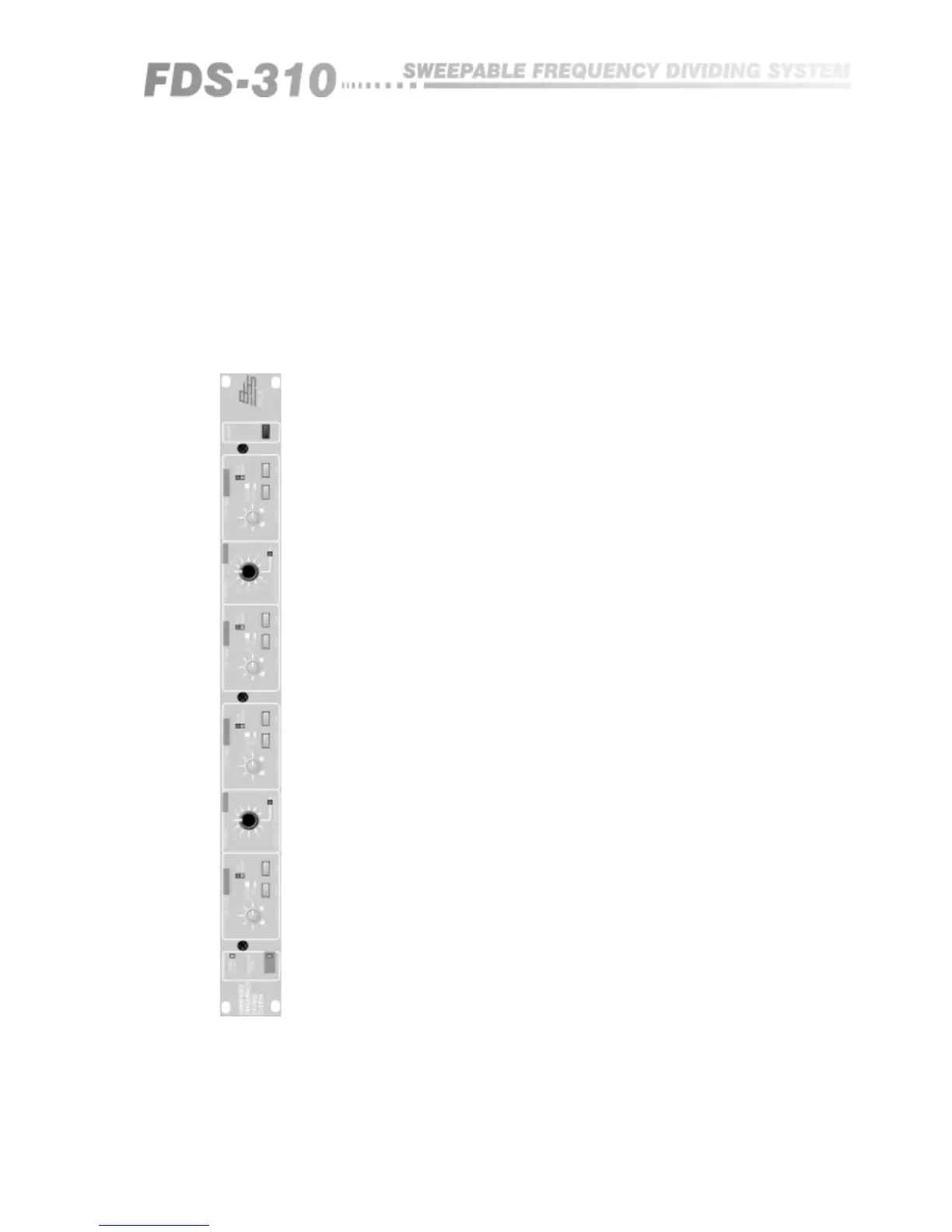
panel. Now check the yellow LED marked 'MONO 3-WAY' on the front
panels left side is lit.
• Insert one input and three output plugs into the following sockets:
CH.1 MAIN
LOW RANGE
MID RANGE
HIGH RANGE
See sections 9 & 10 for wiring details.
• To set the low-mid crossover point, turn the black knob marked 'LOW-MID'
and 'CROSSOVER FREQUENCY Hz' to the desired figure in Hz/kHz. To set
the mid-high crossover point, turn the black knob marked 'MID-HIGH' and
'CROSSOVER FREQUENCY Hz' to the desired figure in Hz/kHz. Ignore the
white (2-way) scaling and refer only to the yellow legend, scaled 800-9k0.
If the FDS-310 has been used previously, check that the red LED marked '10'
next to each frequency knob is unlit. If lit, the 'divide by 10' option needs
disabling - so do not use the crossover until you have read section 11.3.
11.2 Selecting '3-
Way' Mono
Operation
INPUTS.
OUTPUTS.


 To Next Page