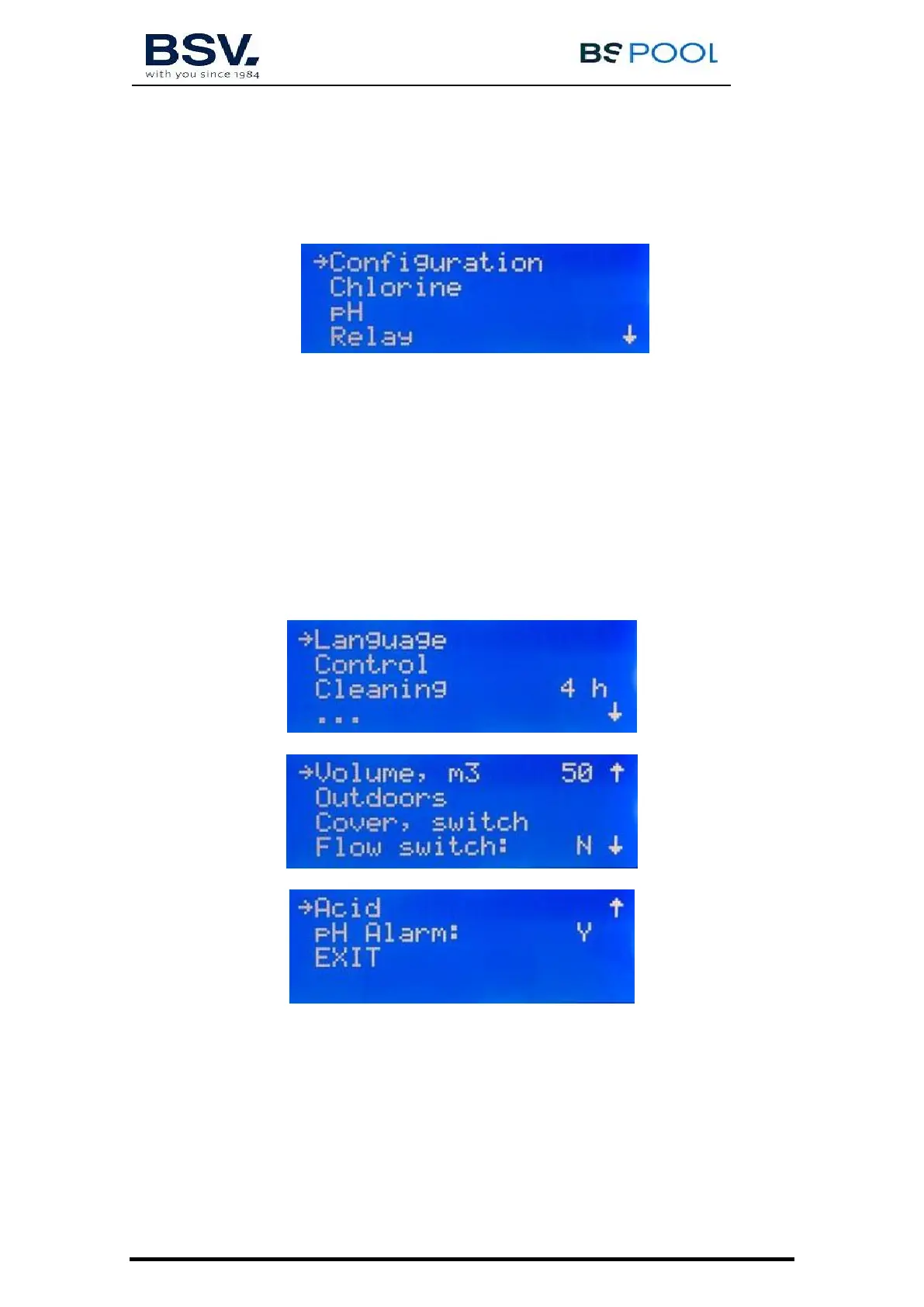
4.1.3- Main menu
Press the "OK" button from the main screen to access the main menu.
Using the buttons you can select a line of the menu, indicated by the
arrow (→). The OK button is used to confirm the selection.
To access the configuration menu, you need to confirm the operation by
selecting (S) through the arrow, and pressing OK.
4.1.4- Configuration
In the configuration menu you can select the configuration parameters, which
usually only have to be adjusted when installing the equipment.
4.1.4.1- Change of language
From the configuration menu select "Language", press the OK button, and once
the required language has been selected, press the OK button and EXIT.



 To Next Page