9
5 Using the Keyboard and Joystick Mouse
5.1 Keyboard Functions
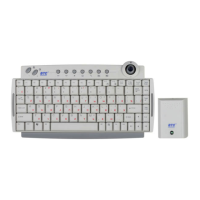
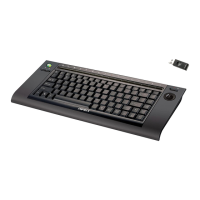
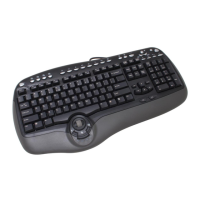
Besides the usual keys, this keyboard also has extra-dedicated keys. Which
provide the following hot key functions. The functions are described as below:
Please Note: In order to use these keys under Windows® 98, it is necessary to
have “KeyMaestro Input Device Driver” installed. Please refer to Chapter 4:
Software Installation for more information.
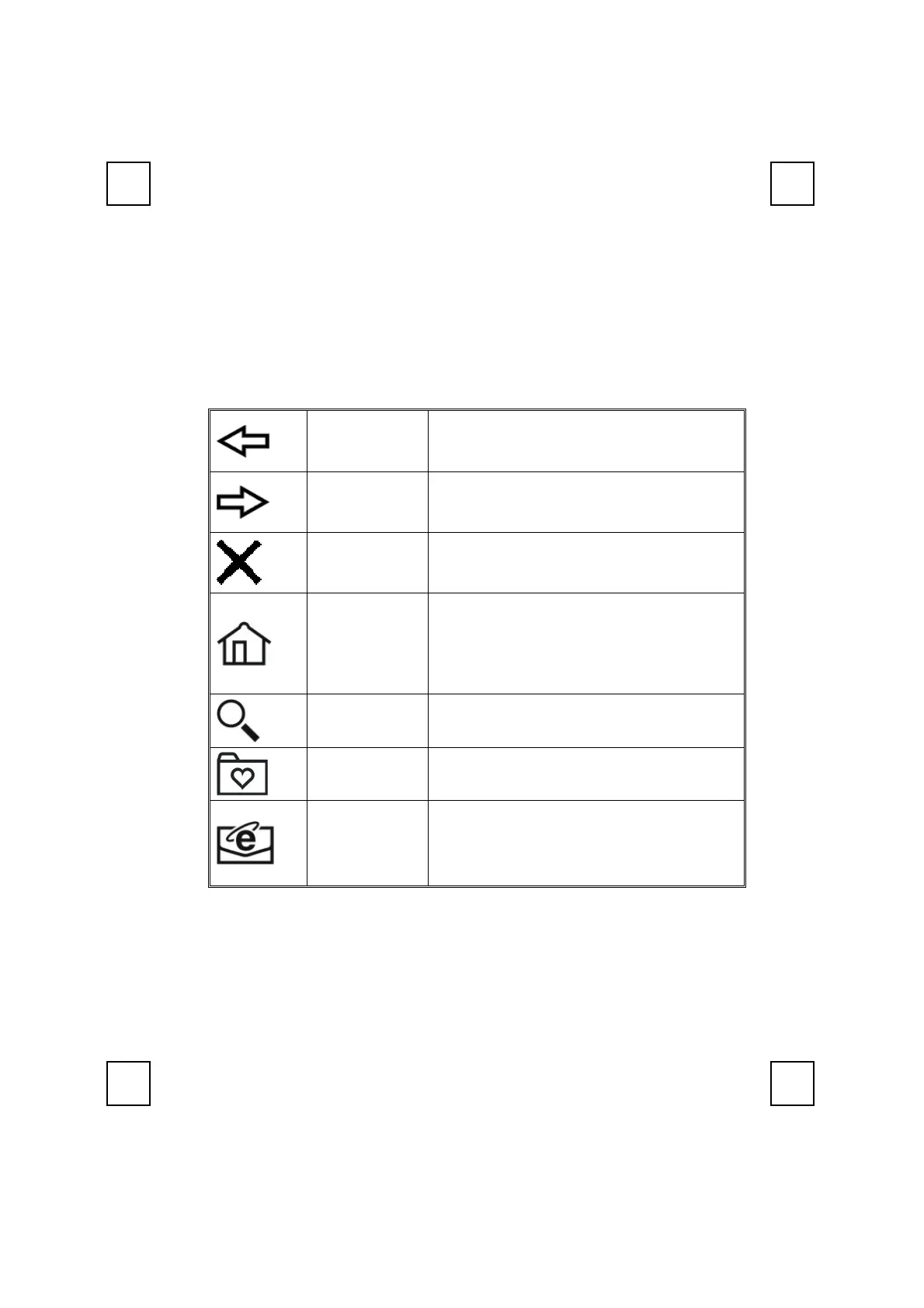
Back
Return to the last page you viewed.
Forward View the next page you viewed before.
Stop
If a page you are trying to view is taking too
long to open, click this button to stop.
Web/Home
To start your Microsoft Internet Explorer 5.0 (or
above) and bring up the homepage you set.
Note: You can select “Tools
→
Internet Options
→ Programs” to change the default settings of
Internet Browser.
Search To gain access to a number of search providers.
Favorites To select a web page from your favorite lists
Mail
To open the default program you use for mail.
Note: You can select “Tools
→
Internet Options
→ Programs → Email” to change the default
settings of E-mail system.


 To Next Page