5
3 Hardware Installation
3.1 Connecting and Battery Information
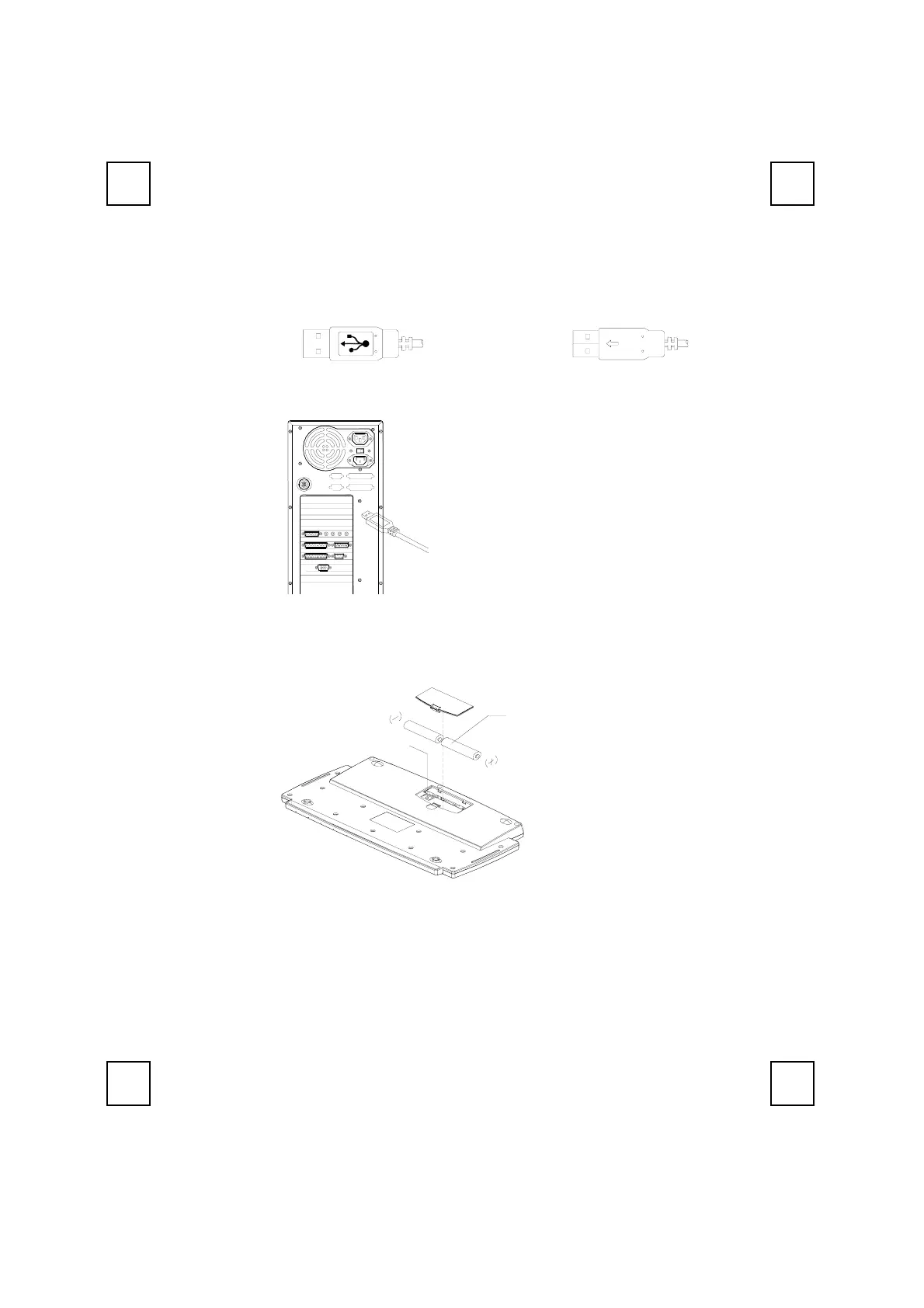
Step 1: Plug in the receiver connector into your available USB port on PC.
Step 2:
Take the keyboard and make sure the batteries on the back are installed
correctly. (Follow the polarity signs in the battery compartment.)
ID Button
1.5V * 2
Remarks:
1. The keyboard uses 2pcs standard UM-3 (AA) 1.5V alkaline batteries.
2. Battery life is approximately 1.5 months, depending on the intensity of usage.
Front View of USB Connector Back View of USB Connector
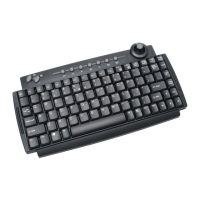
Bottom view of 9116URF keyboard
Plug the USB connector into
PC USB port.


 To Next Page