6
3.2 ID Setting
This wireless RF keyboard kit contains 255 sets ID. This extra ID-recognition function
helps to protect against interference from other RF keyboards in the same environment.
This wireless RF keyboard kit comes preset with default ID. Under this circumstance, you
can use this default ID setting and begin using the keyboard kit immediately after the
installation. However, we still
recommend
following the steps below to set ID again to
ensure the usage is fluent.
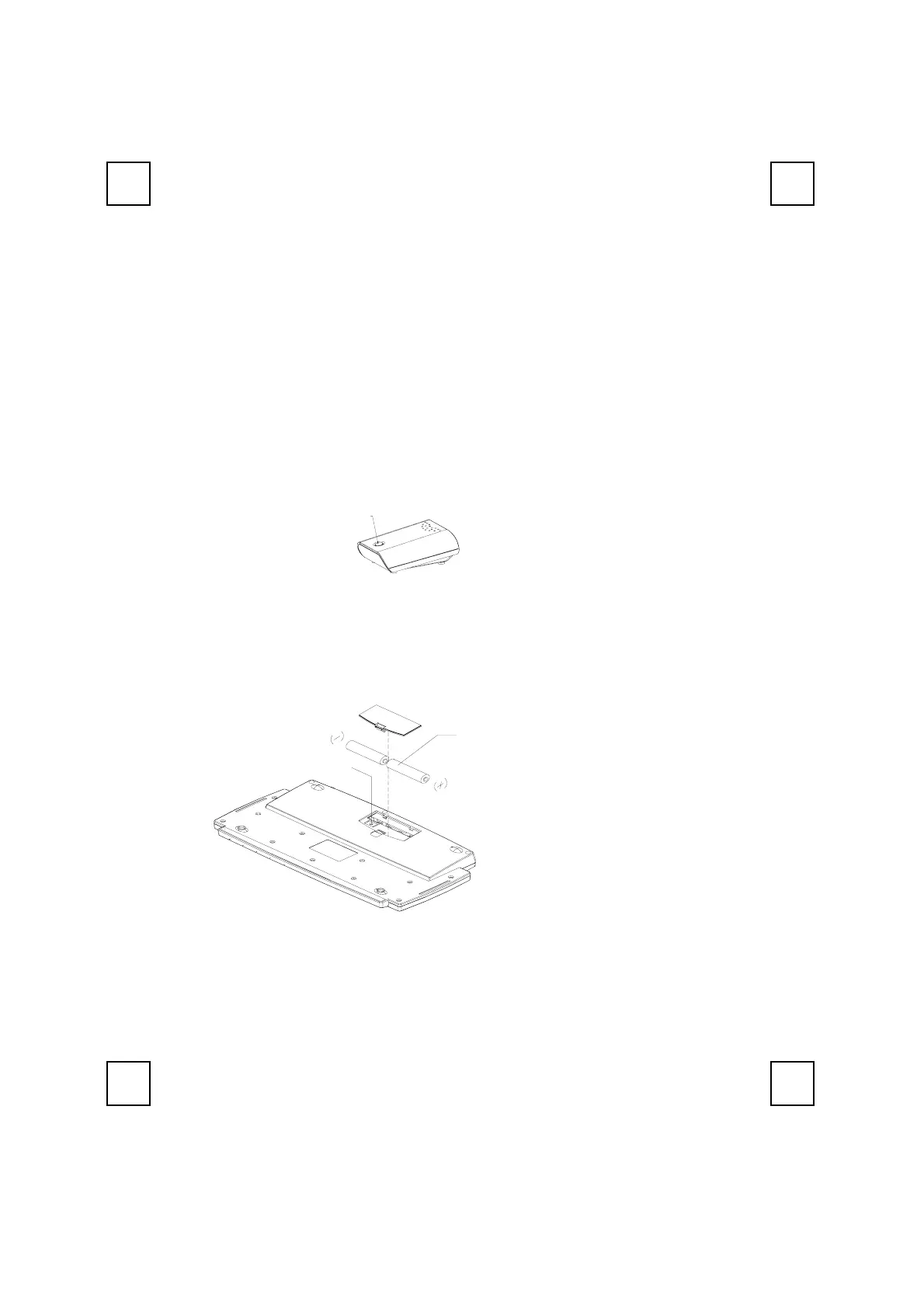
The word CONNECT labels ID button on each unit.
The LED under ID button of receiver shows connecting condition.
Step 1: Press ID button on the top of the receiver once.
ID Button(LED)
Step 2: The LED light under ID button on receiver starts flashing.
Step 3: Press ID button on the back of keyboard once.
ID Button
1.5V * 2
Step 4: Steps Complete. The LED light under ID button on receiver flashes quickly
several times and then stops when the connection between receiver and
keyboard is complete.
Attention:
The whole procedure should be completed within 1 minute.
ID Button on Receiver
(With a LED under the ID button)
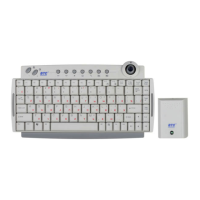
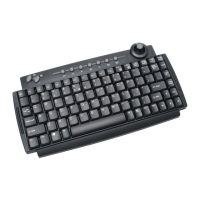
Front View of 9116URF Keyboard


 To Next Page