12
5.3 Using the Joystick
“Joystick Function” can only be used when playing computer games. Press “Fn +
F12 ” to switch to “Joystick Function”
When switching to Joystick Mode, an
icon will appear on Windows system
tray.
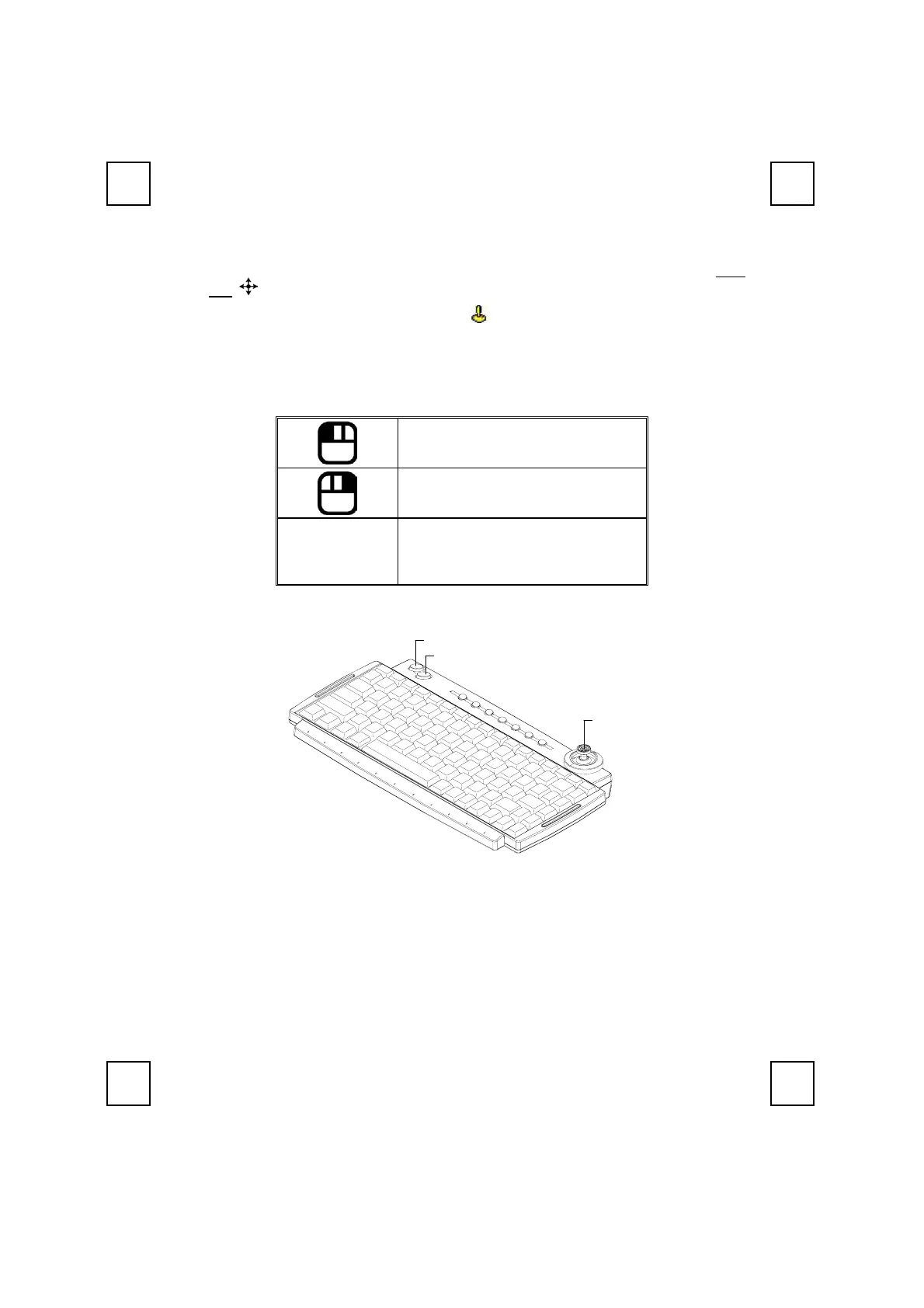
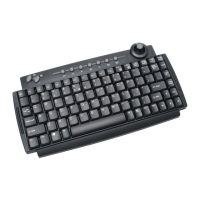
5.4.1 Joystick Buttons
Default Setting:
Button 1: Mouse Left Button
Button 2: Mouse Right Button
Joystick
1. Cursor movement
2. Press joystick:
Button 3 (Mouse Left Button)
Mouse Left Button
Mouse Right Button
Stick


 To Next Page