1716
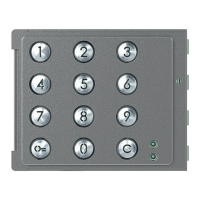
Sfera Keypad Module
User and installation manual
1
2
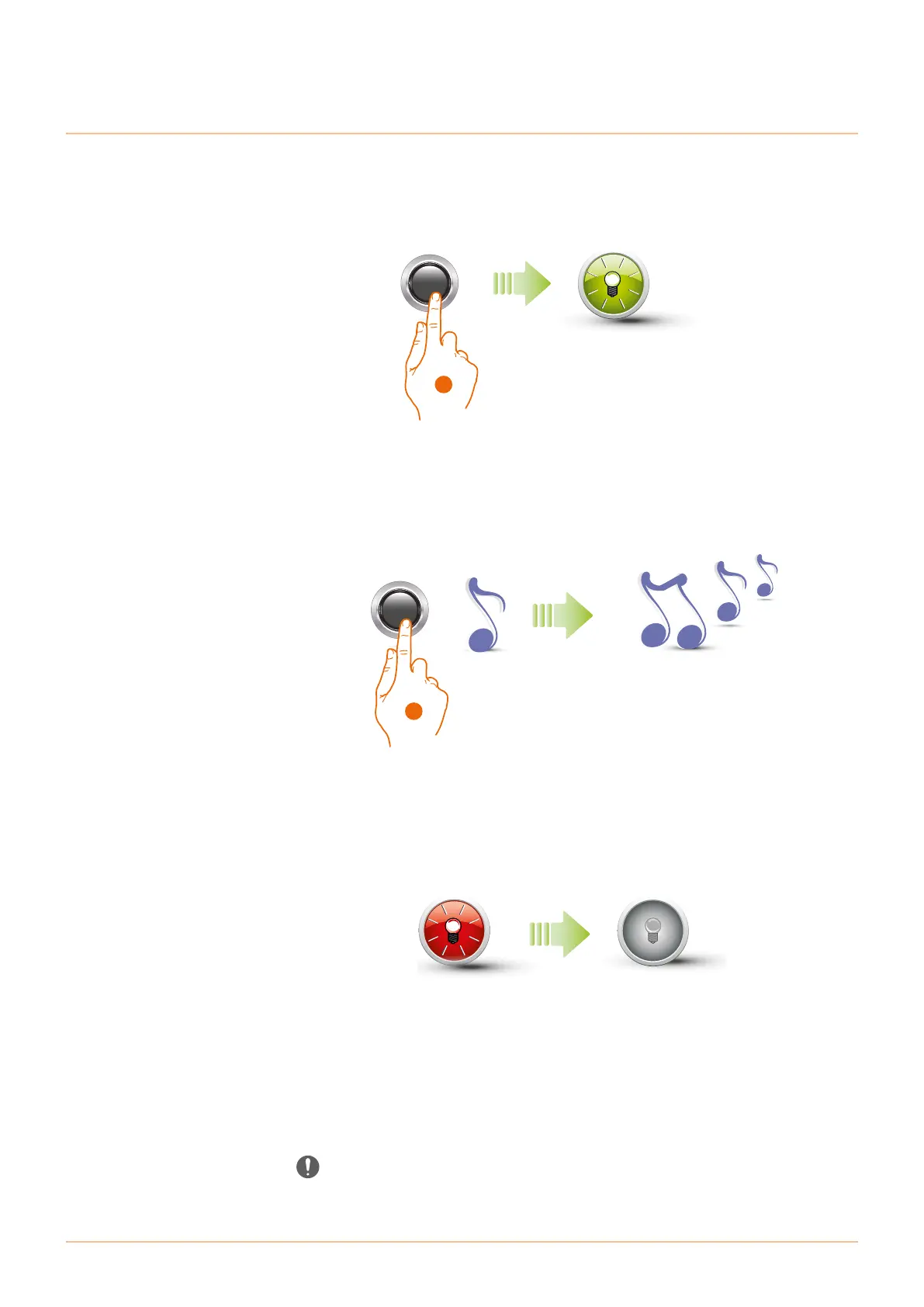
1. Press and hold down the programming pushbutton; the green LED starts flashing.
2. Press and hold down the button; the device emits 1 beep per second and a long beep after 10
seconds.
Deleting administrator codes
The red LED flashes and then switches on to confirm that the deletion is complete.
The procedure will cancel all the saved administrator codes.
Press and hold down the programming button during the whole procedure.
To stop the deletion procedure release the programming pushbutton.
For selective deletion use the TiSferaDesign software.



 To Next Page
 Loading...