3130
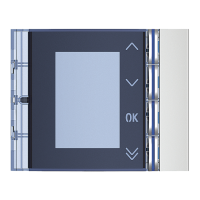
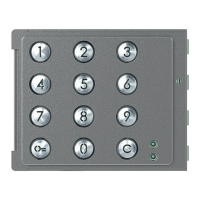
Sfera Keypad Module
User and installation manual
1
OFF
OFF
ON
ON
Reset
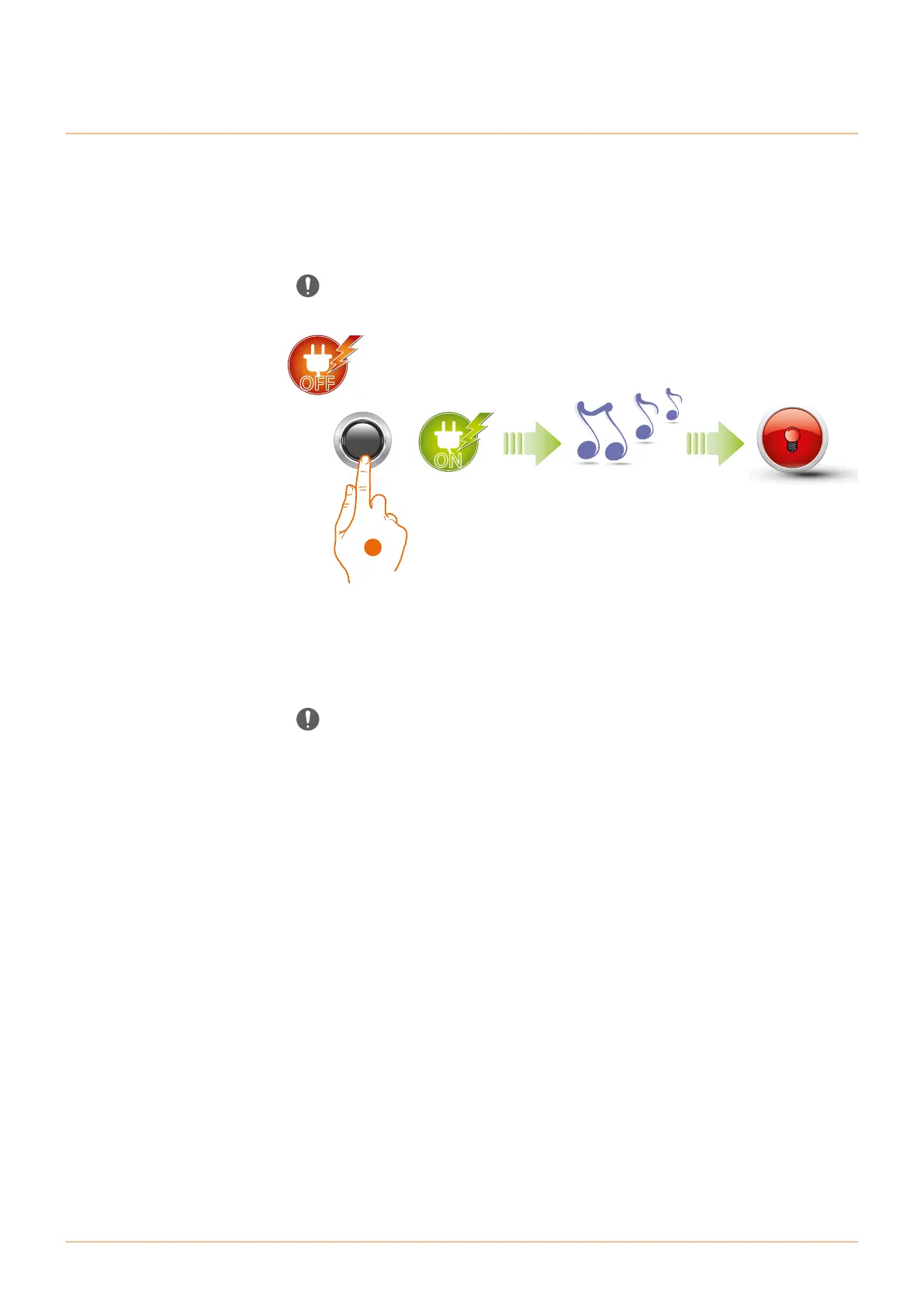
Caution: disconnect the power supply (BUS).
Should it become necessary to delete all the previously stored codes, it will be possible to reset the
Sfera Keypad Module. After the reset, the module will be set to the default settings.
1. Keep the programming pushbutton pressed and reconnect the power supply, keeping the
button pressed until a beep is heard. The red LED comes on steady for 4 seconds and then
switches off.
In case of entrance panels with keypad module and speaker module, after the reset wait
at least 1 minute before restarting with the programming procedure.



 To Next Page
 Loading...