18
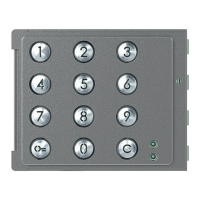
Sfera Keypad Module
User and installation manual
3
2
1
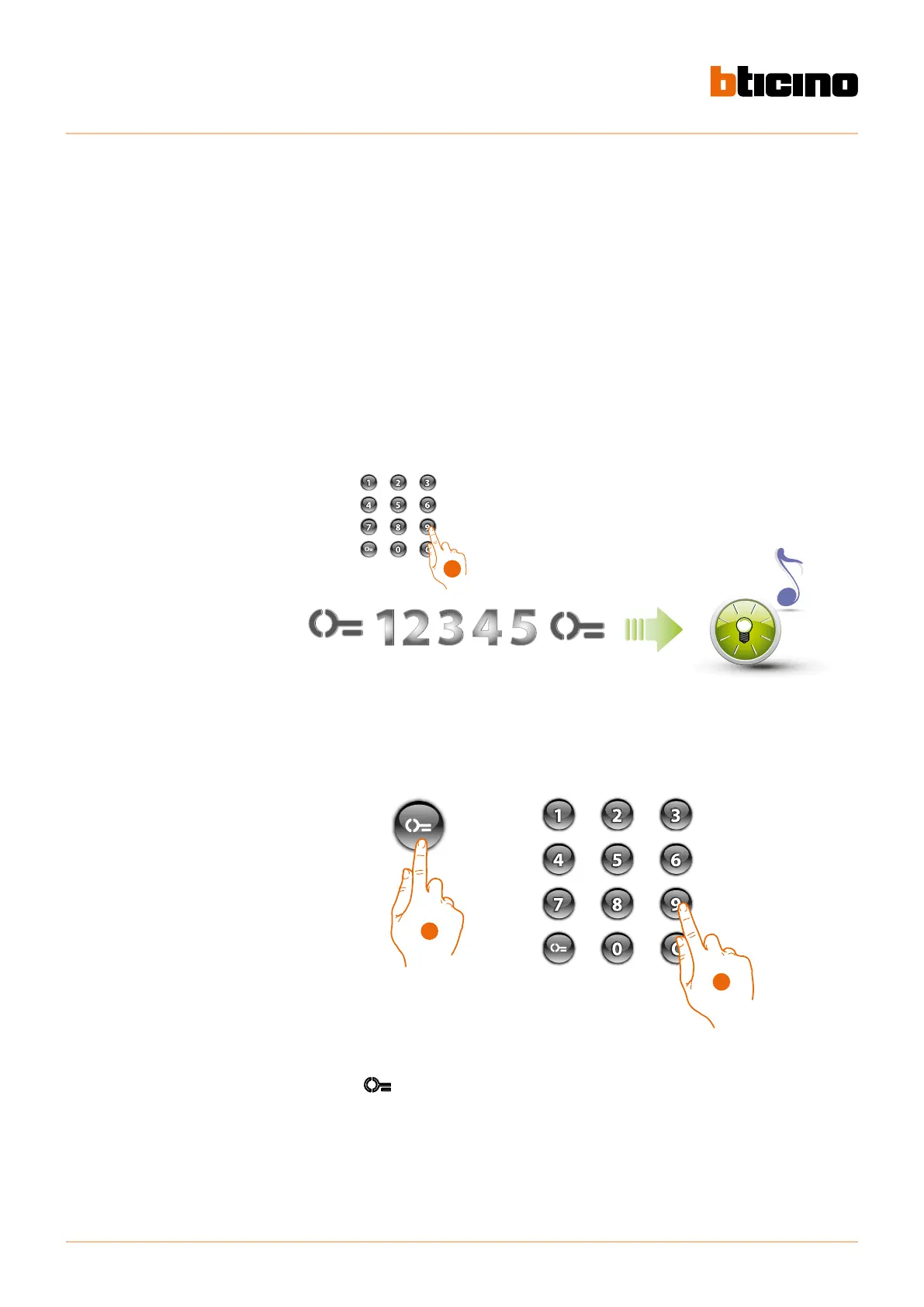
1. Enter the administrator code.
The device emits a confirmation beep and the green LED flashes The programming stage has
started.
2. Press the
key
3. Enter the passepartout code (4 to 9 digits)
Passepartout code
To access the programming of a “Passepartout” code, it will be necessary to have an administrator
code; it is possible to program up to 20 passepartout codes.
The keypad module will indicate if the code is accepted or rejected through audible signals and
the switching on of the green LED. Entering an unrecognised code will cause the interruption of
the programming procedure. This interruption will be notified with an extended beep and the
switching on of the red LED.
Note : only with Sfera Speaker Module 351100/351200/351300 + the associated Sfera Pushbutton
Modules 352000/352100 or only with the Sfera Keypad Module.
New passepartout code



 To Next Page
 Loading...