6 | Operation BÜCHI Labortechnik AG
22/34 Operation Manual Ultrasonic Package
6 Operation
6.1 Operating the display
6.1.1 Layout of the display
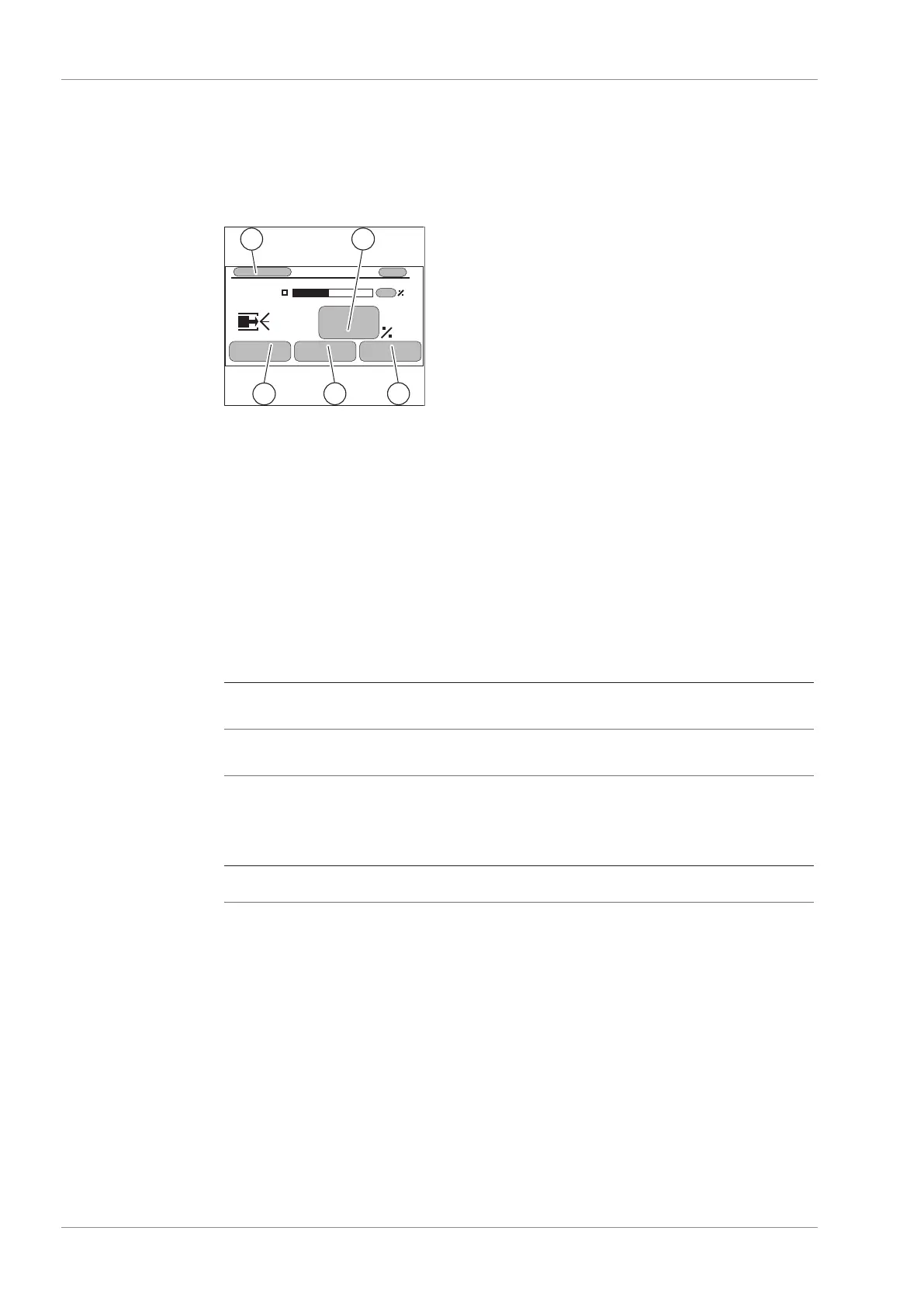
Fig.6: Display
1 Actual nozzle temperature 2 Set power / level
3 Info menu 4 Alarm screens
5 Setup menu
6.1.2 Entering settings
u Use the navigation control to select the desired parameter.
u Press the navigation control to confirm the selection.
6.1.3 Selecting the operation mode
The instrument has two operation modes:
Mode Explanation
Load-leveling mode The ultrasonic controller compensates the load changes
seen at the nozzle.
Power-leveling mode The ultrasonic controller delivers a constant power to the
nozzle.
Proceedings:
Navigation path
➔ Setup ➔ Leveling
u Navigate to the submenu Leveling according the navigation path.
u Select the mode.



 To Next Page