User Manual
AM10 - Reservado el derecho de introducir modificaciones como consecuencia de mejoras técnicas34
2
If the display receives no user's input for
10 seconds, it will automatically switch over to
its idle display (outdoor temperature). The dis-
play code is shown (flashing) when the appli-
ance is locked. Otherwise the following
symbols are implemented:
2.4 Description of the settings
Idle display
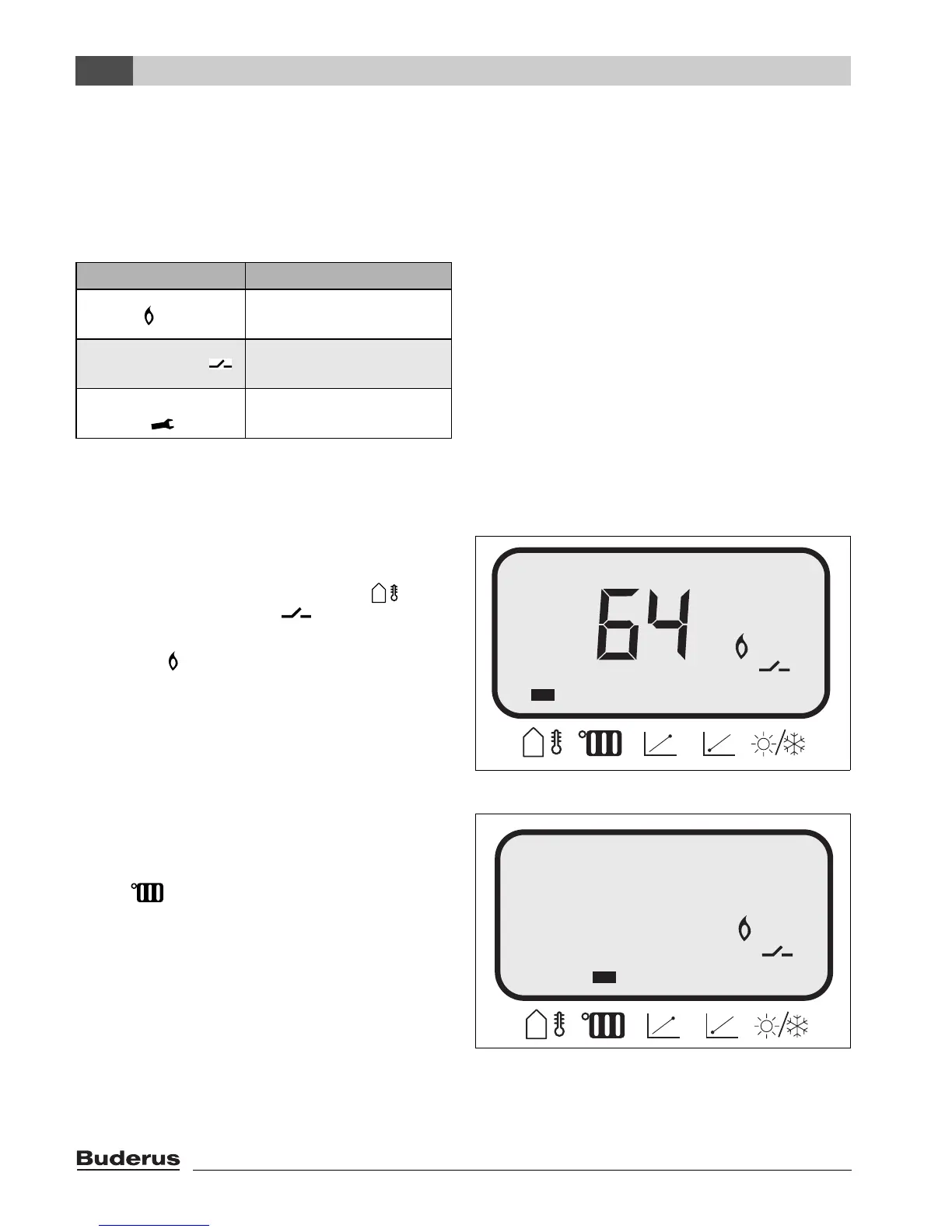
The current outdoor temperature is shown
(64 °F); the corresponding symbol " " is
marked. A heat request " " has been regis-
tered on the "AM10"; the appliance is in heat-
ing mode " ".
Flow temperature setpoint
The "Mode" key was used to select the
second menu item: the flow temperature set-
point " ".
Range: 32 - 194 °F.
Symbol Meaning
Flame
Appliance in heating
mode
Switch contact
Heating on input
"AM10"
Engineer's
wrench .
Appliance locked
Fig. 11 Idle display (1st menu item)
°F
Fig. 12 The flow temperature on the boiler,
requested by the "AM10"
8154
°F


 To Next Page
 Loading...