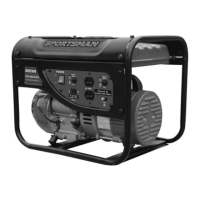
GEN2000 Portable Gasoline Generator
STOPPING THE GENERATOR
To stop this generator:
1. Turn off all connected electrical devices and then unplug them.
2. Allow this generator to run for several more minutes with no electrical devices connected to help stabilize the temperature of this generator.
3. Set the engine switch to the “OFF” position.
4. Turn the fuel valve to the “OFF” position.
Allow this generator to cool down before touching areas that become hot during operation.
Allowing gasoline to sit in this generator's fuel tank for extended time without use can increase the difficulty in starting this generator in
the future. Never store this generator for extended time with gasoline in the fuel tank.
MAINTENANCE/CARE
Proper routine maintenance of this generator is essential for safe, economical, and trouble-free operation. It will help prolong the life of this generator
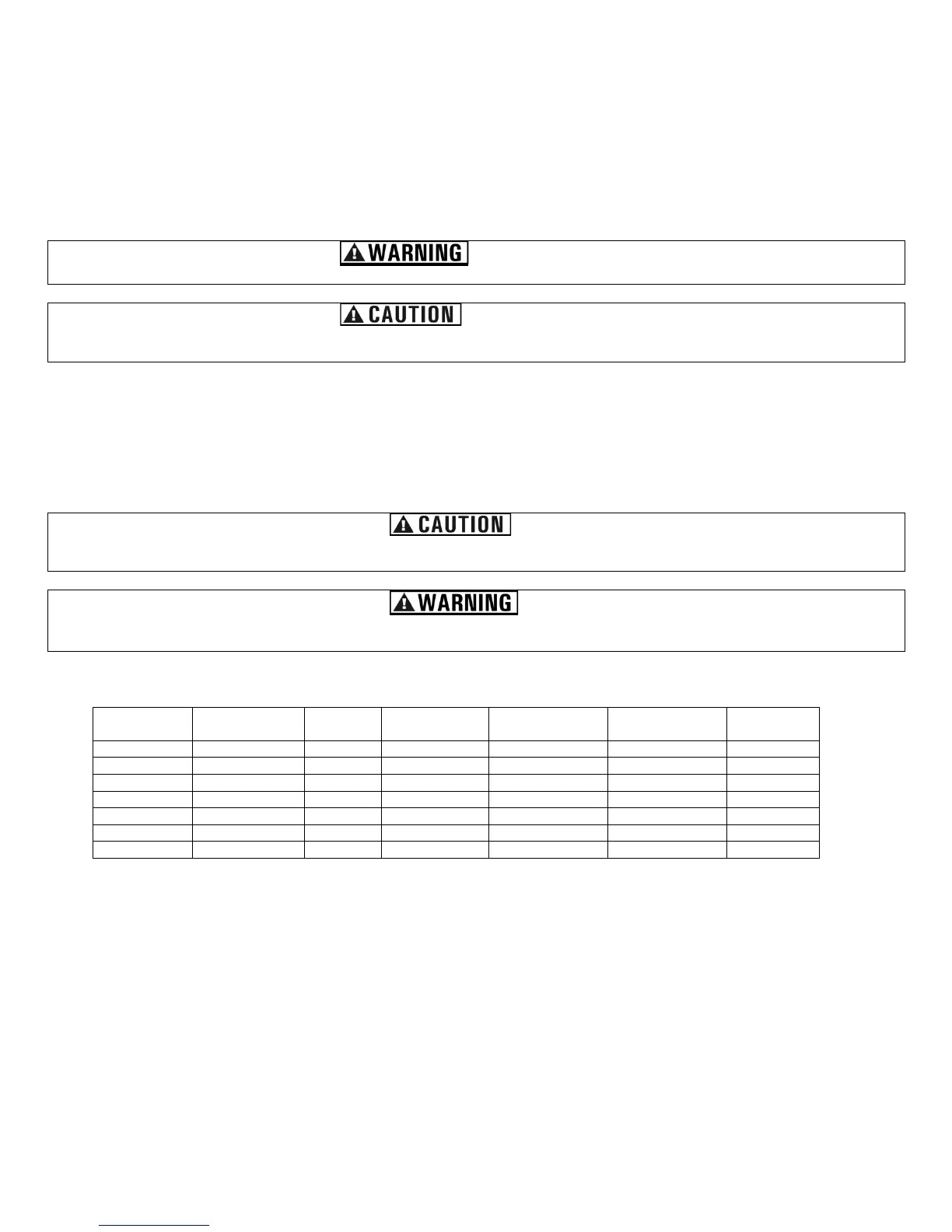
as well as help reduce air pollution. Perform maintenance checks and procedures according to the schedule in Figure 7.
Never perform maintenance procedures while this generator is running. Allow this generator to cool before commencing any maintenance
procedures. Keep heat, sparks and flame away.
Improper maintenance and/or failure to correct any problems prior to operating this generator can cause a malfunction which could cause
death or serious injury. Always follow the inspection and maintenance recommendations and schedules in this manual.
Recommended Maintenance Schedule
Every Month or
Each 20 Hrs
Every 3 Months or
Each 50 Hrs
Every 6 Months or
Each 100 Hrs
Every Year or
Each 300 Hrs
Figure 7 - Recommended maintenance schedule
Cleaning the Generator
Always try to use this generator in a cool dry place. If this generator becomes dirty, the exterior can be cleaned with a damp cloth, soft brush,
vacuum and/or pressurized air.
Never clean this generator with a bucket of water and/or a hose as water can get inside and cause a short circuit or corrosion.
Never use gasoline to clean parts of this generator.
Checking the Oil Level
It is important to check the oil level in the engine crankcase before each use to ensure that there is a sufficient quantity.


 To Next Page