Recommended Usage
Warning
To avoid damage to your data, please follow these precautions:
Never congure this unit as a destination for virtual memory.
Never perform any of the following operations while the access LED is blinking:
•
Unplug the cables
•
Turn o your computer
•
Put your computer into standby, hibernate, or sleep mode
•
Mac OS X may not recognize this device at boot. If this happens, unplug the USB cable, then plug it
again after a few seconds.
•
This unit supports hot-plugging connections. You can plug or unplug the data cable while the
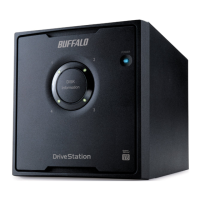
DriveStation and your PC are on. However, never unplug the cable while the power/access LED is
ashing, or your data may be lost or damaged.
•
Do not lean any object against this unit. It may cause the unit to malfunction.
•
If you use this unit with Windows 7, Vista, or XP on a computer with a USB 2.0 or 1.1 port
, you may
receive a message indicating that a high-speed USB hub is connected to a non high-speed USB device.
To continue, click [X].
•
You may hear some noise while this unit is working, especially while it’s booting or being accessed.
This is normal.
•
Always refer to the manuals for your computer and peripheral devices.
•
After a system crash, Mac OS may ask you to insert your OS X system disk to recover the OS.
Disconnect the DriveStation from your Mac before initiating the recovery process.
•
If you are going to recover from Macintosh, disconnect this unit, it may not be recovered without
removing this unit.
•
Booting an OS from this drive is not supported.











 To Next Page