6
HD-PZU3 User Manual
Encryption Installation and
Setup (Windows PCs only)
This process will encrypt your hard drive (HDD).
1
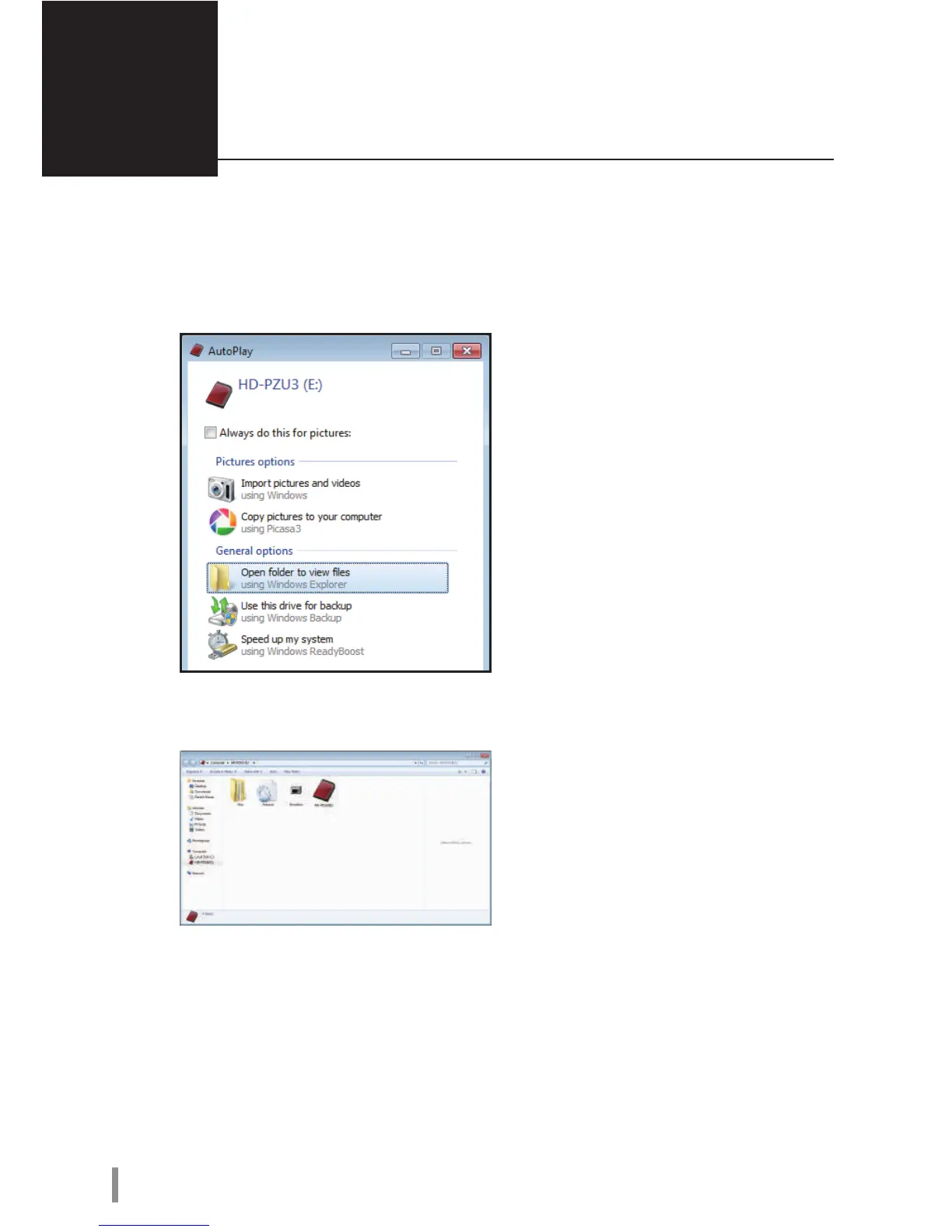
Connect the HDD and double-click [HD-PZU3] from Windows Explorer. If the
HDD is automatically detected by Windows, click [Open folder to view les].
2
A window is opened that displays the contents of the HDD. Click [Drivenavi].













 To Next Page