10
HD-PZU3 User Manual
12
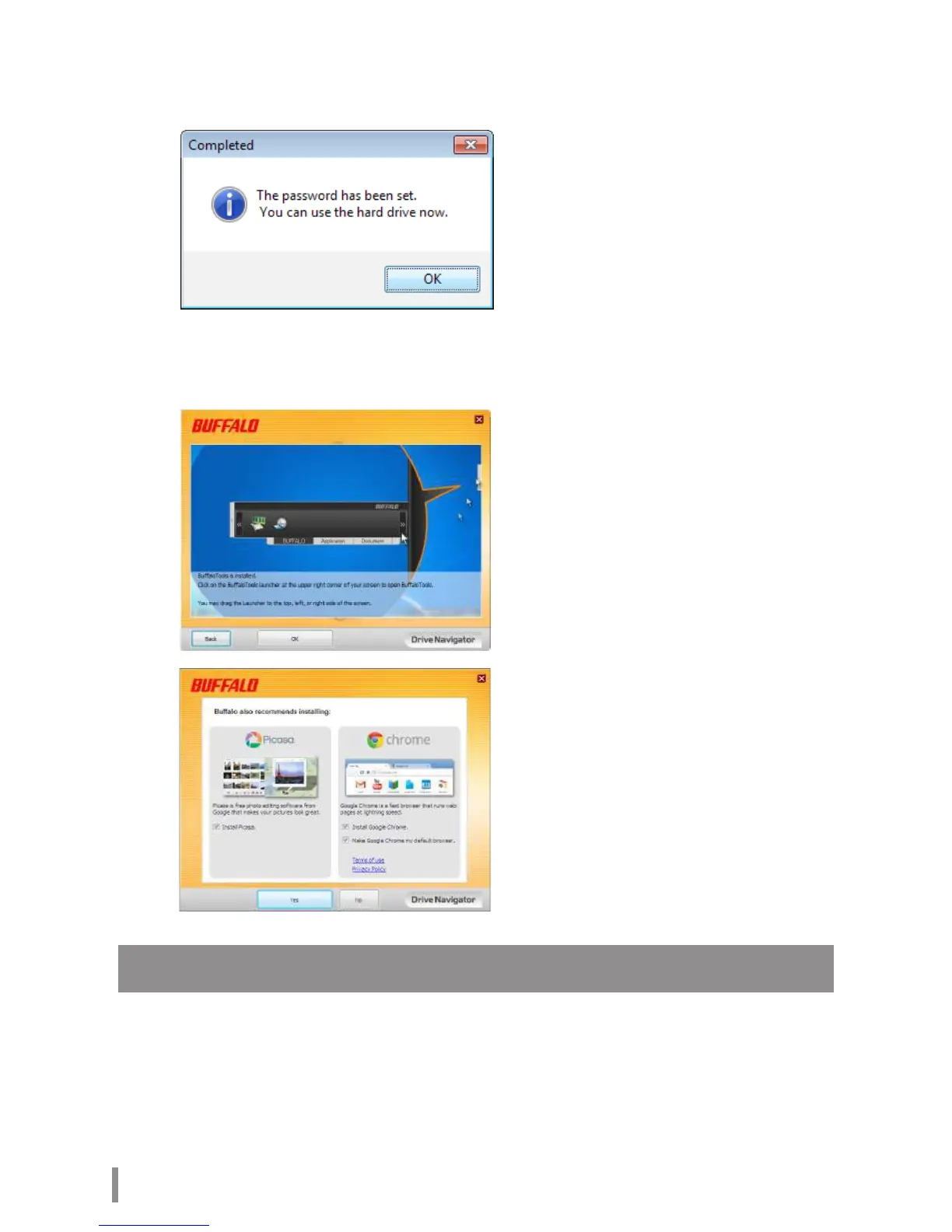
When the Completed window is displayed, the password is set. Click [OK].
13
Next, you can install “BUFFALO Tools” and other software including a wide
array of convenient features. Install by following the on-screen instructions.
Authentication procedure for encrypted HDD
An encrypted HDD is recognized by the computer as a virtual CD at startup. When you attempt to
access it, a window is displayed asking for the preset password.
If using the encrypted HDD on a PC where Secure Lock Manager Easy is not installed, run the
Password.exe le from the virtual CD to authenticate.













 To Next Page