EasyManua.ls Logo

Buffalo TeraStation TS3400D - User Manual

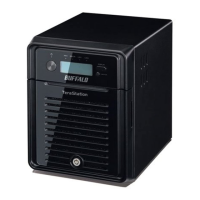
Buffalo TeraStation TS3400D
214 pages
Print Icon
To Next Page IconTo Next Page
Loading...
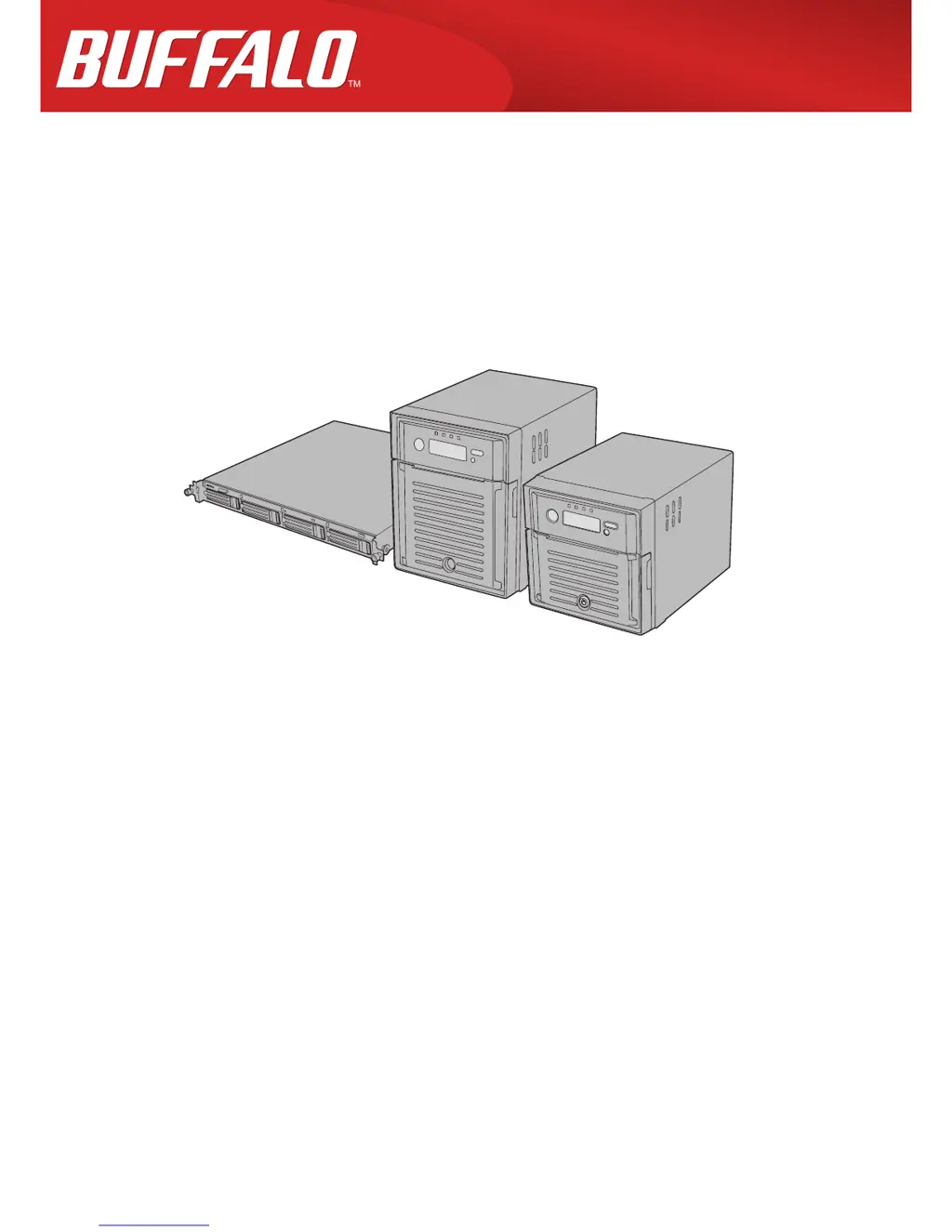
TeraStation 3000
User Manual
Americas: www.buffaloamericas.com
Europe: www.buffalo-technology.com
Asia Pacific: www.buffalo-asia.com
35013005-11
2015.09

Table of Contents

Questions and Answers

Summary

Chapter 1 Getting Started

Turning the TeraStation On and Off

Provides instructions for powering the TeraStation on and off correctly.

Changing the Administrator Password

Guides users through the process of changing the default administrator password.

Chapter 2 Configuration

Opening Settings

Steps to access the TeraStation's configuration interface via a web browser.

Chapter 3 Access Restrictions

Adding a Shared Folder

Procedure for creating new shared folders and setting their attributes.

Adding Users

Steps to create local user accounts for accessing shared folders.

Active Directory

How to join the TeraStation to an Active Directory domain for centralized management.

NT Domain

Configuring the TeraStation to use an NT domain for access restrictions.

User Authentication with an External SMB Server

Linking TeraStation to external servers for centralized user authentication.

Chapter 4 Managing Storage

RAID Arrays

Details the different RAID modes supported by the TeraStation and their configurations.

Erase Data on the TeraStation Completely

Provides a secure method to erase all data and reset the TeraStation to factory defaults.

Using the TeraStation as an iSCSI Device

Guides on configuring the TeraStation to function as an iSCSI target.

Configuring Access Restrictions

How to set up access restrictions for iSCSI volumes.

Chapter 5 Backup

Back Up from the TeraStation

Options for backing up TeraStation folders to various destinations.

Configuring a Backup Job

Steps to set up scheduled or manual backup jobs.

Replication

How to set up replication for data redundancy between TeraStations.

Failover

Configuration for automatic switching to a backup TeraStation if the main one fails.

Backing Up Your Mac with Time Machine

How to use the TeraStation as a Time Machine backup destination.

Chapter 6 Remote Access

WebAccess

Accessing TeraStation files remotely via the internet.

FTP

Enabling and configuring FTP access for remote file transfer.

Amazon S3

Configuring the TeraStation for remote storage with Amazon S3.

Chapter 7 BitTorrent

Chapter 8 Multimedia

DLNA

Sharing digital media files over the network for DLNA-compatible devices.

Chapter 9 Surveillance Server

Getting Started

Lists required items and system requirements for setting up surveillance.

Installing Client Tools

Guides on installing necessary software for surveillance camera management.

Enabling Surveillance Cameras

How to enable surveillance camera functionality and register cameras.

Enabling the Free License

Activating the included free license for one surveillance camera.

Registering Recording Policies

Setting up recording schedules and policies for network cameras.

Automatically Delete Old Data when Space is Low

Configuring automatic deletion of old video data to free up space.

Client Tools

Information on client software for managing surveillance cameras.

Camera Policies

Utility for registering cameras and starting video recording.

Vault Admin

Utility for managing surveillance camera resources and licenses.

Troubleshooting

Common issues and solutions for surveillance server functionality.

Chapter 10 Advanced Features

Chapter 11 Utilities

Summary

Chapter 1 Getting Started

Turning the TeraStation On and Off

Provides instructions for powering the TeraStation on and off correctly.

Changing the Administrator Password

Guides users through the process of changing the default administrator password.

Chapter 2 Configuration

Opening Settings

Steps to access the TeraStation's configuration interface via a web browser.

Chapter 3 Access Restrictions

Adding a Shared Folder

Procedure for creating new shared folders and setting their attributes.

Adding Users

Steps to create local user accounts for accessing shared folders.

Active Directory

How to join the TeraStation to an Active Directory domain for centralized management.

NT Domain

Configuring the TeraStation to use an NT domain for access restrictions.

User Authentication with an External SMB Server

Linking TeraStation to external servers for centralized user authentication.

Chapter 4 Managing Storage

RAID Arrays

Details the different RAID modes supported by the TeraStation and their configurations.

Erase Data on the TeraStation Completely

Provides a secure method to erase all data and reset the TeraStation to factory defaults.

Using the TeraStation as an iSCSI Device

Guides on configuring the TeraStation to function as an iSCSI target.

Configuring Access Restrictions

How to set up access restrictions for iSCSI volumes.

Chapter 5 Backup

Back Up from the TeraStation

Options for backing up TeraStation folders to various destinations.

Configuring a Backup Job

Steps to set up scheduled or manual backup jobs.

Replication

How to set up replication for data redundancy between TeraStations.

Failover

Configuration for automatic switching to a backup TeraStation if the main one fails.

Backing Up Your Mac with Time Machine

How to use the TeraStation as a Time Machine backup destination.

Chapter 6 Remote Access

WebAccess

Accessing TeraStation files remotely via the internet.

FTP

Enabling and configuring FTP access for remote file transfer.

Amazon S3

Configuring the TeraStation for remote storage with Amazon S3.

Chapter 7 BitTorrent

Chapter 8 Multimedia

DLNA

Sharing digital media files over the network for DLNA-compatible devices.

Chapter 9 Surveillance Server

Getting Started

Lists required items and system requirements for setting up surveillance.

Installing Client Tools

Guides on installing necessary software for surveillance camera management.

Enabling Surveillance Cameras

How to enable surveillance camera functionality and register cameras.

Enabling the Free License

Activating the included free license for one surveillance camera.

Registering Recording Policies

Setting up recording schedules and policies for network cameras.

Automatically Delete Old Data when Space is Low

Configuring automatic deletion of old video data to free up space.

Client Tools

Information on client software for managing surveillance cameras.

Camera Policies

Utility for registering cameras and starting video recording.

Vault Admin

Utility for managing surveillance camera resources and licenses.

Troubleshooting

Common issues and solutions for surveillance server functionality.

Chapter 10 Advanced Features

Chapter 11 Utilities

Buffalo TeraStation TS3400D Specifications

General IconGeneral
ModelTS3400D
CategoryStorage
Total Bays4
RAID Levels0, 1, 5, 10, JBOD
Ethernet Ports2 x Gigabit Ethernet
USB Ports2 x USB 3.0
Form FactorDesktop
Maximum Internal Raw Capacity32 TB
Supported Drives3.5" SATA
Memory2GB DDR3
Operating SystemBuffalo NAS
Power SupplyAC 100-240V, 50/60Hz

Related product manuals