EasyManua.ls Logo

Buffalo TeraStation TS3200D - User Manual

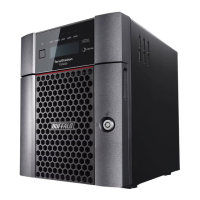
Buffalo TeraStation TS3200D
214 pages
Print Icon
To Next Page IconTo Next Page
Loading...
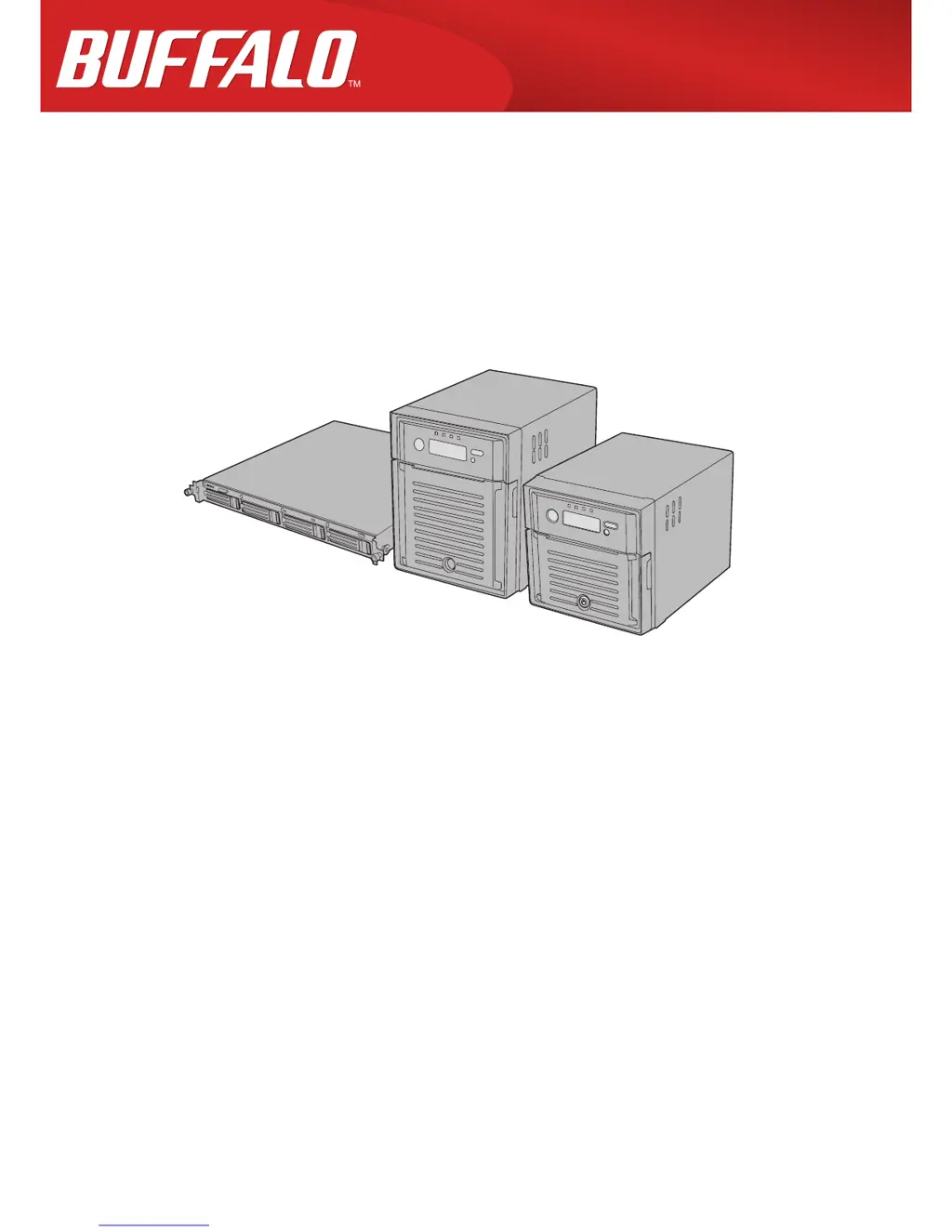
TeraStation 3000
User Manual
Americas: www.buffaloamericas.com
Europe: www.buffalo-technology.com
Asia Pacific: www.buffalo-asia.com
35013005-11
2015.09

Table of Contents

Questions and Answers

Summary

Chapter 1 Getting Started

Turning the TeraStation On and Off

Instructions for powering the device on and off correctly.

Chapter 2 Configuration

Chapter 3 Access Restrictions

User and Group Management

Steps for managing user accounts and groups for access control.

Access Policy Configuration

Setting up and managing access restrictions using local, domain, or external authentication methods.

Chapter 4 Managing Storage

RAID Arrays

Overview of supported RAID types and their configurations based on installed drives.

Working with RAID Arrays

Detailed instructions for managing RAID arrays, including using JBOD and changing RAID modes.

Using the TeraStation as an iSCSI Device

Guide to configuring the TeraStation for use as an iSCSI target for block-level storage access.

Chapter 5 Backup

Back Up from the TeraStation

Procedures for backing up data from the TeraStation to various destinations.

Replication

Method for copying data to another TeraStation for data protection and redundancy.

Failover

Setting up a secondary TeraStation to take over operations automatically if the main unit fails.

Chapter 9 Surveillance Server

Chapter 10 Advanced Features

Antivirus Software

Information on using Trend Micro NAS Security for virus protection and license management.

Chapter 11 Utilities

NAS Navigator2 for Windows

Using the utility to manage TeraStation settings, IP address, and hard drive status.

Summary

Chapter 1 Getting Started

Turning the TeraStation On and Off

Instructions for powering the device on and off correctly.

Chapter 2 Configuration

Chapter 3 Access Restrictions

User and Group Management

Steps for managing user accounts and groups for access control.

Access Policy Configuration

Setting up and managing access restrictions using local, domain, or external authentication methods.

Chapter 4 Managing Storage

RAID Arrays

Overview of supported RAID types and their configurations based on installed drives.

Working with RAID Arrays

Detailed instructions for managing RAID arrays, including using JBOD and changing RAID modes.

Using the TeraStation as an iSCSI Device

Guide to configuring the TeraStation for use as an iSCSI target for block-level storage access.

Chapter 5 Backup

Back Up from the TeraStation

Procedures for backing up data from the TeraStation to various destinations.

Replication

Method for copying data to another TeraStation for data protection and redundancy.

Failover

Setting up a secondary TeraStation to take over operations automatically if the main unit fails.

Chapter 9 Surveillance Server

Chapter 10 Advanced Features

Antivirus Software

Information on using Trend Micro NAS Security for virus protection and license management.

Chapter 11 Utilities

NAS Navigator2 for Windows

Using the utility to manage TeraStation settings, IP address, and hard drive status.

Buffalo TeraStation TS3200D Specifications

General IconGeneral
BrandBuffalo
ModelTeraStation TS3200D
CategoryStorage
LanguageEnglish

Related product manuals