189
Note: This tab changes the language used by the TeraStation for email notifications, DLNA, and other functions.
To change the language displayed in Settings, go to Advanced Settings or Easy Admin and click Language in the
menu bar. Choose your desired language from the drop-down menu.
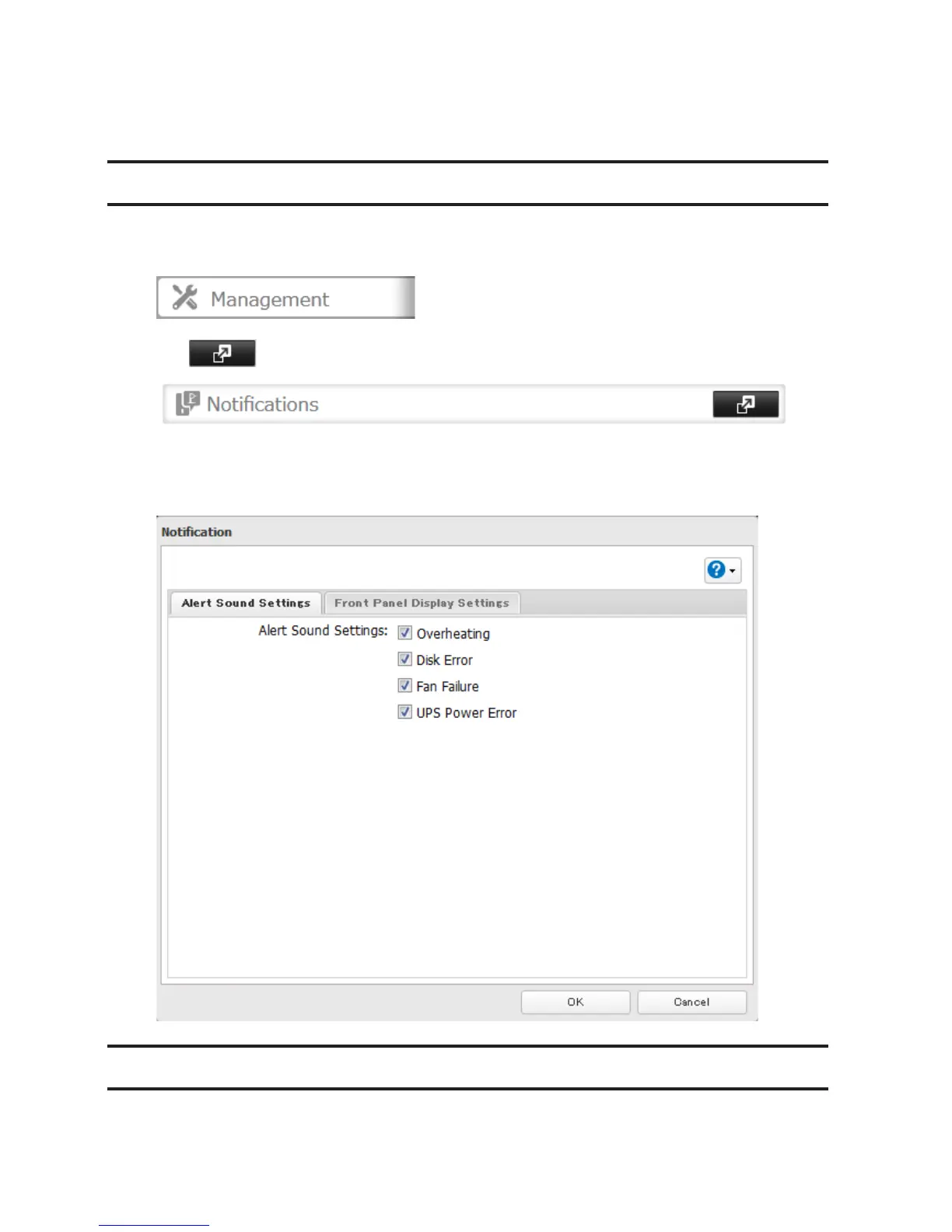
Beep Alerts
You can set the TeraStation to beep when certain errors occur.
1 In Settings, click Management.
2 Click to the right of "Notifications".
3 Click Edit.
4 Select the conditions to beep the alert, then click OK.
LCD and LEDs
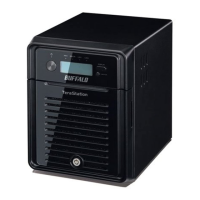
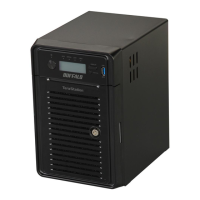
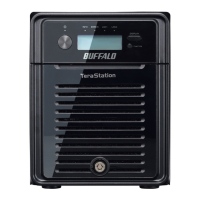
You may configure the LEDs and LCD on the front of the TeraStation.








 To Next Page