
 Need help?
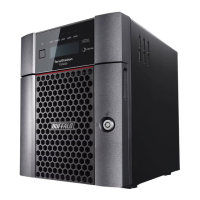
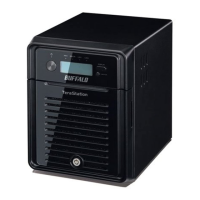
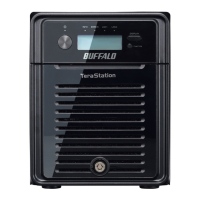
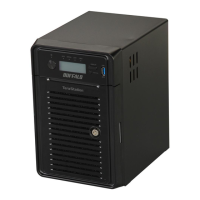
Do you have a question about the Buffalo TeraStation TS5800D and is the answer not in the manual?
Steps for installing the TeraNavigator software and connecting the TeraStation.
Guide to opening and logging into the TeraStation's primary web-based management interface.
Configuring permissions for users and groups on shared folders.
Connecting the TeraStation to Active Directory or NT domains for centralized access management.
Explanation and setup of different RAID modes for data redundancy and performance.
Setting up backup locations, jobs, and passwords for data protection.
Enabling and configuring remote access to shared folders via the internet.
Installing client tools, connecting cameras, and enabling surveillance functionality.
Activating, configuring, and updating the Trend Micro NAS Security antivirus software.
 General
| Category | Storage |
|---|---|
| Form Factor | Tower |
| Total Bays | 8 |
| RAID Support | RAID 0, 1, 5, 6, 10, JBOD |
| Memory | 4 GB DDR3 |
| Ethernet Ports | 2 x Gigabit Ethernet |
| USB Ports | 2 x USB 3.0 |
| Model | TeraStation TS5800D |
| Drive Interface | SATA |
| Operating System | Buffalo NAS OS |







 To Next Page