
 Need help?
Do you have a question about the Bulldog Security Remote Starter and is the answer not in the manual?
Troubleshoot when vehicle attempts to start but fails, checking for bypass module needs.
Address issues where the unit clicks but the engine does not start, checking brake wire and hood pin.
Resolve bypass learning issues by verifying IGN 1 and Starter/Crank wire connections.
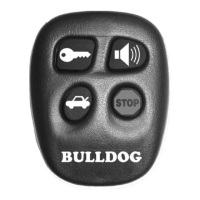
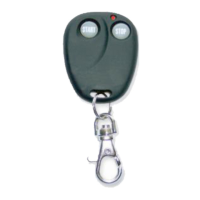
Synchronize transmitter by pressing a button; unit clicks (flashing parking lights).
Test remote start; parking lights flash, engine runs for programmed time, then shut down.
Connects ignition, accessory, starter, and 12V constant wires to the ignition switch harness.
Details connections for the 9-pin harness, including ground, parking lights, and brake wires.
Covers connections for vehicle anti-theft systems like VATS, PASSLOCK 1 and 2, and Transponder.
 General
| Operating Voltage | 12V DC |
|---|---|
| Keyless Entry | Yes |
| Installation | Professional installation recommended |
| Remote Start | Yes |
| Trunk Release | Yes |
| Power Windows | No |
| Compatibility | Most vehicles |
| Engine Immobilizer Bypass | Yes, with additional module |


 To Next Page