15
ECM TUNER
Introduction
Updating
Physical
Installation
Installing the
Tune
Uninstalling
the Tune
Operating the
HDGT
More
Information
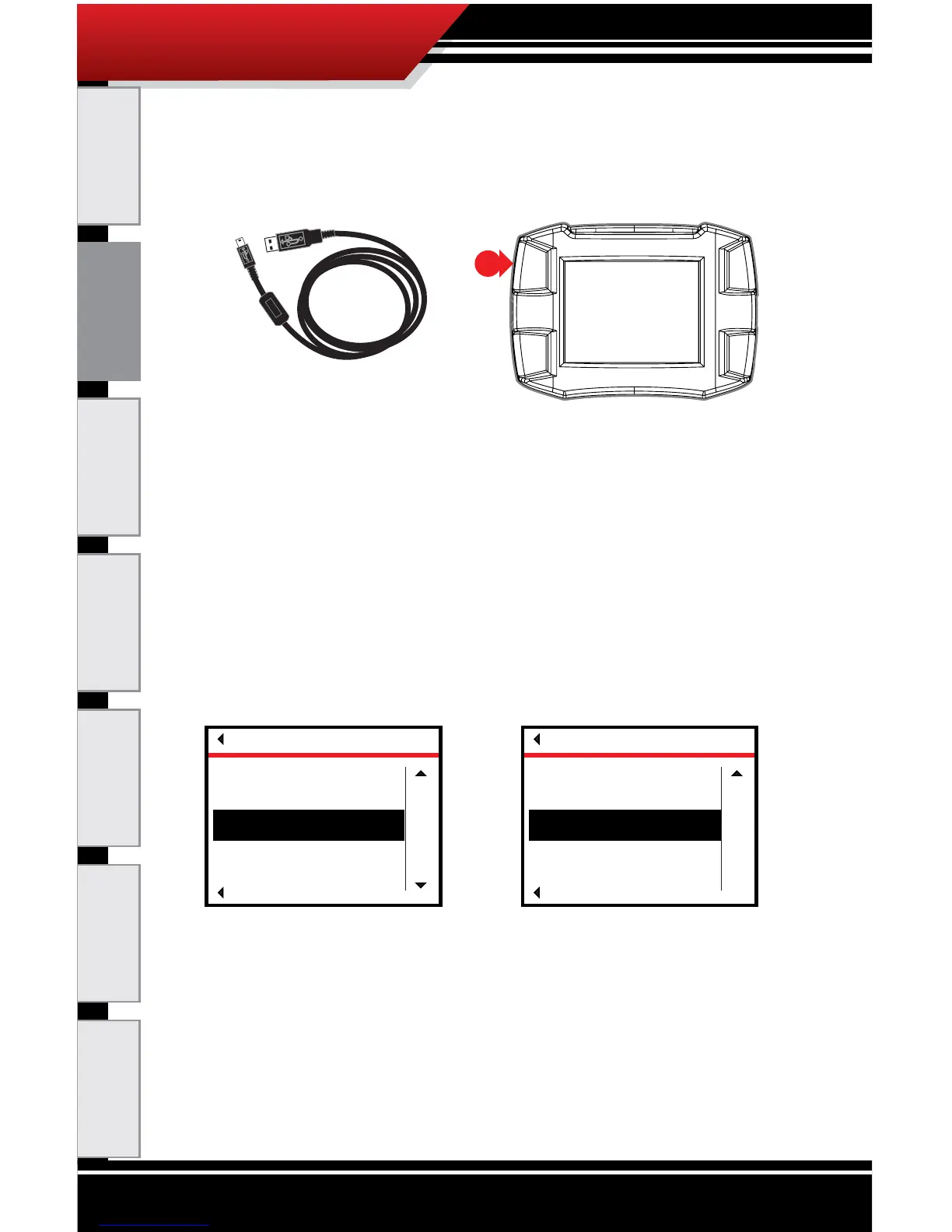
9. Connect the ECM Tuner to a power source.
‣ Use the Mini-USB cable to connect the ECM Tuner
to your computer, then press the top left button to
exit USB mode when prompted.
OR
‣ Connect the ECM Tuner to your vehicle, turn the key
to the RUN or ON position and the ECM Tuner will
power on. Go to the Main Menu (top left button).
10. Go to the Main Menu (top left button).
11. Use the buttons on the right of the ECM Tuner to scroll
down and highlight one of the following options:
‣ Update Device Software
OR
‣ Change Vehicle/Engine
12. SELECT the highlighted option (bottom left button).
13.(a) If you chose Update Device Software:
a. Conrm that the correct engine/vehicle application
is listed.
MAIN MENU
Go Back
Select
up
DOWN
Uninstall Device
Update Device Software
Change Vehicle/Engine
MAIN MENU
Go Back
SELECT
UP
Update Device Software
Change Vehicle/Engine



 To Next Page