34
ECM TUNER
Introduction Updating
Physical
Installation
Installing the
Tune
Uninstalling
the Tune
Operating the
HDGT
More
Information
Detailed Instructions
Phase 1
1. Physically install the ECM Tuner.
2. Prepare to install the tune.
a. Disconnect the trailer wire.
b. Remove ABS/brake fuses.
3. Turn the key to the RUN (or ON) position.
a. Do NOT start the engine.
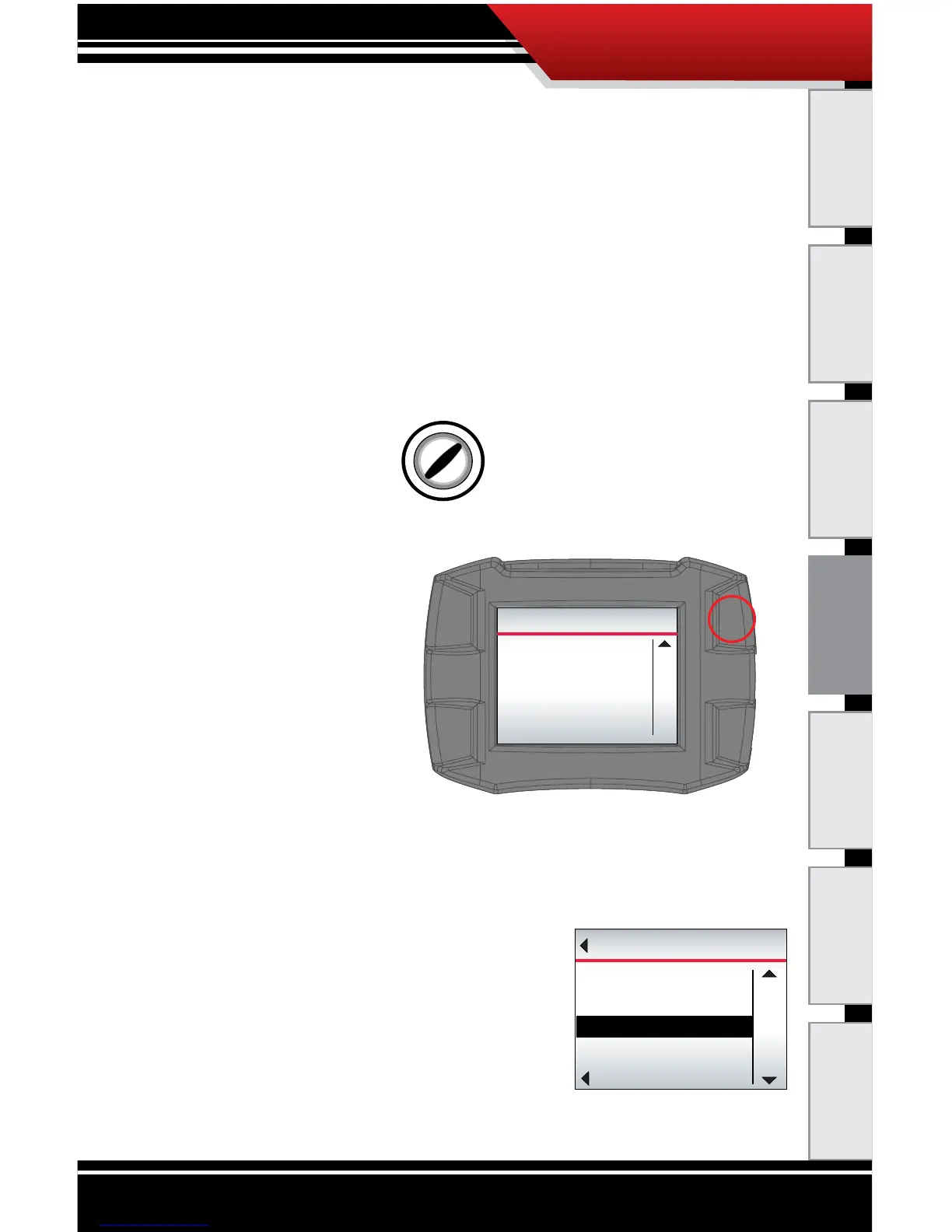
4. Read the disclaimer on the welcome screen.
‣ If you have
already updated,
press Continue
(top right button).
‣ If not, disconnect
and update.
5. If it is the rst time the ECM Tuner has been connected
to a vehicle, it may require that you select an engine
type before you are allowed to continue.
‣ If you are not prompted to select a vehicle, skip to
step 10.
a. Use the buttons on the right
to highlight the correct vehicle
type.
b. Press the bottom left button
to SELECT the highlighted
vehicle type.
Continue
Insert the included SD card and
visit www.bullydogbigrig.com
If you have not yet updated
your device using the
Heavy Duty Update Agent,
please do so before continuing.
WELCOME TO THE GAUGE TUNER
Go Back
UP
DOWN
VEHICLES
CAT
SELECT
CUMMINS CELECT PLUS ‘97-’01



 To Next Page