Bunn-O-Matic Corporation
13
Machine Composition
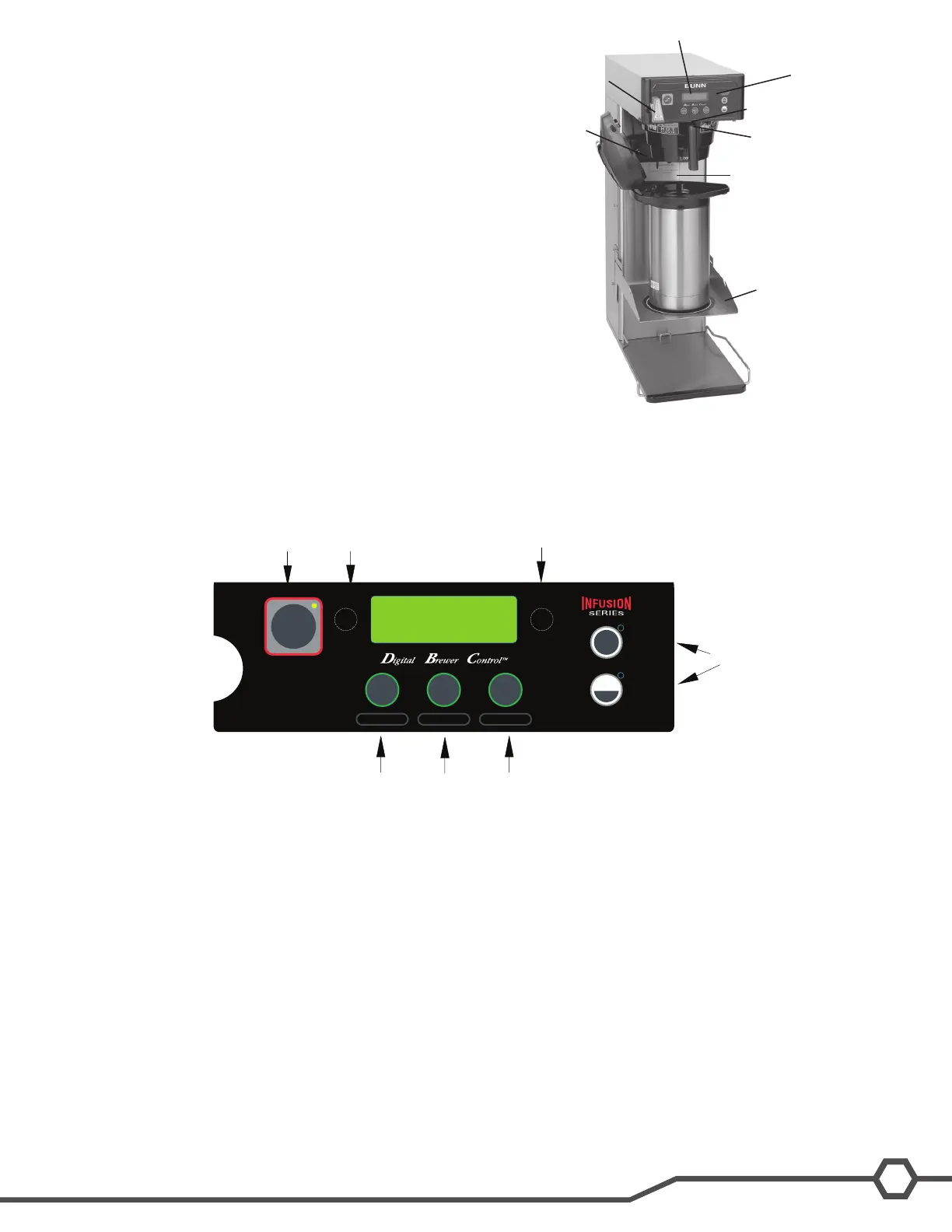
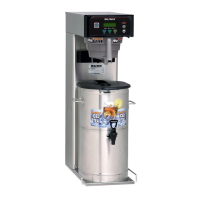
Exterior Overview
Product Outlets and Removable Parts
User interface (A)•
Display (B)•
Hot water outlet (C)•
Sprayhead (D)•
Dilution Nozzle (E)•
Funnel sensing coil (F)•
Data plate (G)•
Flip down tray (H)•
On/off switch (on the side)•
User Interface
The user interface is a membrane switch adhered to the front of the brewer. The membrane is connected to the
control board by a ribbon cable. The user interface allows the user to select the product, batch size and to begin
the brew cycle.
The machine’s display is mounted to the control board. The display is visible on the front of the machine and
provides information to the user and to the technician.
A. Programming (right)
Pressingandholdingthispadallowsentryintotheprogrammingmenus.Pressingandreleasingthepadsteps
through each function screen while in the programming mode.
B. Programming (left)
This hidden pad can be used to scroll backwards through the function list while in programming mode.
C, D, E. Brew (A, B, C) and Function
When the ON/OFF is ON and the brewer is on the main screen (not in programming mode), momentarily press-
ing and releasing this pad will begin a brew cycle. These are also used to program the brewer when in the
programming mode.
F. On/Off Switch
Pressingthe“ON/OFF”padwillalternatelyturnthebreweronandoff.Pressingthispadduringthebrewcycle
willinterruptthebrewcycle,stoppingtheowofwater.Pressingthispadduringprogrammingofthebrewerwill
exit the setup and return to the main screen.
G.BATCHSELECTORPADS
PressingthepadcorrespondingtotheHalforFullbatchselectstheamountofproducttobebrewed.Pressing
a different pad after a brew cycle has been initiated does not change the brew batch in progress. Light indicates
the selected batch to brew. Also used in programming to adjust settings on both batch sizes.
HALF
FULL
BREW
A
BREW
B
BREW
C
®
ENABLE
ON / OFF
BREW
A
B
C D E
READY TO BREW
WATER TEMP: 200°
F
G


 To Next Page