ITCB Training Manual
20
Service Tools
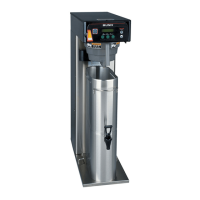
The ITCB brewer features on-board troubleshooting. Since all of the machine’s components are controlled or activat-
ed by the control board you can activate and test components individually from the user interface. This allows you to
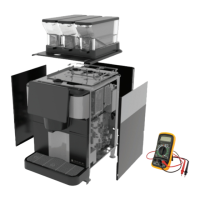
listentosolenoidvalvesopening,observingtheowofwaterortesttoseeifacomponentisreceivingvoltageusing
a meter.
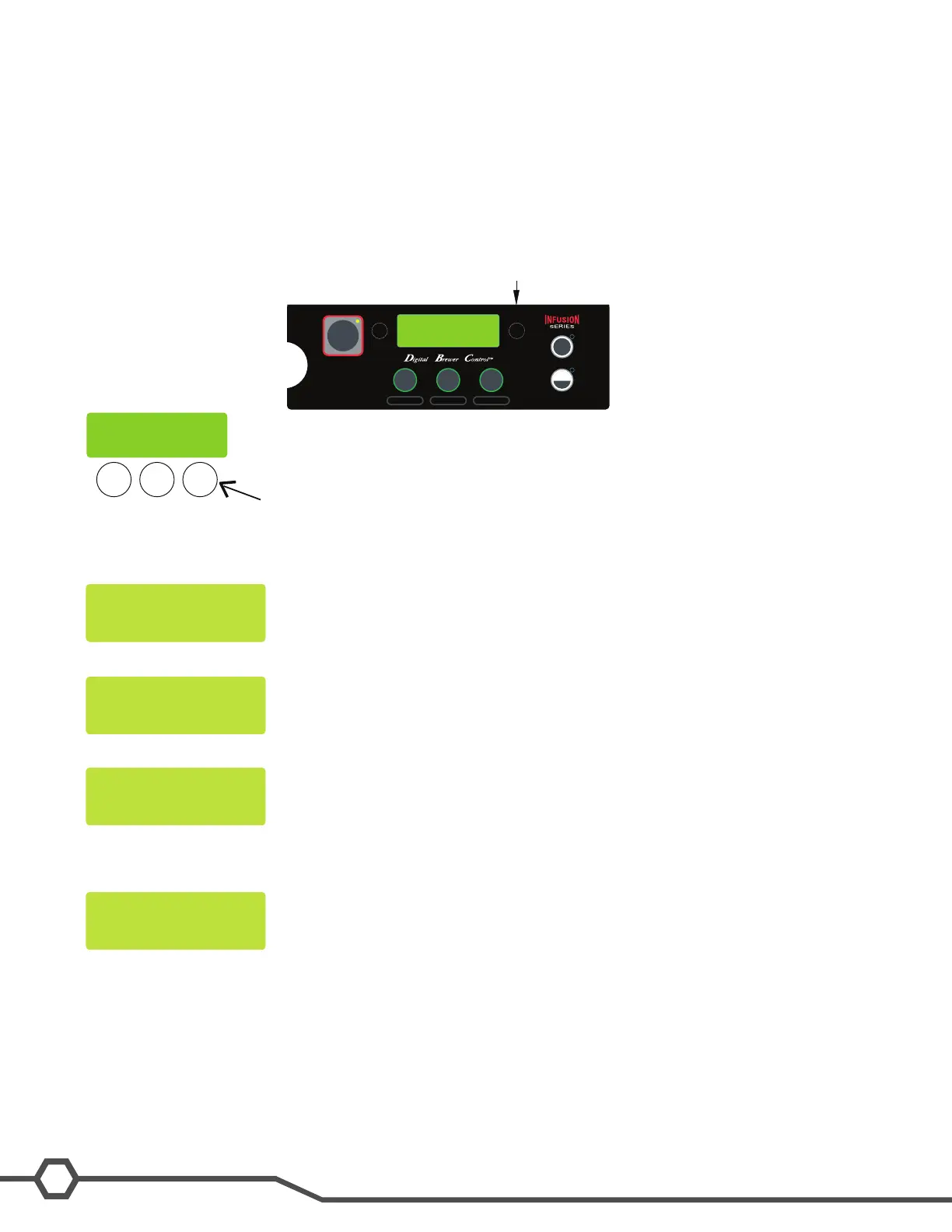
The Service Tools option is located in Level 2 of the programming. Enter level 2 programming by pressing and hold-
ing the right hidden switch for 5 seconds. Use the right hidden switch to scroll to the Service Tools Screen.
PresstheBrewCbuttontoselectYes.ThiswillentertheServiceToolsfeature.
IntheServiceToolsselectionthereare3screensavailable,byselectingYes,youwillenterthattestfunction,by
selecting NO you will move to the next test.
Outputs- Test Outputs supplies voltage to load components in the brewer
Switches- Tests the inputs from the membrane switch
Frequency- Indicates the transmit frequency of the funnel sensing coil
Test Outputs
The following components can be tested individually:
Brew valve•
Dilution valve•
Rellvalve•
Tank heater triac•
Sweetener valve•
HALF
FULL
BREW
A
BREW
B
BREW
C
®
ENABLE
ON / OFF
BREW
Right Hidden Switch
BREW
A
BREW
B
BREW
C
SERVICE TOOLS
NO YES


 To Next Page